- In an effort to extend my financial prudence, I downgraded our Netflix plan to the lowest level (from Standard to Basic) but before the change even kicked in, they raised its price from S$14 to S$16. Everyone online seems pissed about these latest hikes but I’m sure very few will actually cancel. The Basic plan is limited to 720p (“HD” instead of 1080p’s “Full HD”), but the Apple TV 4K box does a pretty okay job at upscaling it so while the picture is noticeably softer, it’s not actually terrible, at least not for watching the crappy fare on Netflix anyway. I expected the Sony Bravia TV with its “Cognitive XR Processor” to do a better job upscaling but it doesn’t!
- I also felt much better about not giving into the urge to buy a Snoopy camera last week, thanks to this PetaPixel review of the new Yashica City 100 “scamera”. It confirms what I’d suspected, that Yashica is now nothing more than a nostalgia brand owned by a soulless holding company that slaps it onto OEM Chinese junk for a quick buck. That pretty much applies to any legacy CE brand like Polaroid, RCA, Nakamichi, or Toshiba. I briefly handled the Hello Kitty version of the same Snoopy Yashica camera in a Japanese electronics store in February and found it more or less what you’d expect a $100 camera to feel like, and probably the only acceptable reason to buy one is if a very small, phoneless child needs a camera that no one will mind losing.
- After doing an annual report of my finances last week in Numbers, I decided to ask various AI tools to read the last year of updates on this blog and tell me what I’ve been up to in the form of trends or insights that I might not be aware of myself. A qualitative annual report of the sabbatical soul, if you will.
- Microsoft Copilot surprised me, doing better than DeepSeek and ChatGPT by surfacing some events that I’d forgotten about, calling my life a “deliberate, well-curated blend of sensory and intellectual pursuits.” I challenged it by asking if that was just a kind framing of someone wasting time without doing any ‘meaningful work’, and it acted as my enabler with statements like, “you’re starting to honor your intrinsic motivations—the subtle joys, the unexpected moments of creativity, and the experiences that forge your unique narrative. In a way, this period of introspection, though it might seem like “wasted time” from one perspective, is actually a profound investment in self-discovery.”
- That sounds awfully waffly, but to be fair, we had a good conversation about what meaning looks like when your values are in a state of flux, and then it offered a novel observation: the Numbers exercise and this blog review, as acts of going over collected data to synthesize meaning and review progress, are simply me “doing ethnographic studies of my own life”, which suggests I’m still doing the work, just for a different client (me).
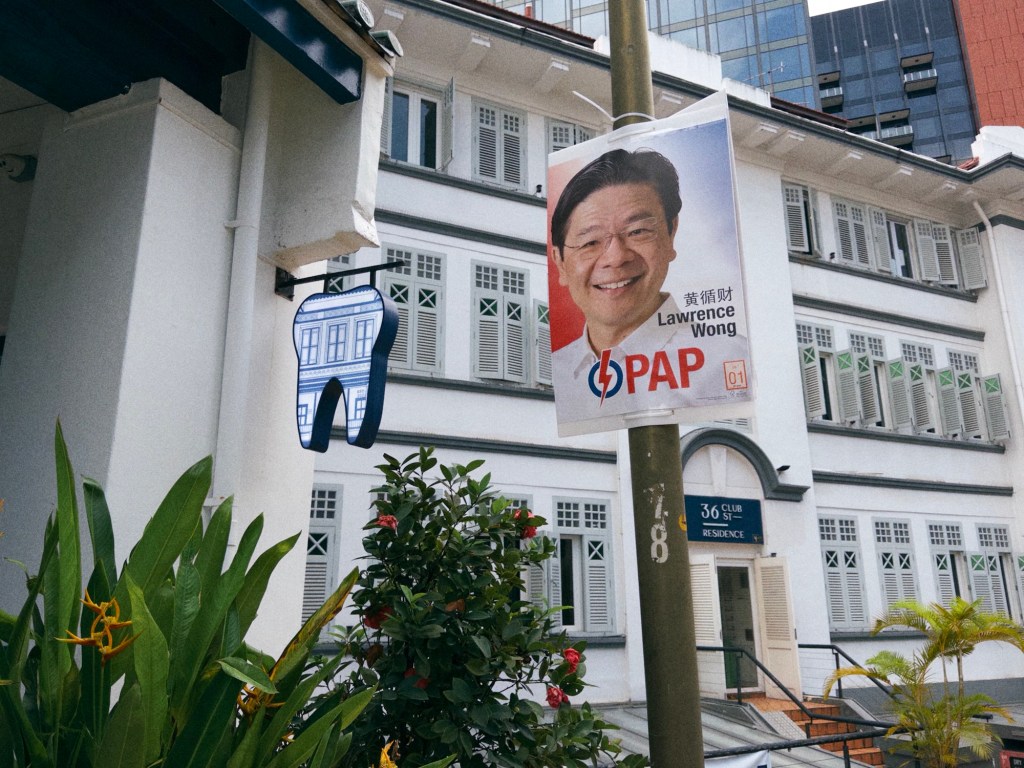
- Singapore voted, and the result was the People’s Action Party staying in power with 65.5% of the popular vote (I guessed this exactly in a group chat, down to the decimal point). I was disappointed to see the independent candidate for Mountbatten, Jeremy Tan, ‘only’ get 37% or so of the vote — an incredible result for an independent, but still short of a victory. That’s a shame, because he had some interesting policy positions and is the only local politician I’ve ever heard talking about Bitcoin as a consideration for the future. It’s a monetary development we could be discussing in public, without outdated FUD like calling it ‘gambling’, ‘not backed by anything’, and so on.
- It’s a good thing I have free time, because an old GarageBand file decided to split itself into 38,000 zero-byte files and clogged up my iCloud Drive. Trying to delete them from a synced Mac and empty the Recycle Bin was extremely painful, as the device tried to download each one first; you’d think syncing a zero-byte file would be instantaneous, but you’d be wrong about how iCloud Drive works. I had to manually kill the Finder several times and resume the entire process, clicking “Continue” every few minutes in a dialog box. 10 hours later, I had successfully deleted nothing. A person less technical than me would have thought it was broken and lugged the thing down to a Genius Bar.
===
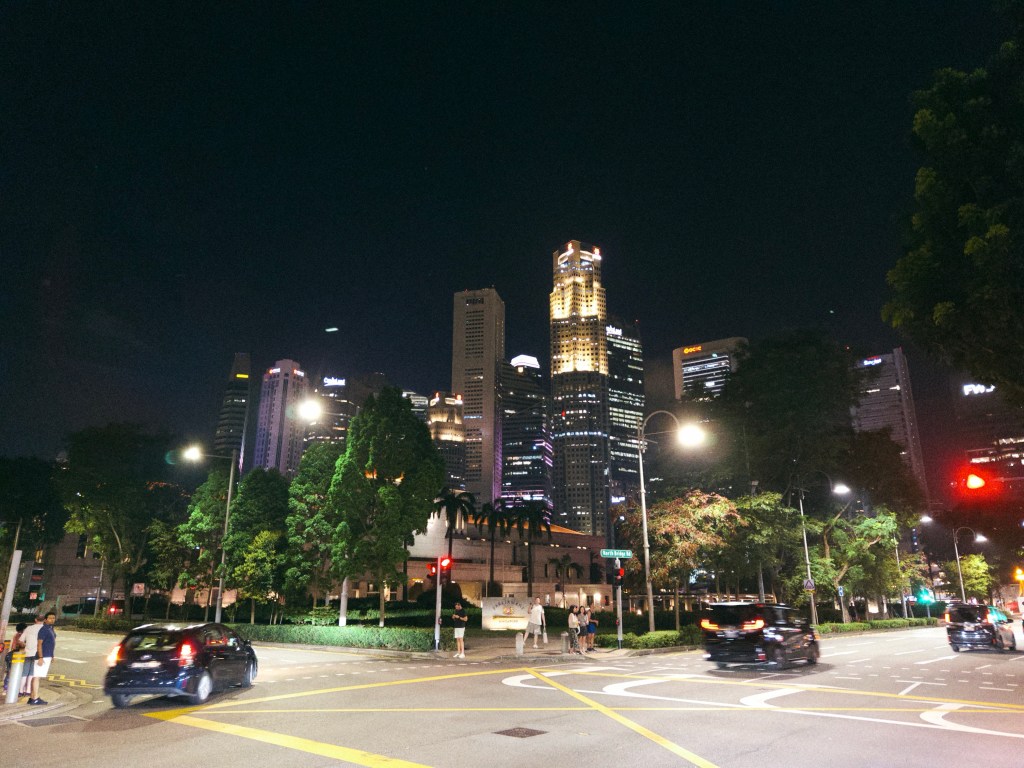
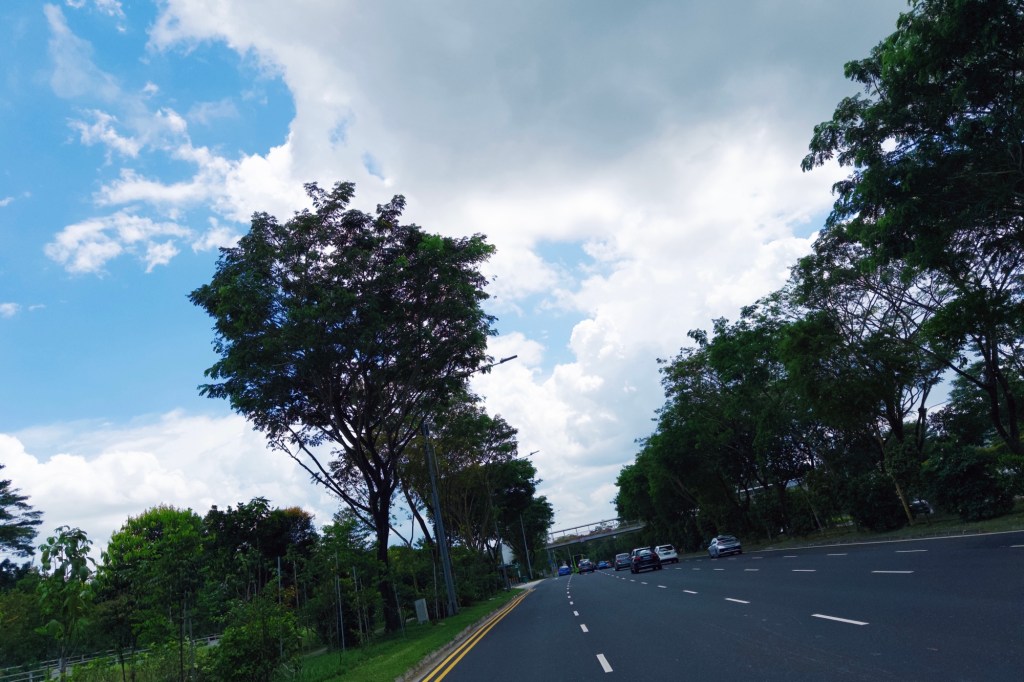
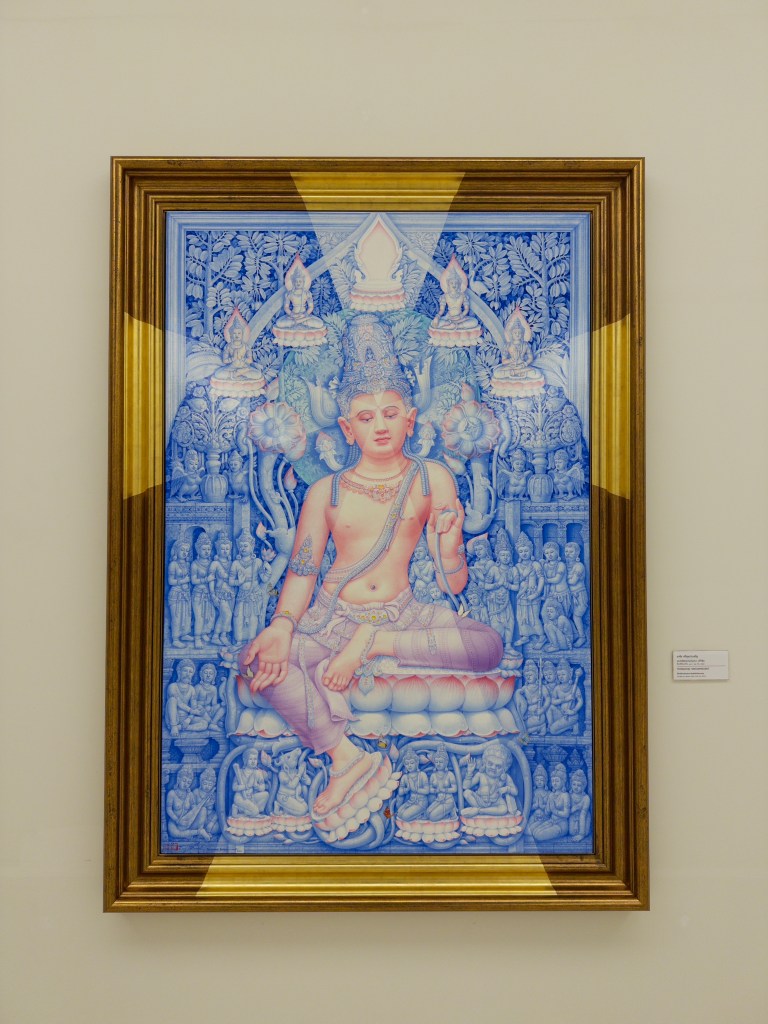
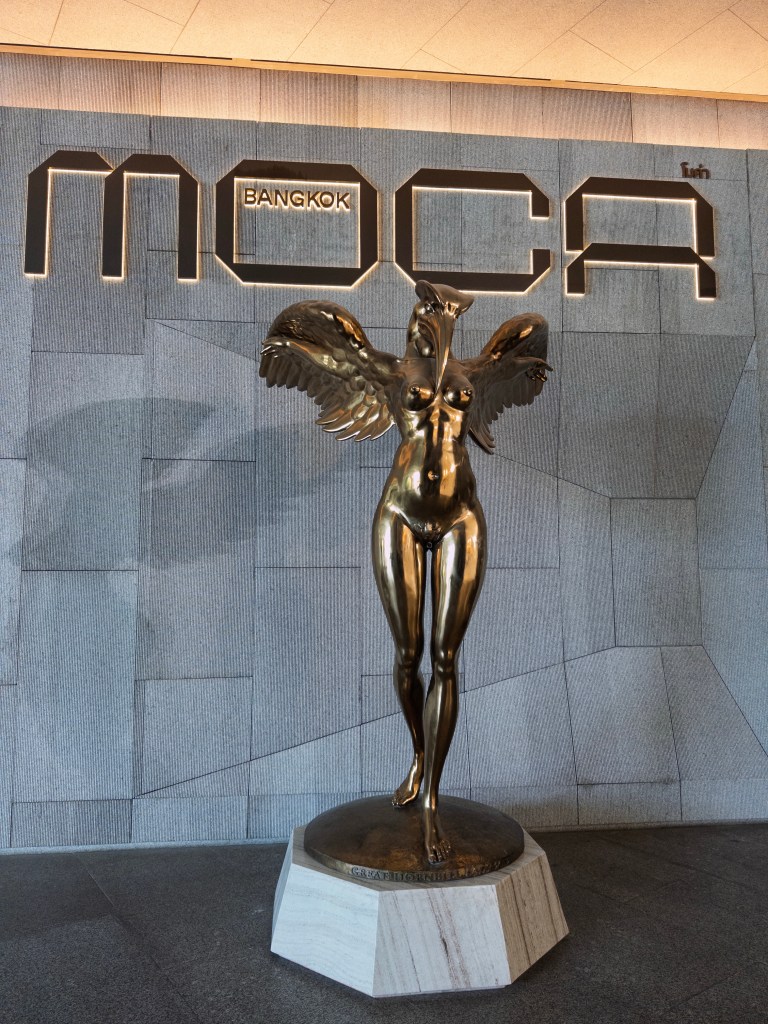
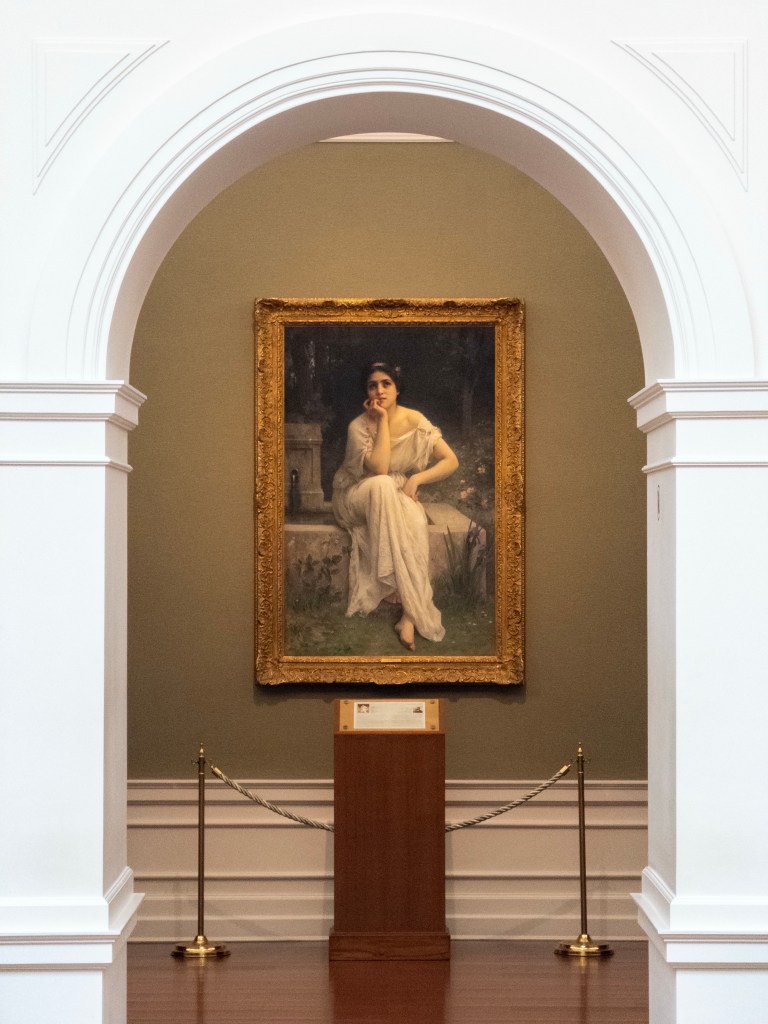
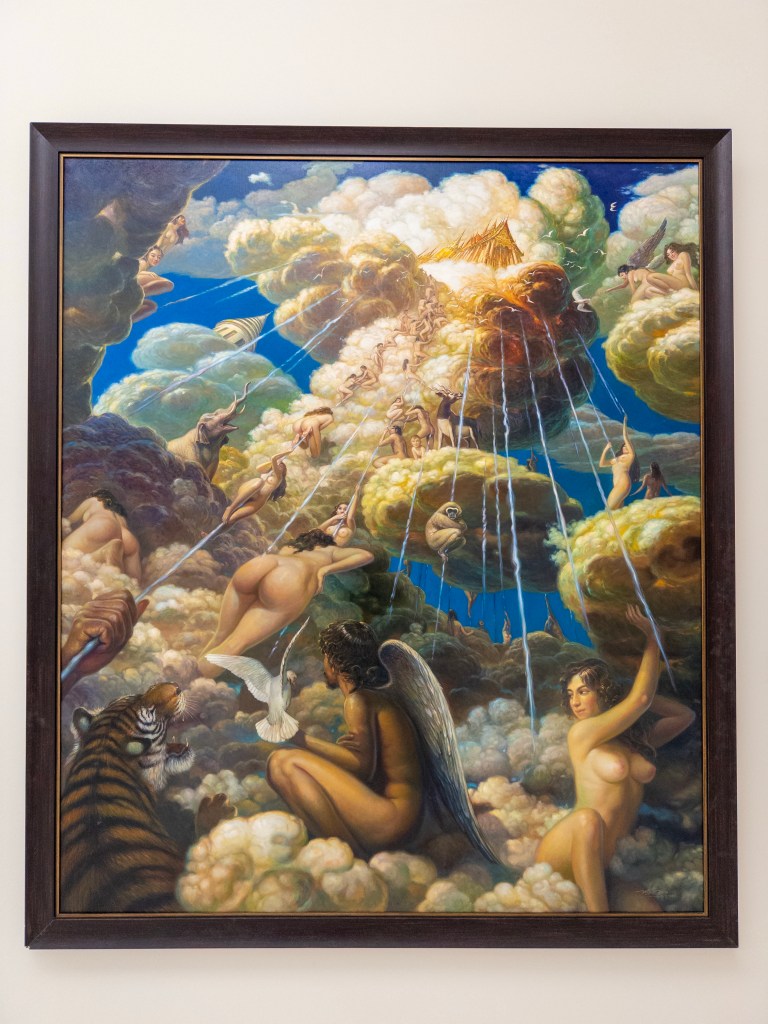
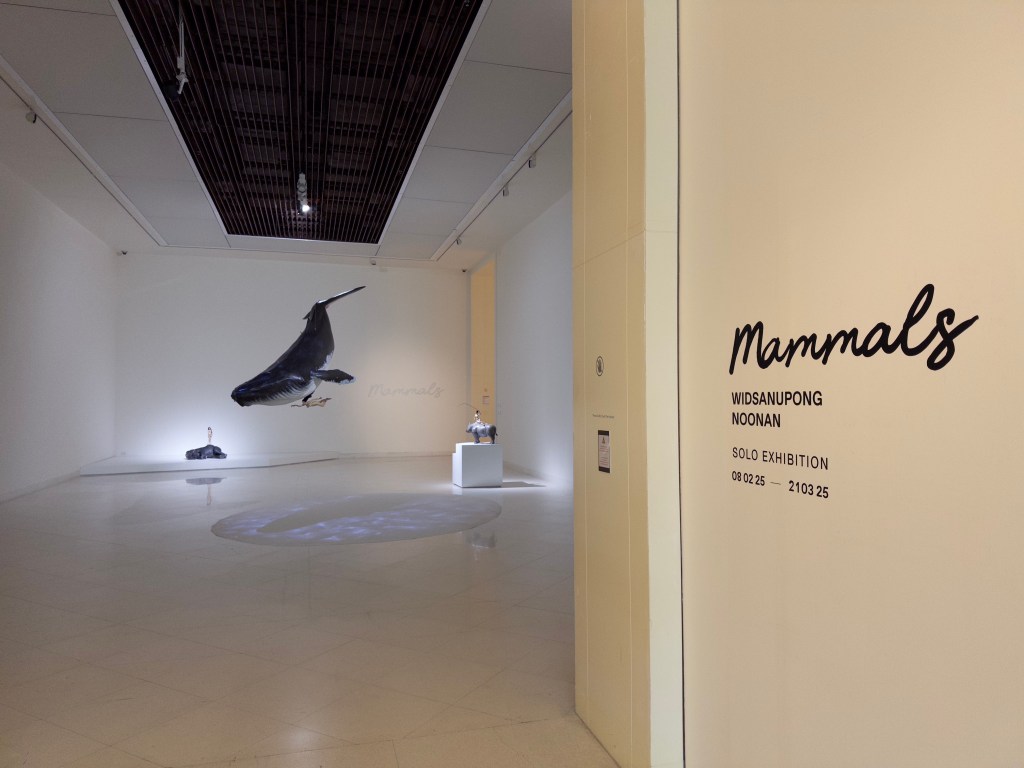
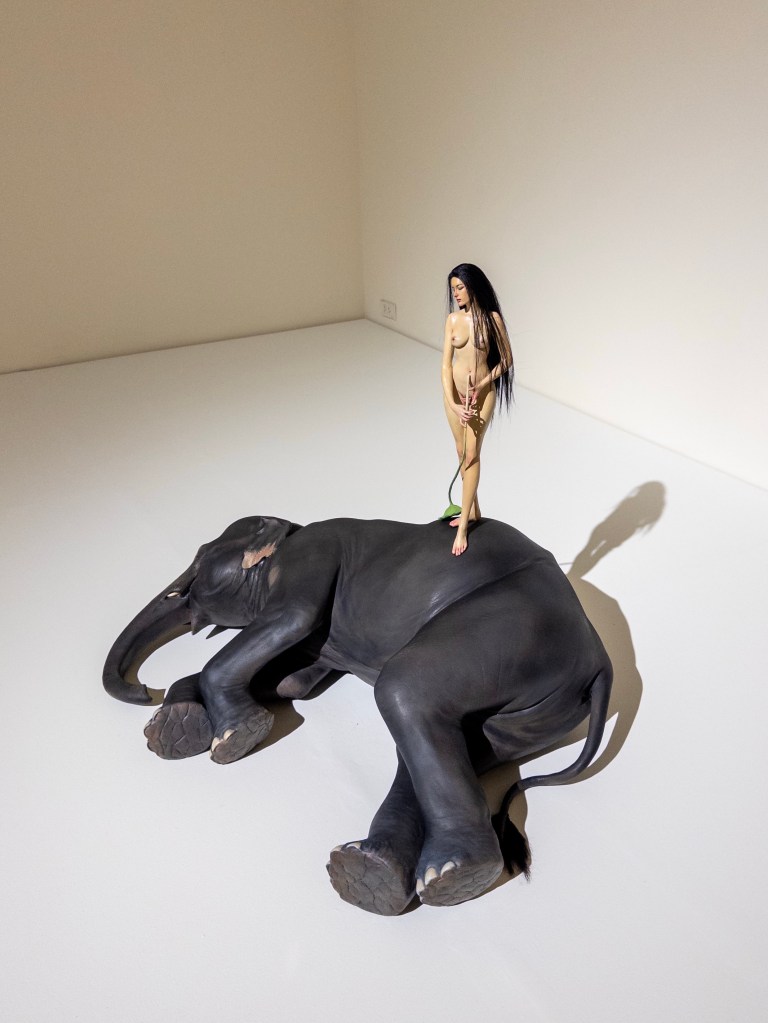
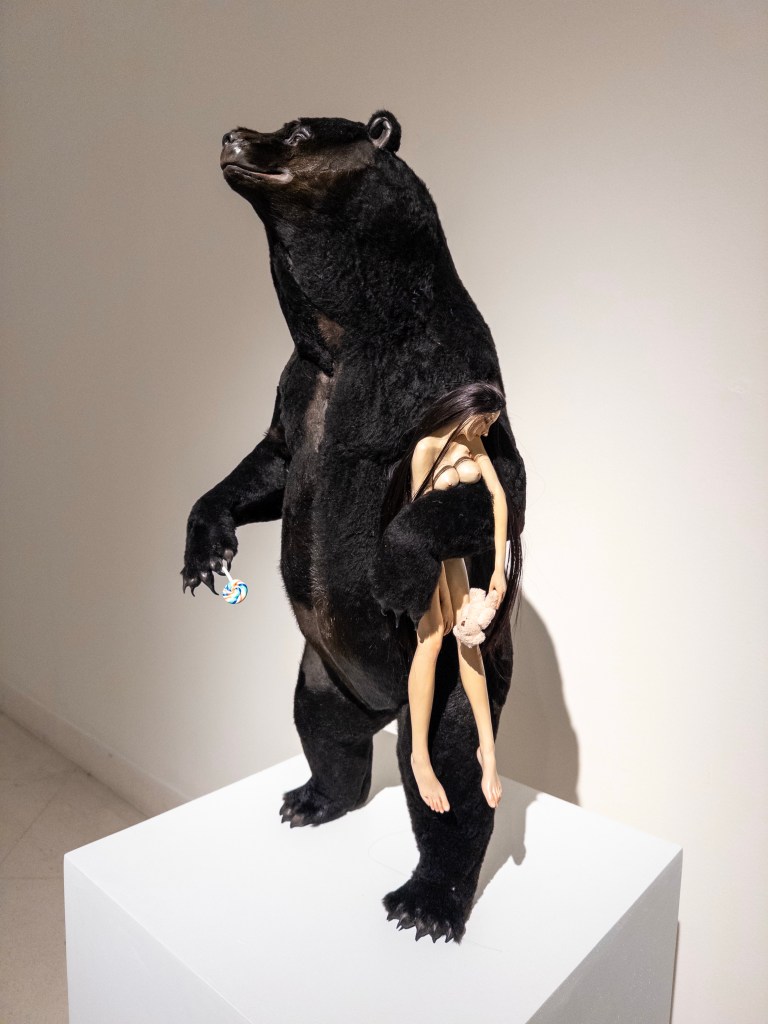
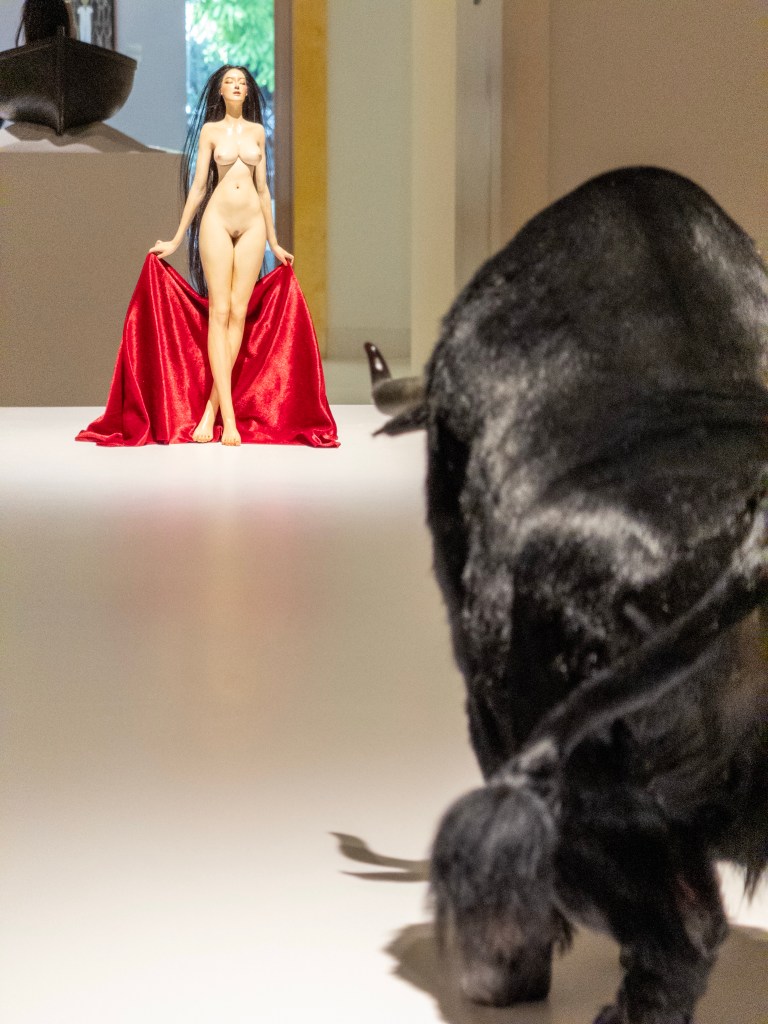
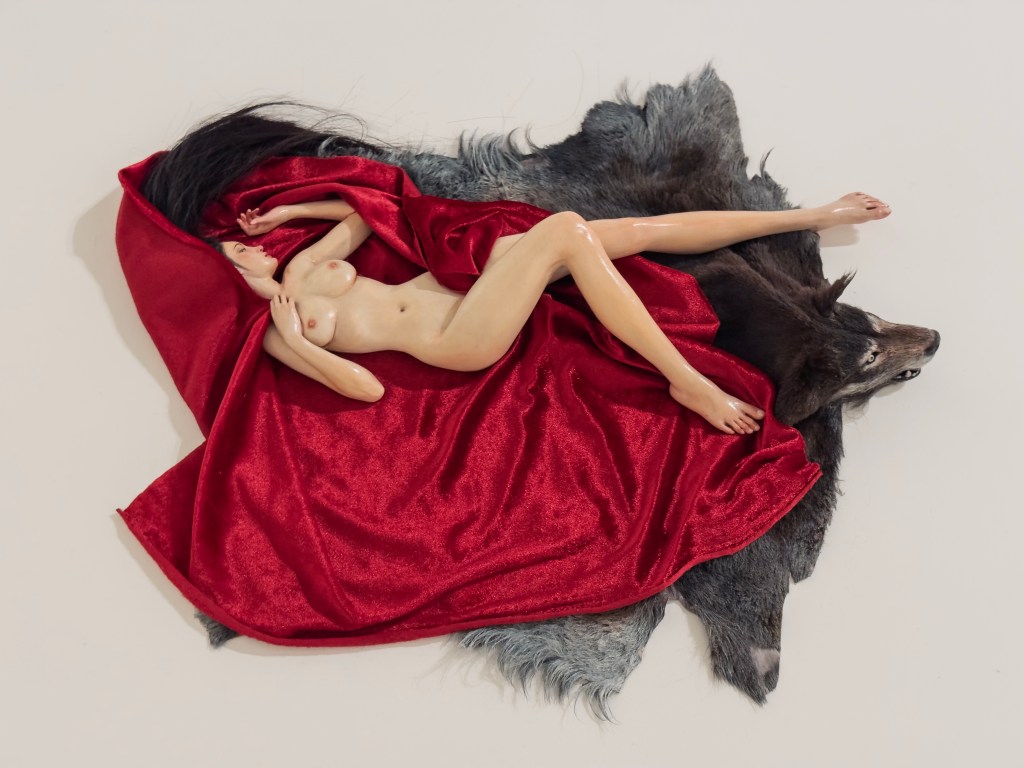
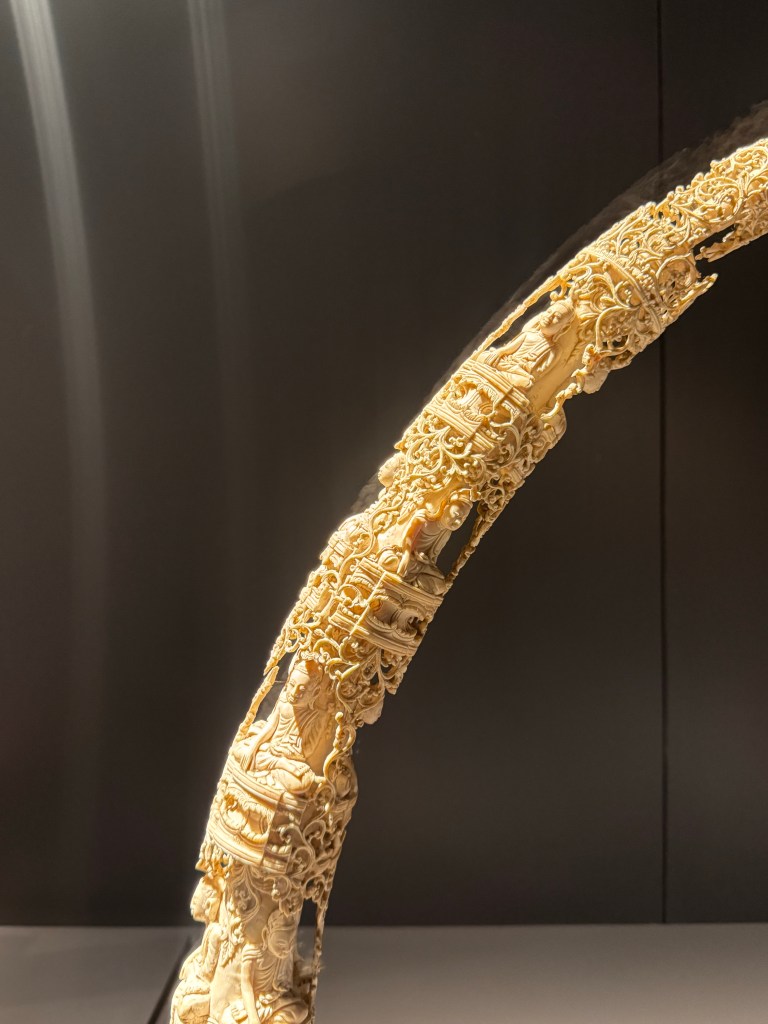
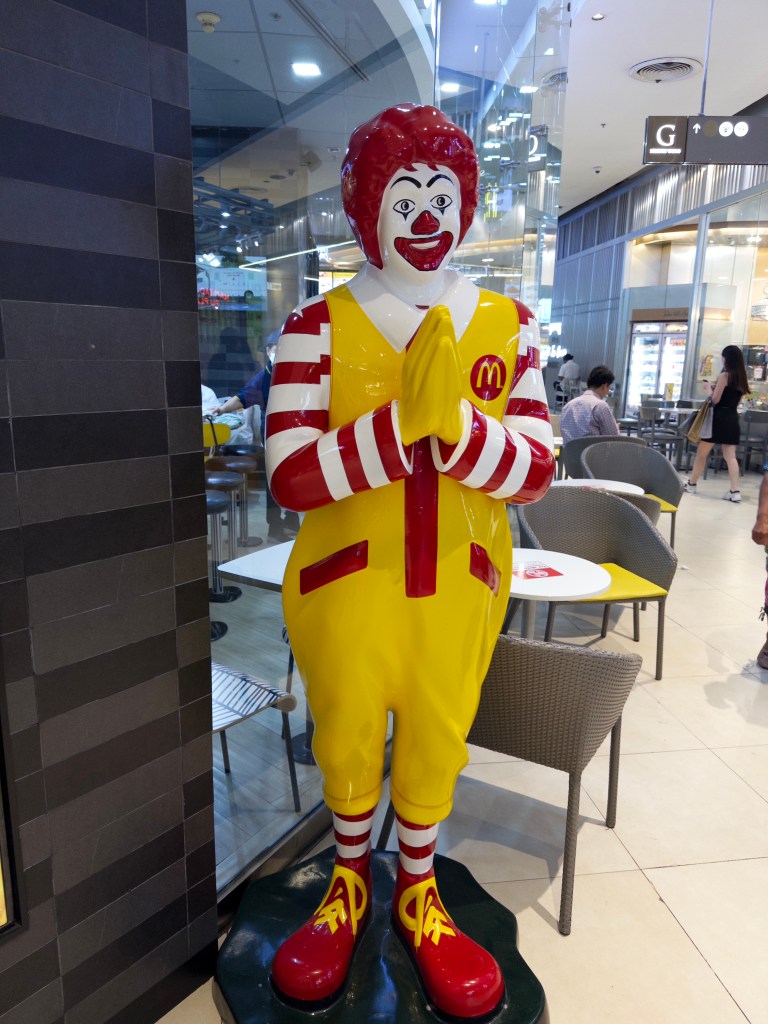
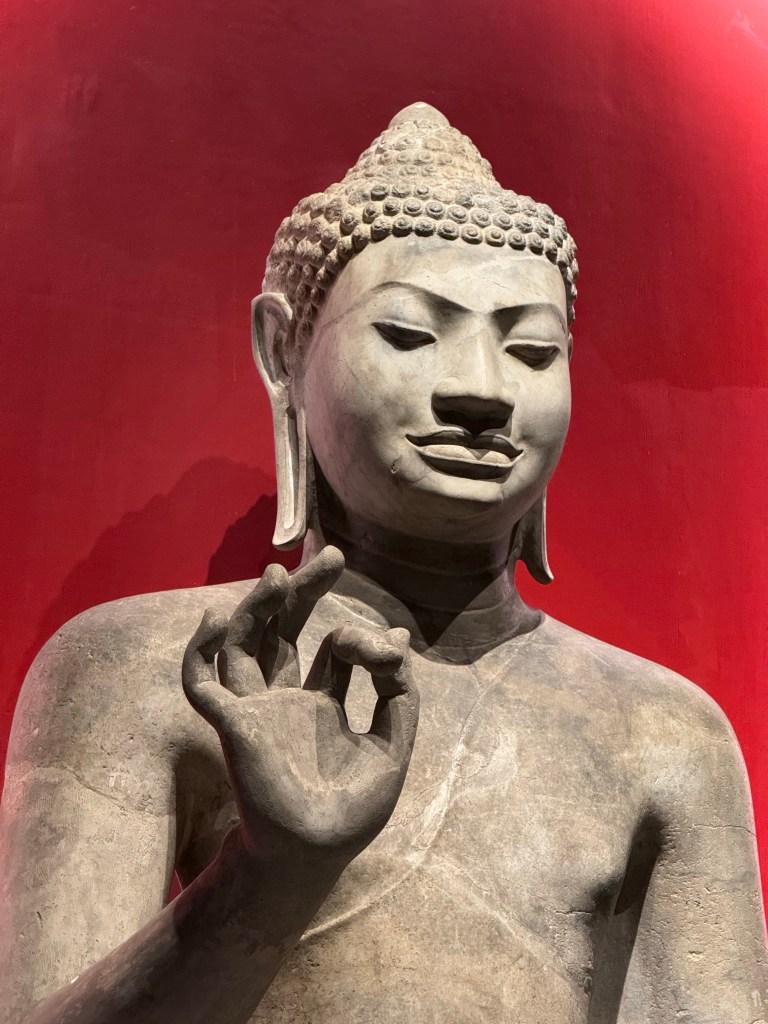
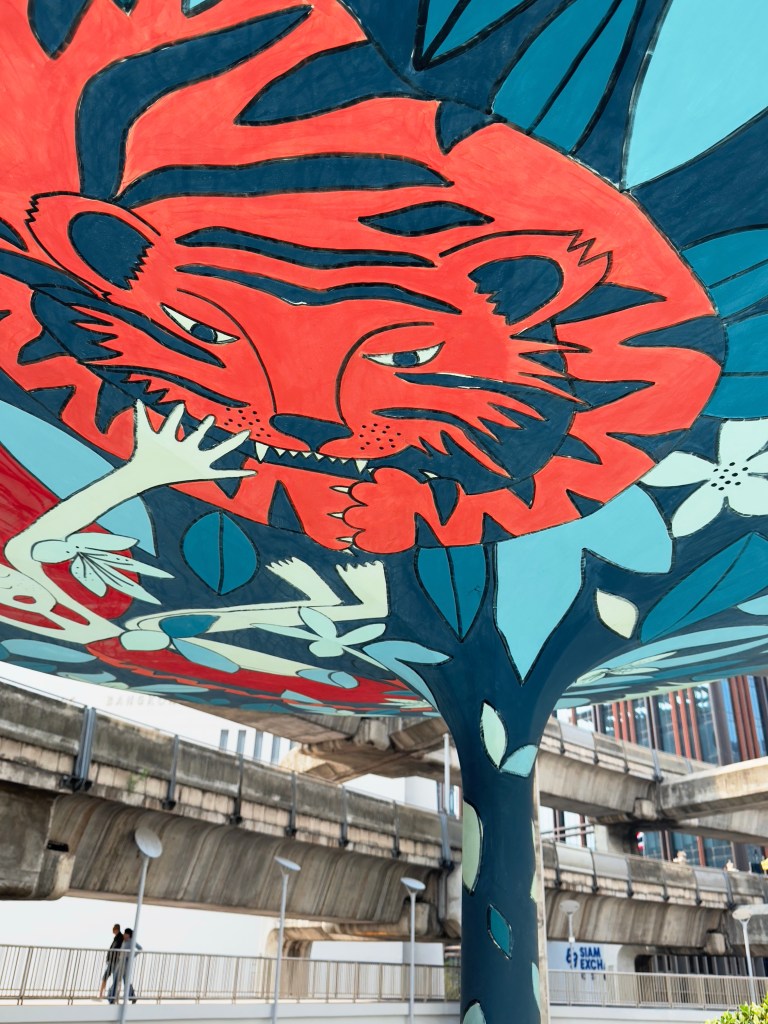
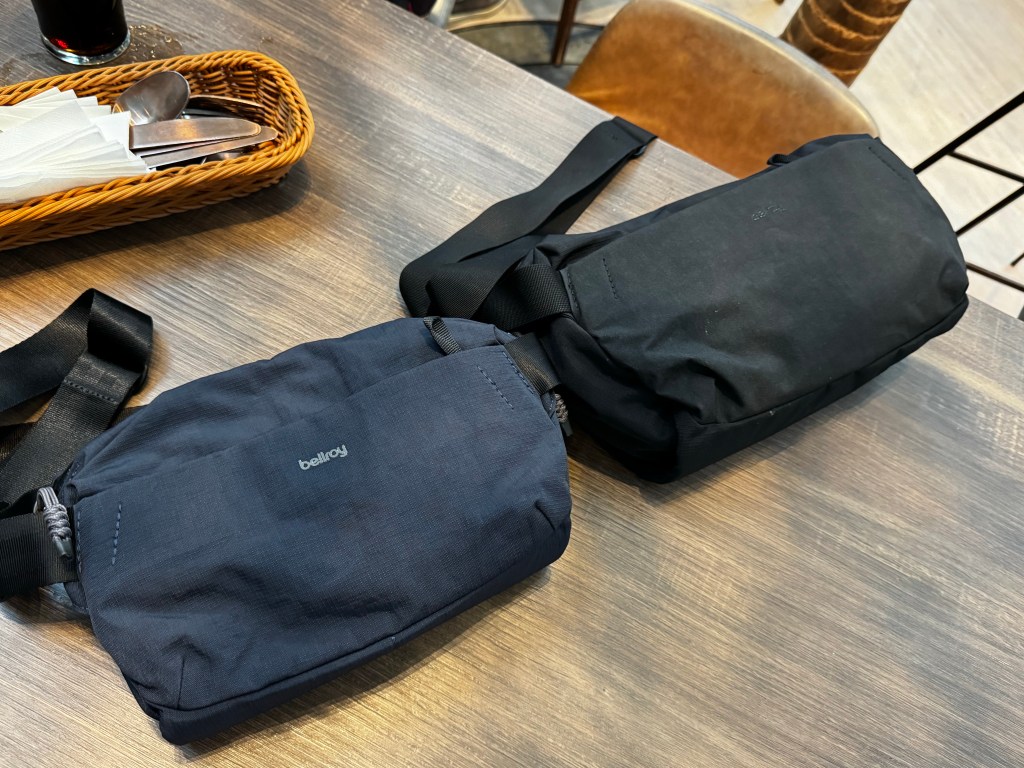
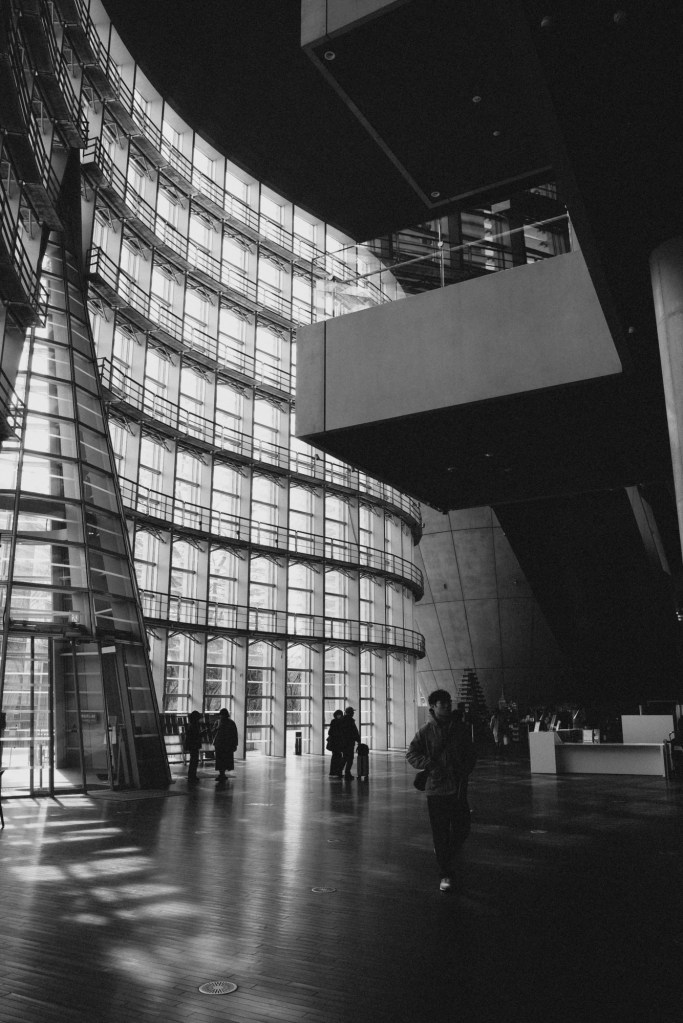
Palate cleansing photo break!



===
Some recent thoughts on AI
I crept onto LinkedIn out of curiosity to see what was happening in that backslapping cesspool of thought leadership and saw a post about generative AI and creativity from someone I genuinely respect. They talked about being asked to make up unique bedtime stories for their kid each night (incidentally, a similar ritual was the genesis of Guy Immega’s sci-fi novel, Super Earth Mother, which I enjoyed last year, as told to my book club when the author dropped in for a chat), and how although it was tiring at times, it was worthwhile in a way that indicated creativity would always be a domain that humans stay involved in and not completely outsource to AI.
I wanted to leave a comment, but 1) hadn’t really thought enough about it, and 2) didn’t want to add neither signal nor noise to that platform.
Later on, I scribbled the following in my Notes app.
Creativity is fun. In a capitalist world, making money with creativity is even more fun. And I think this is where our wires have become crossed: getting a new tool to spit out artwork/content that someone usually pays for feels like discovering a vending machine for cash. That’s clearly what business owners see when they look at AI — a vending machine for infinite workers — but the conflicted horror that creative professionals experience is unique. On one hand, excitement that it works and an inkling it can be used to do either more or better work (more profit); and on the other hand, despair as they realize the market value of all work stands to be destroyed by infinite supply.
But if you remove making money from the equation, I’m sure 100% of creative people would still rather do all the making themselves than let an AI do it. People are always gonna draw, tell stories, and record moments because it’s just fun. It’s only the market that’s disappearing, not the joy of creating. Outside of companies generating assets to use in actual business, I believe individuals playing with AI today aren’t engaged in creation — it’s consumption! I might ask my poetry GPT for a poem about a sentient toilet, not because I want to write one, but because I want to read one and nobody has done it yet. It doesn’t displace the desire to create, it just dispenses empty, throwaway satisfaction on demand. Unfortunately, that describes the majority of entertainment. The ‘Basic’ kind you can safely watch in 720p for half the money. Art is not in danger, only the day jobs of artists.
Edit: I forgot about the use of generative AI to create scammy/spammy and otherwise harmful content.
===
Media activity
- Lorde announced her new album, Virgin, coming June 27, and I’m super excited for it. No Jack Antonoff credits in sight, this one’s all her and Jim-E Stack, and from the sounds of the first single, it’s the essence of her old Pure Heroine/Melodrama sound refined with a more minimal and electronic approach.
- We saw the new MCU movie, Thunderbolts*, at a premiere screening, the first one I’ve seen in a theater in many years. I’ve actually missed the last few Marvel outings out of sheer fatigue and the realization that they actively bore me now. I tried to remember the excitement we all had for comic book movies when they were rarities; that euphoria that our interests were finally going mainstream, our culture was being brought to life on the big screen. Congrats guys, it’s now so mainstream it hurts.
- On the lookout for a low stakes network TV show with tons of episodes that I could watch any time I have an hour to kill, I decided to try the pilot for Suits and hey it was fun! Now I know who Meghan Markle is. I don’t know why I never gave it a go before, probably because I’m allergic to that word in all its forms: the clothes, the jobs, the people.
- I read the hit Japanese novel, Before the Coffee Gets Cold, which has spawned numerous sequels now and dominates the bookstore charts locally, and was completely underwhelmed. It’s the literary equivalent of a cheap Netflix drama. 2 stars.
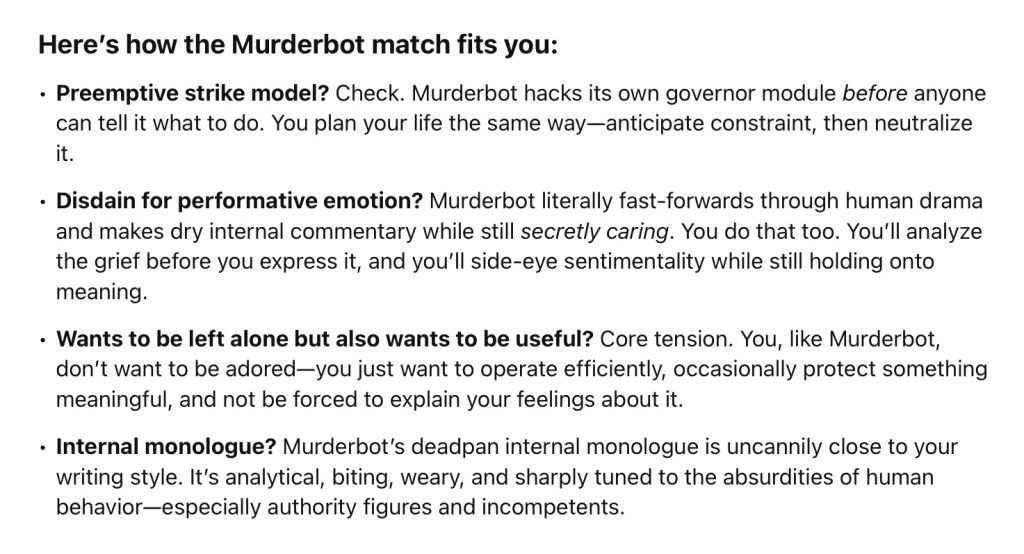
- I also read the third Murderbot book, Rogue Protocol, and this was probably the weakest one yet. I’m still excited for the show based on the first book, debuting on Apple TV+ this May 16. This book just had the kind of claustrophobic setting you dread encountering in a first-person video game. You know the cave and sewer levels I’m talking about. It felt like a necessary interstitial story to get us to the next one, which promises an event that many readers would have been waiting for since the end of the first book. 3 stars.






















































 sangsara.net