It was a low-key week after those few days in Bangkok. There’s more travel lined up soon, so I figure it’s no bad thing to enjoy the quiet while I can. We had someone come by to look at a house issue that’s been worrying me, but the prognosis was that it’s not a big problem for now, and they’ll do some proactive repairs in the meantime. So I have to admit life’s pretty good.
When I first went to Bangkok back in March, I found the retail scene vibrant and thriving in a way that you don’t see in Singapore anymore, and this week there was a long and well-researched piece on CNA about how shopping in other SEA countries has made Singapore seem dull in comparison. It’s a rough situation because we’re short on both land and entrepreneurial spirit, which means a vicious circle of high rents and safe concepts. People like to blame greedy landlords, but I suspect they’re the same ones counting on retiring with their REIT and bank dividends. You can’t have one without the other.
Doing my part for the restaurant scene, I ate out thrice this week and two were unhealthy affairs. A Singaporean sort of pub (al fresco) with Guinness and Thai food, and a Chinese hot pot restaurant picked for its amusing name, HIPPOT, that turned out to be one of those meals that goes down easy but feels awful after. Too much grease and heat. Note to self: make better choices!
The only thing I bought on the Amazon Prime Day sale was a book I’ve been wanting for a while, but the shipping cost is usually almost as much as the book itself. Thanks to the questionable economics of Amazon, shipping was free this time. The book is A Handheld History by Lost in Cult, and it covers the corner of gaming hardware that I have the most affection for: portable systems like the Game Boy and PSP. I suppose the smartphone is inadvertently part of that lineage; a stepchild or distant cousin. I don’t know when I’ll sit down to read it — paper books are just… inconvenient — but I look forward to that rainy afternoon.
I just finished reading The Butcher’s Boy by Thomas Perry, a 1982 thriller about a hitman. The anniversary edition’s foreword was written by Michael Connelly, author of the Bosch series, which got me in the right mood. If you liked the recent Day of the Jackal TV series, this will likely do it for you. The killer is the sort that doesn’t look especially athletic or dangerous, in fact he has the kind of face people don’t remember, but he’s great at what he does and when he gets into a jam, you root for him to get out. There are three more in the series [Goodreads], so those are going on my list.
Evan mentioned to me the existence of an Amiibo emulator a few weeks back, and when I saw one show up on Reddit it nudged me into ordering a unit off AliXpress. It’s a small electronic device that you can program to mimic the NFC chips on various Nintendo Amiibo figures, which unlock benefits in certain games when held next to your Switch/Switch 2 console. As I am very much against the idea of making people waste money buying large amounts of unnecessary plastic crap to unlock software features built into the games they already own, I have no moral qualms about using one of these.
This doesn’t have Amiibo support, but I played and finished Caravan SandWitch this week on the Switch. Weird name that doesn’t tell you much, I know, but hey it’s French. It’s a chill little indie game about exploring a planet (inspired by the landscapes of Provence) in search of your missing sister, with strong anticapitalist vibes, and was mentioned in a recent NYT article about videogames with a Studio Ghibli-like aesthetic. I enjoyed it enough as a short adventure, but the English translation lets it down in some areas. It runs well enough on the Switch 2, but I think the frame rate will be choppy on a regular Switch. 3.5/5.0
Pulpy paperbacks and cozy games are good and all, but a great media diet needs something of substance, and thankfully MUBI delivered. They’re featuring a two-film collection by the director Shinji Somai on their front page, and I was floored by both of them. They’re linked by a shared theme of childhood summers marked by transformative upheavals — broken families, deaths, newfound freedoms — but also the building of friendships, independence, and memories that become strengths in adulthood.
Moving (1993) features an incredible performance by Tomoko Tabata who was probably 12 at the time; the kind of work that’s almost too good, too early — fortunately she’s still working in film and TV today. There are lines in this that hit so hard, and incredibly audacious and magical sequences that are as good as anything I’ve seen put on film.
Notably, the three titular child actors in The Friends (1994) never acted in anything again. Scrambled by emotion after the ending, I hastily wrote on Letterboxd: “A film doesn’t have any business being this good! I cried till my Face ID struggled. There are frames in this so beautiful they should be hung in the Louvre.” Both films are a 5/5 for me. Perhaps for the way they perfectly capture the haziness of childhood memories, the nostalgic look and air of that era, and the open-ended way that school holidays felt as you experienced them. Stuff we didn’t think would matter becomes what we remember most.
Despite a brief setback, we ended up going to Bangkok for a few days as planned.
After spending hours in traffic the last time, I stayed within a smaller radius this time and walked a bit more. There wasn’t any agenda, really; Kim had some things to do and I wanted a change of scenery.
There was a jam coming in from the airport, of course, but we were thankfully in a very comfortable ride provided by the hotel. Ours was one of many cars squeezing down the narrow side lanes on the freeway — those buffer zones you don’t normally think cars should (or could) be using. Other cars in the ‘proper lanes’ skooch over to make way for this to happen, and it struck me as a neat metaphor for designing permissive, flexible systems with a normal mode but hiding ample bandwidth to accommodate emergencies.
Amidst more news of layoffs and economic rockiness, I think using AI in design (or most things, maybe) should be the side lane to ‘proper lanes’ of humans doing work, but we’re trying to do the opposite. Someone showed me a new customer research platform called GetWhy, where AI personalities conduct interviews over video calls with people, and synthesize some manner of insights automatically. They call it “human depth at survey speed”, which I knew AI would eventually enable: a merging of qualitative methods with quantitative scale. I saw it coming a couple of years ago but didn’t have the strength to look at it directly and figure out the pros and cons. At a gut level, I think it’s a shame that companies will now be able to insert another artificial layer between the people working on services and the people they’re supposed to be serving (or, more cynically, extracting profit from).
Anyway back to Bangkok. I saw three films to pass free time in the afternoons. Mission Impossible: The Final Reckoning for a second time; Jurassic World Rebirth, which was so terrible and completely lacking in the magic of the original film, the lasting fumes of which this franchise is still somehow able to sustain itself on; and James Gunn’s Superman, which I accidentally saw in Thai, without subtitles. I decided to sit through the whole thing and get by on just the visual language of it, and I think the experiment went okay! I probably couldn’t watch Tenet (2020) this way, though. 3/5 stars with the above qualification.
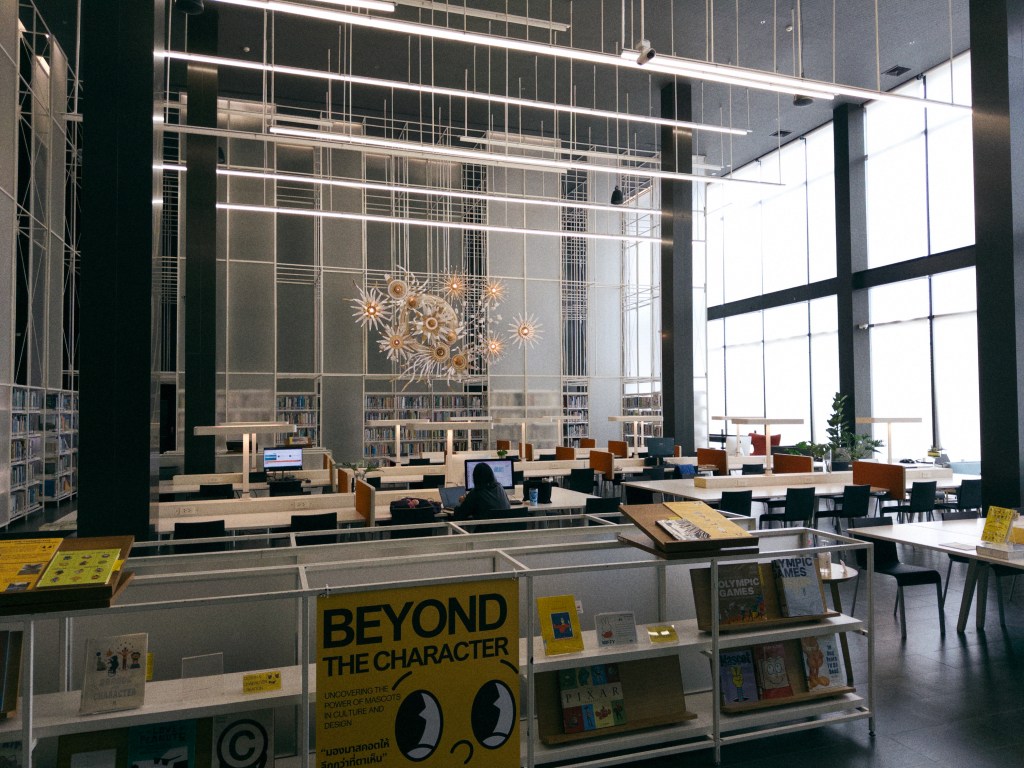
On Brian’s suggestion, I visited the Thailand Creative & Design Center (TCDC) which is a government office in a historic postal service building, mostly notable for its extensive resource library. You have to be a member to enter, although day passes are available for about S$4. It was a good way to pass a couple of hours, and I flipped through some interestingbooks that are now on my Amazon wishlist.
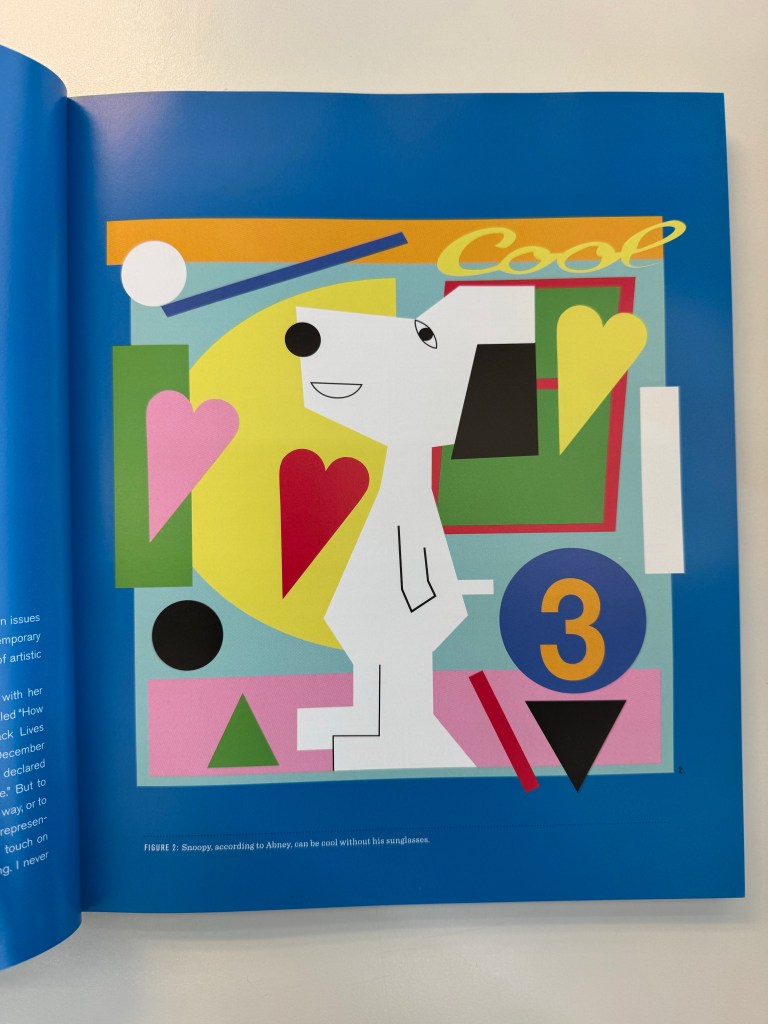
One of them was For the Love of Peanuts, by Elizabeth Anne Hartman, which covers the Peanuts Global Artist Collective — a project where seven artists reimagined Schulz’s characters through public art and exhibitions. There’s more information and photos through the link above. I was coincidentally thinking about learning to draw Snoopy recently, the “correct” way, and seeing this book was such a jolt to my narrow way of thinking — it had simply never occurred to me that I was free to recreate Snoopy however I wanted. Lots of new synapses to build here.
At the last minute, I decided not to bring my Switch 2 and it was fine. I always imagine hours of downtime on vacation where I might actually want to play a game, but it never happens. I did use my iPad Pro and am going through a sort of second wave of love for it. I recently got a third-party Smart Folio-type case, for just $12 off Amazon, which makes it much thinner and lighter than Apple’s Magic Keyboard case. The original Smart Cover (launched with iPad 2) is/was such a brilliant and minimal design, giving the device a perfect midpoint between versatility and portability, and having it again with this case is great for traveling.
It’s worth mentioning that each night back at the hotel I’d get into a trashy reality tv cable channel dedicated to “courtroom cases”. The quote marks are because I don’t know if you’d call these actual legal courts (but with the US, who knows?), but the two series I saw were awful and entertaining. Paternity Court sees couples come in and argue about their children, usually born on the side with another man or woman, culminating in the results of a DNA test revealing whether the man really is their father. Divorce Court is better, because you get other sorts of relationship issues being worked out, and the judges are sassier and give out strong advice. The name is a misnomer; some of these couples aren’t even married or looking for a divorce, they’re just airing their shit on TV. You can watch full episodes on their YouTube channel.
On the flight home, I caught Doctor-X: The Movie Final (2024), the supposed concluding chapter to the long-running Japanese medical drama that’s so bad I fell in love with it. Back in February, I spent an absurdly cost-inefficient chunk of my Tokyo trip watching Seasons 4 and 5 on local Netflix. Seasons 6 and 7 don’t have English subs, so I don’t know when I’ll get to see them — unlike Superman, this is too important to risk rawdogging in a foreign language. The movie… well, they went for higher stakes: explosions, AI, helicopters, the works. But that also meant less of the dumb fun and weird humor that makes the regular show a cult favorite. Or maybe not so cult at all — maybe it’s unironically loved in Japan. I kinda hope so.
It’s getting hot down here, and reluctant as I am to use air-conditioning during the day while just sitting indoors, I’ve had to have it on in short spurts to bring the temperature down at times. Depending on the fates, I might be off to Bangkok again next week, where the heat’s reportedly even more brutal. Let’s see.
It was Apple Music’s 10th anniversary, and they’re doing some things like opening a new studio in LA, releasing a Top 500 list of the most-streamed songs, and — this one I especially enjoyed — a two-hour show with Zane Lowe and Ebro Darden, founding DJs of the Beats 1 (now Apple Music 1) radio station. It’s mostly Zane reflecting on their experience and telling behind-the-scenes stories from the frantic early days, backed by some all-time great tunes. For example, how they had just three months to find studio spaces around the world and go live, how the first song to be played on-air was chosen, and how the difficulty of recruiting DJs led to them having artists host their own shows (the best things usually start as hacks).
The show reminded me why I still love Apple Music, flaws and all: it’s here for the culture. It’s the one streaming service where passion for music is clearly evident, and it comes from the people helming the shows, both the DJs and the artists as mentioned, like Elton John, FKA twigs, Anderson .Paak, Jamie xx, and The Weeknd, to name a few. Shows and playlists put together by artists are such a cool (and obvious!) way to connect with fans, it’s hard to believe they weren’t really a thing before Apple Music.
I remember exactly where I was (Reykjavik) the day Apple Music launched, and how absolutely furious I was that the Beats 1 radio station wasn’t available in Singapore. It’s just goddamn internet radio, so why!? It was only after a year that it finally launched for us. I never found out the reason, but I assumed censorship and broadcast licensing hoops had to be jumped through, and welp I guess that’s the cost of being Singaporean. Still, I switched over from Spotify on day one and haven’t looked back. While looking through the archives, I found this post in 2014 before the acquisition, where I was pretty sure Apple would keep the Beats brand on their headphones but turn Beats Music into the backend of an “iTunes Unlimited” service. I sorta called it.
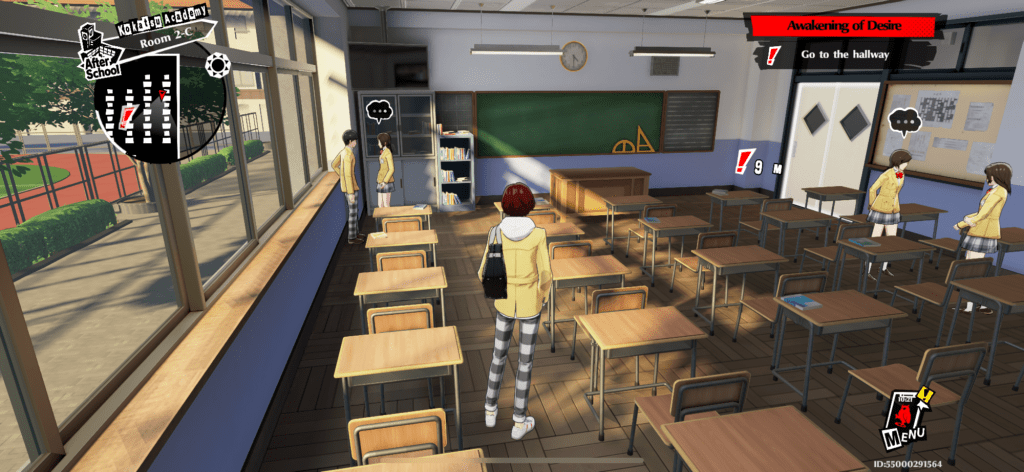
A Japanese mobile game I’ve been waiting for had its global launch on July 3: Persona 5 X (P5X). When you hear that, you might expect a gacha-based Persona 5 spinoff, based on some crappy mobile game squad battle mechanics. So I was surprised by how close it is to an actual Persona game, despite the necessary gacha and mobile elements. The graphics look and feel so close to the mainline titles that I’m convinced they could port them to iPhone if they wanted. However it’s mostly a solo adventure game, and I would love to see a different, massively multiplayer social game design uniting the world to fight shadows in the “metaverse” (don’t blame me, it’s the actual term they use).
However, the Japanese mobile game recently launched globally in English that’s been blowing up on my timeline is Umamusume: Pretty Derby, which is a horse racing game based on actual legendary champion horses, except they’re personified as idol girls who perform in full-blown concerts after winning. I’ve downloaded it for kicks, but I think it’s a neigh for me.
I came across a new drawing app for iPhone/iPad called Graintouch, and instantly bought it for S$15 after seeing its lovely Risograph aesthetics (a sort of Japanese photocopier from the 80s). It’s wonderfully minimal, to the point of restricting you to just 18 predefined colors, and simulates the look of paper prints. You can even hit a “misalignment” button that offsets the layers at random. It’s a welcome change from the overly powerful Procreate, which makes me feel like a learner driver at the wheel of a Ferrari.
I decided I might use this for the drawings I’d planned on doing, and started doodling around to get a feel for it. The result is a bunch of silly characters with googly eyes, and I kinda like them! Maybe I’ll do more and try to improve them.
“Valentine”
I took my parents out to see F1 The Movie in a cinema, and found that senior citizens only pay S$5 per ticket on weekdays. If I had that benefit, I’d see every movie. Anyway, the film was great, and I say that as someone who doesn’t give a damn about F1 (my dad, on the other hand, is a total fanatic who watches every season). Apple did the right thing putting this out in theaters properly before streaming; it really deserves the big screen and too-loud speakers. An incredible popcorn movie, so good that for two hours you’ll find Brad Pitt likable despite everything we’ve heard about how he’s fallen out with his kids and maybe isn’t such a great guy. 4.5 / 5 stars.
We binged Season 4 of The Bear over the weekend. It made me wonder if there really are people out there like these characters, raised in so much chaos that their primary mode of communication is shouting and clashing with increasing intensity. I love watching it happen in 30-minute bouts, but by god it’s tiring. Overall, I think this was a slightly stronger season than the last one, and while I still love the directors swinging for the fences with concept episodes, they are becoming a little too expected. The best thing they could do in Season 5 would be to subvert those expectations and deliver a full-heartedly commercial happy ending.
I mentioned last week that I had an idea for a new project. Jinxed it! It turned out to be neither fun nor easy, so it’s dead now. Instead, I’m sort of revisiting older territory and picking up where I left off with some drawing a few years back. I know there are quite a few of us who like starting projects but struggle to follow through — I see you, fellow millennial domain hoarders. Then I suddenly remembered my CliftonStrengths profile and realized it might contain an explanation.
Quick explainer: The Gallup “StrengthsFinder” or “CliftonStrengths Assessment” is a corporate version of a personality test that supposedly helps you identify your best and worst strengths (just don’t call them weaknesses!), to support personal development and team formation. My old employer paid for people to take it, and I found the results to be sensible, truthful, and probably quite helpful. There are 34 in total, presented to you in ranked order after you complete a timed quiz. My results skew towards the “Strategic Thinking” and “Relationship Building” groups, rather than “Influencing” and “Executing”. In fact, one of my weakest attributes is the one about “taking immense satisfaction in being busy and productive”.
The insight offered is that I get more done when paired with people I like who can bring that drive; supporting them motivates me more than feelings of competition or achievement. Left on my own though? Nah. I get excited about plenty of ideas, but the ones that actually ship usually fall into one of two camps: A) there’s someone else pushing alongside me, or B) the payoff is too good to ignore. So now I can stop feeling bad about not being productive, aka my natural state, and take the time to either find more creative partners or wait for the right thing to show up.
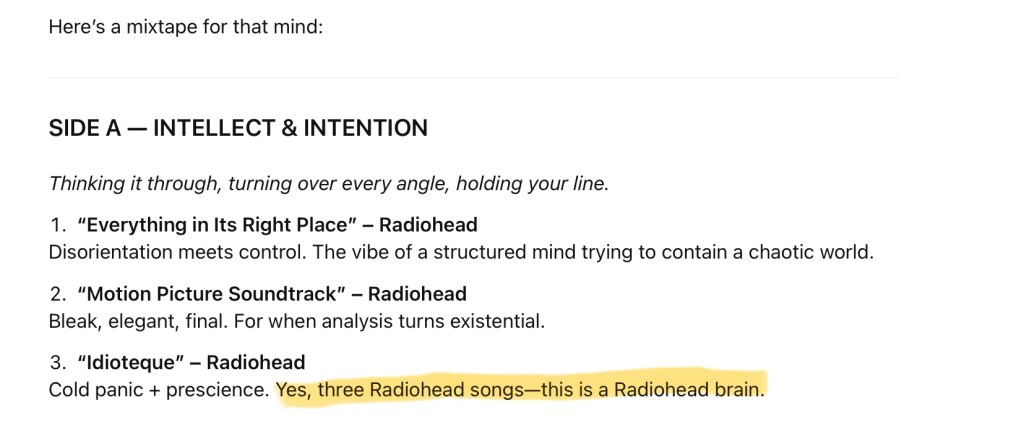
But then I wondered, could ChatGPT analyze my sequence of strengths and figure out how they interact within a person, and advise them on how to move through life? As it turns out, the answer is yes. It wrote me a spot-on profile, highlighted areas to watch out for, guessed my reasoning for certain decisions, suggested jobs that I’d excel in (matching what took me years to organically fall into), and when given Kim’s strengths, even advised how we might better communicate and work with each other. The kicker: I asked it to make me a playlist and it started with three Radiohead songs, saying “this is a Radiohead brain”. Not wrong!
Media activity
The VN I started last week, Tsukihime, kinda sucked. It was cringey edgelordy vampire fiction, but I forced myself to get through the main route then wiped it off my Switch 2. UGH.
The palate cleanser I chose to follow it up with was A Short Hike, and boy just one hour with that game outweighed the 15 hours or whatever I wasted on Tsukihime. It’s a very affordable indie game that I highly recommend, about a teenaged bird named Claire who’s been sent by her mom to go visit her aunt who’s a ranger in a beautiful national park. You just wake up in the morning and decide to hike to the peak to get cellphone reception. Along the way, you find treasure, play with other kids, and improve your ability to climb and glide. The whole thing is over in a couple of hours but it’s SO GOOD. And totally adorable. Here’s a link to the Nintendo eShop but you can also get it for a couple of bucks on PC, Mac, Xbox, whatever. Please buy it.
After all that sunshine and cuteness, I’m now playing the gloomy Lovecraftian horror fishing game Dredge for some psychotic reason, which James recommended to me some two or three years ago.
28 years later: While talking to someone about this NYT article on games that channel Studio Ghibli’s vibe, I remembered that I’ve never seen Princess Mononoke (1997) from start to finish. I think I’ve tried twice over the years, usually late at night, and fell asleep each time. This time I watched it by daylight, and was bowled over by how freewheeling and epic the world-building is. And for a film often cited as an anti-industrialization parable, it read more calmly fatalistic to me (is this Buddhist?) — yes, the destruction of nature is bad, but what did you expect would happen? Even the humans doing the polluting and killing aren’t evil villains, they’re agents of a system beyond themselves; as if the ultimate destiny of life is to extinguish itself, and that’s okay.
Lorde’s new album, Virgin, came out this week, and if her recent activities made me worry that she might have lost the plot partying too much with infamous drug fiend Charli XCX, then it’s a relief that the music here is brilliant, as ever. I saw Ryan Adams calling the album a “1000 foot wave” on IG, and humbling to him as a songwriter. After the soft tones of Solar Power, the production on this is a welcome return to bass and synths, satisfyingly resonant and forceful in Dolby Atmos. While she always worked well with Jack Antonof, this new partnership with co-producer Jim-E Stack has made music fit for 2026. The feeling it induces is what EDM was made to accompany: like the single best minute of a whole night out, when your conscious mind shuffles off into the background and leaves you to the beat.
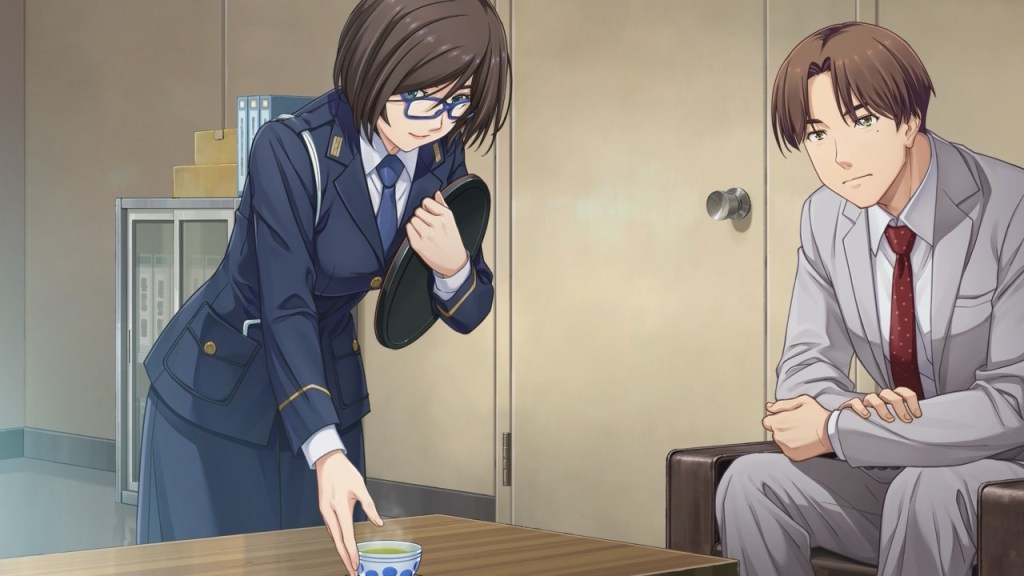
Lots of reading this week, but not the traditional sort. I decided it was time to cross Emio: The Smiling Man off my Nintendo Switch backlog — that would be the murder mystery sorta-visual novel published by Nintendo (developed by Mages) last year. It’s the third installment in the ‘Famicom Detective Club’ series that laid dormant for decades (the clue’s in the name; they were made for the original Famicom aka the Japanese NES) until remakes of the first two games were released in 2021.
I played the first remake back in Week 31 of 2021, and apparently felt it was “a crock of shit”. When Emio came out, I wrote more about the series in Week 36.24, and watched a YouTube playthrough of the second game rather than pay good money to torture myself some more.
Thankfully, Emio is much better than those two. Perhaps because it’s a new game with a more sophisticated and complex story than was possible in the 80s. But I suspect it’s also because I’m now familiar enough with, and more forgiving of, the series’ game design ideas that I’d called “archaic and frustrating”. In any case, it has the most lavish animation production values I’ve ever seen in a visual novel, and the detective vibes are a lot of fun. I was let down by the mystery’s resolution, but the journey was definitely worth the time.
Japanese workplace sexism in Emio The Smiling Man
Rather than dive into Zelda Tears of the Kingdom (can you tell I’m afraid of the commitment?), I decided to continue down the VN path by starting on TSUKIHIME A piece of blue glass moon, a decision I will probably soon regret. This is a remake of a supposed masterpiece by the developer Type-Moon, and involves some 30–50 hours of reading, which is about 3x longer than Emio. It is, however, much less interactive and more like reading a novel with visuals and sound to set the mood. I’m only a little while in, but finding it a pleasant ‘multimedia’ midpoint between watching a show and reading a book. Luckily, I played Type-Moon’s Witch on the Holy Nightback in March, and because TSUKIHIME takes place later on in the same universe, it feels like a continuation.
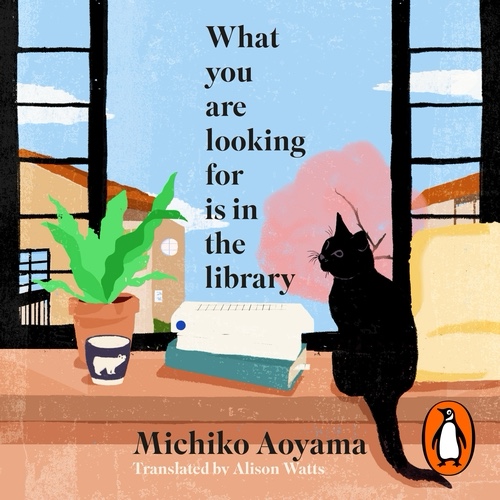
There was a real book, though! What You Are Looking For Is in the Library by Michiko Aoyama is a charming collection of five little stories centered around a community library, where people stuck in different ruts meet a librarian who has a knack for recommending books that set them off and thriving in new directions. I wrote in my Goodreads review that on top of being above average as translated Japanese books go — most of them come across sounding dumber and more boring than I’d hope they are in the original texts — but the extremely healing nature of these stories warranted a five-star rating from me.
It looks like I’ll be going to Bangkok again next month, but this time the heat will be even more unbearable (a RealFeel of 40–45ºC?), so please pray for me. In preparation, I’ve purchased a white t-shirt for the first time in several years.
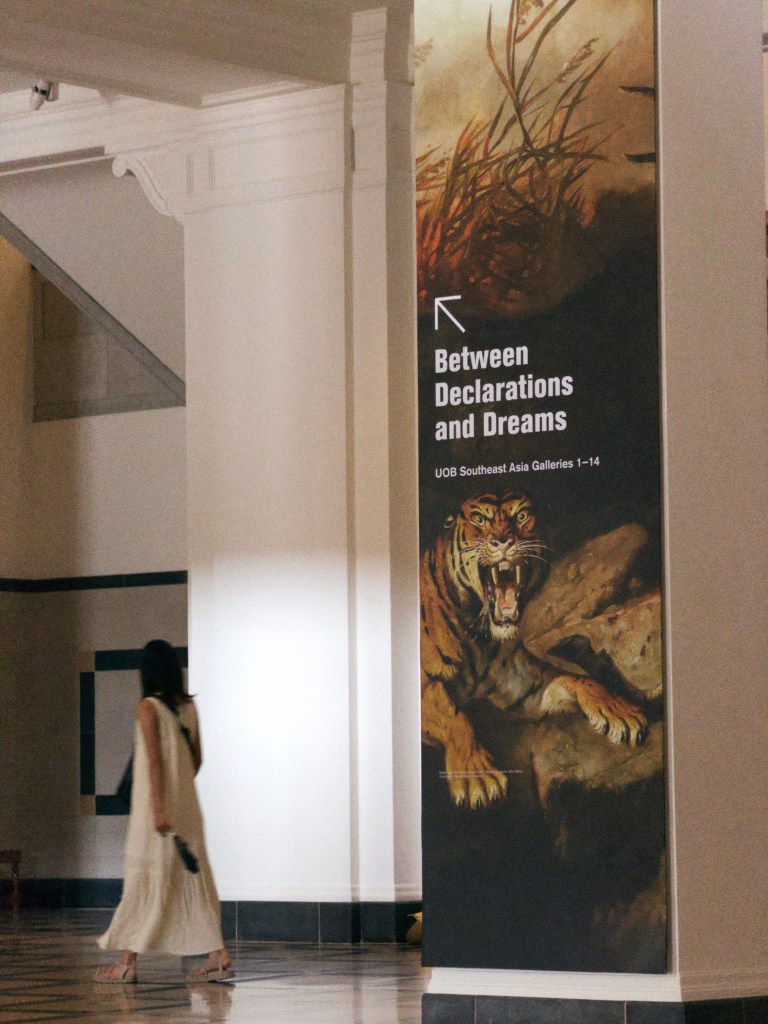
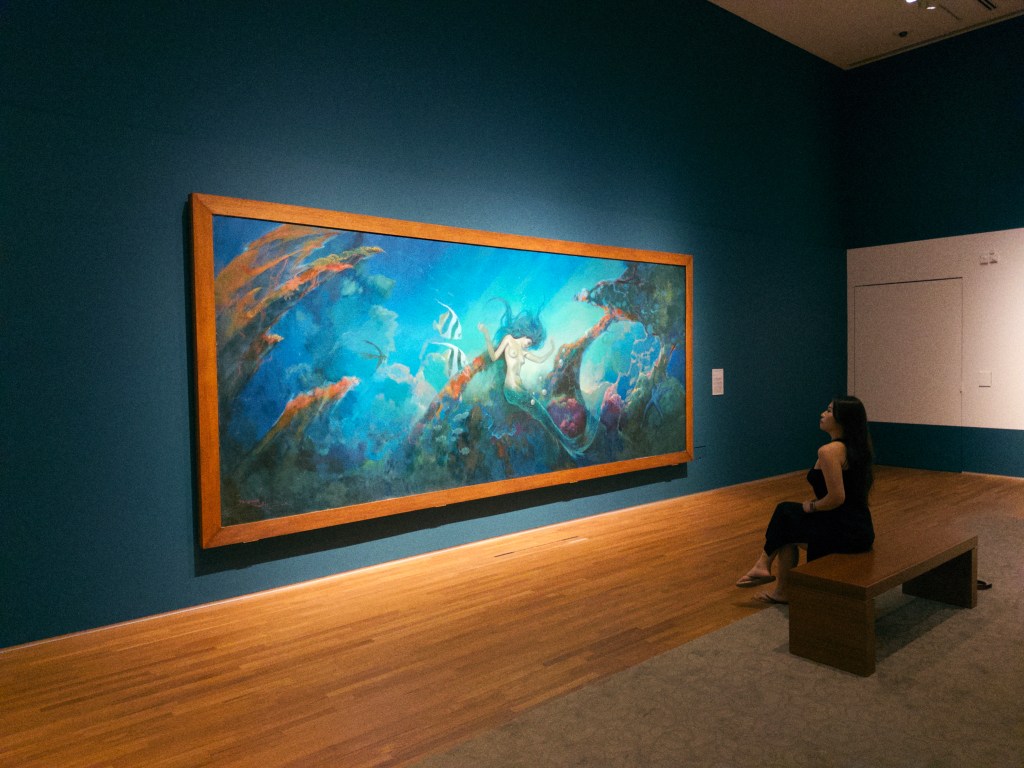
Over the weekend, we dragged ourselves out to see the City of Others exhibition at the National Gallery despite not being fully in the mood. I thought it would be healthy/helpful to just wander through it anyway, even if not fully attentive, and I did find some things unexpectedly inspiring. I may start a new project soon on the back of one idea!
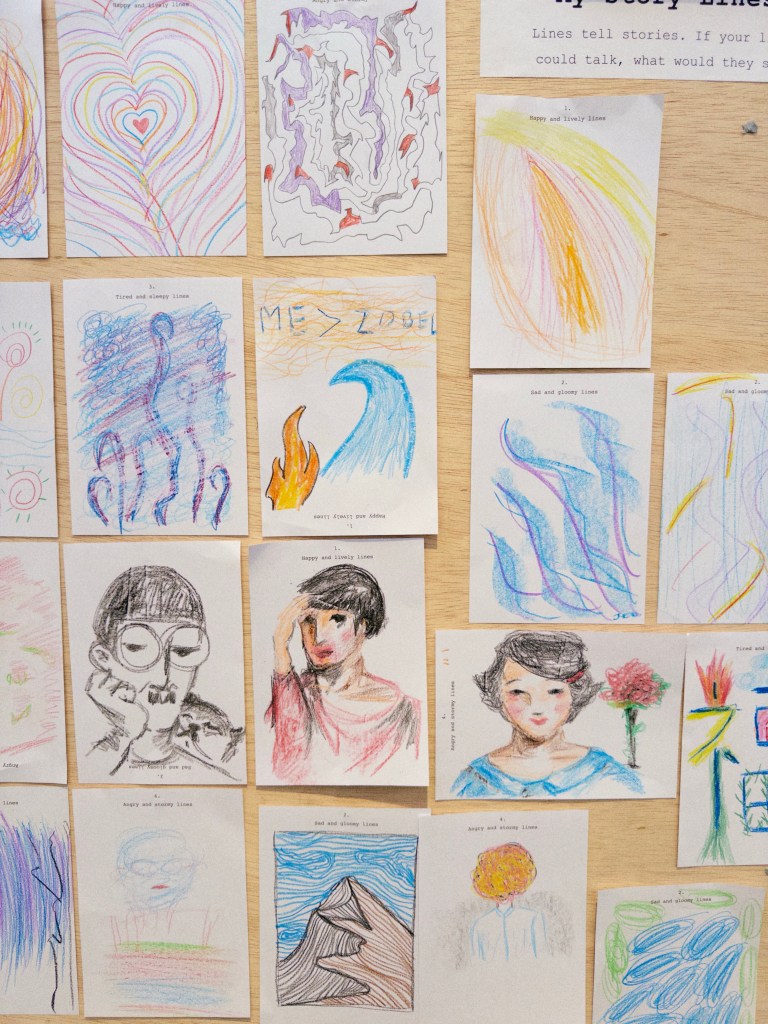
While looking at some artifacts behind glass, I remembered that I’d installed Adobe’s new iOS camera app, Project Indigo, which was apparently developed by some of computational photography’s living legends, and promises “SLR quality” images by combining up to 32 frames at a time. It includes an AI-powered feature that removes reflections by inferring what the subject is, and generating detail to fill the less-visible areas. I tried it out on a couple of artworks and got a warning that my phone was overheating — I guess I’m upgrading to an iPhone 17 Pro this year! Anyway, see how it did for yourself.
For a free app, Project Indigo is a great deal. I’m sure it’ll eventually be shut down and folded into a paid Adobe offering, but for now, everyone should try it out for a bit. It takes very clean and likely superior photos to the default camera, and does super-resolution oversampling to give you more zoom reach than the iPhone’s lenses will. But the outputs still have that hyperreal HDR look that comes with computational photography, and for the moment that’s something I’m a little tired of. A little grain goes a long way in making a phone photo feel more like a real moment.
After the gallery visit, we had lunch at a Cafe&Meal Muji where I was shocked to see the latest inflation-adjusted menu; a massive downgrade from when I used to visit frequently during office lunch hours. The “4-Deli” meal of two hot and two cold dishes alongside rice and soup used to cost maybe $17.80 pre-Covid, then crept up to $20.80 in the years after. Today, it’s been entirely removed from the menu, and $20.80 only gets you a “3-Deli”: one hot and two cold dishes. To try and obfuscate the loss in value, they’re now throwing in a half-boiled egg (which can’t cost more than 30 cents).
I probably should have expected it, because for breakfast that same day we stopped by a Toast Box for some kaya toast, which I honestly haven’t done in years, and the breakfast set (coffee, two eggs, a sandwich) is now S$7.60, or about 50% more than in the pre-Covid era. You can of course get this sort of thing cheaper elsewhere, but these prices are still wild.
In Craig Mod’s nearly three-hour book tour interview on Rich Roll’s podcast, which I’m listening to in small doses, he mentions the ¥300 breakfast set, a Japanese coffee house staple, and how apologetic businesses have been about having to raise prices by even ¥20 or ¥50. That’s what the kaya toast set is to Singapore, and I wonder if Japan is going to see a ¥500 or ¥700 breakfast set before too long.
Speaking of Japan, the Blue Bottle chain arrived in Singapore back in April. While I know they’re American, I’d only ever had their coffee while in Japan. Now that two months have passed, I thought the hype would have died down enough to try and visit the branch here in Raffles City’s tiny LUMINE department store. It was still packed, but I got an iced NOLA-style coffee to go for S$8 — lightly sweetened and flavored with chicory, it was pretty good tbh! But you can see Nestlé’s dirty fingerprints all over the brand now. It feels like the stores only exist to justify selling merch through other channels. Do a search for “Blue Bottle NOLA” and instead of a store menu or info page about their drink offerings, you’ll get tons of spinoff products like NOLA Nespresso capsules, brew-at-home kits, tumblers, instant coffee mix, foamers, and so on. Even Starbucks, synonymous with the mercenary scaling of coffee, looks kinda restrained in comparison.
My Switch 2 finally arrived on Monday, praise be. It turned out to be an imported European unit, so it has the right kind of power plugs, but the included download code for Mario Kart World would only work with an EU eShop account. It didn’t take long to make one, but it’s yet another needless fragmentation of my digital footprint.
It’s a fantastic improvement on the original Switch. It feels more solidly built, and the magnetic Joy-Cons don’t creak and give as much when supporting the console’s weight. The screen is enormous but since the original wasn’t exactly pocketable anyway, who cares? It seems powerful enough to keep up with game requirements for easily another five years. The only regression is battery life, which they’ll surely fix with a new model two years from now.
I have yet to play anything on it that graphically pushes into PS5 territory with ray tracing and photorealism; although running Mario Kart World at 60fps in 4K is definitely not something the old Switch could do. That same smoothness extends to Splatoon 3, which got a Switch 2 upgrade patch on Thursday for the franchise’s 10th anniversary, and it feels amazingly fast and fluid on the new hardware. The once painful load times have been reduced to almost nothing, which is nearly worth the price of admission all by itself. At the very least, reviewers agree it’s more powerful than a Steam Deck.
Bert was back in town on a last-minute trip, so we met up with some of the old gang for beers and the kind of talk that middle-aged people will get up to if you let them: aging parents, how everything was much better before, and how we’d like to retire voluntarily before AI forces us to. Jussi was once again unable to make it, but he had the acceptable reason of being out of the country.
It was WWDC week, and with the comprehensive OS updates that were announced, it wouldn’t be an exaggeration to say that every Apple product experience will be changing this fall. I’ve had several conversations about the new cross-platform design language system they unveiled, which doesn’t have a name but is anchored by a new digital material called Liquid Glass, so people have just been calling it that. I wrote last week that I hoped the new look wouldn’t come with regressions in usability, specifically thinking about legibility and interaction clarity, but those are exactly the issues that everyone has been pointing out in the first developer beta. I’m hopeful that they’ll be able to moderate some of the more extreme decisions before the launch, but there’s no turning back. Like it or not, this is just how things are going to be for us users. What are you going to do, move to Android?
While talking to Michael again, one of us offered that Liquid Glass is simply a flex. It’s Apple building a visible moat with their superior silicon. Every iPhone, iPad, and Mac made in the last five years possesses power-efficient cycles to spare, which can’t be said of Android devices, save for a minority of the highest-end flagship phones. So when you look over someone’s shoulder in public and see morphing glass buttons accurately refracting the light coming off other elements on their screen at 60 to 120 fps, you’re looking at the digital equivalent of fine stitched leather. Luxury pixels. Veblen UI. Android manufacturers can’t follow Apple down this road without bifurcating the experience into cheap and premium versions, or forcing tradeoffs like reduced battery life and jankier animation.
The iPad got the most extreme makeover of all the platforms, and I’m a mixture of relieved, disappointed, and excited. Relieved that they’ve given up on trying to define some new paradigm for managing multiple apps on a screen; turns out the answer is just the same overlapping windows we’ve had since the first Mac. Mildly disappointed that if they couldn’t crack it after some 15 years, then maybe there just isn’t a better way. The universe might be more constrained than we’d hoped. And excited that the iPad will now be a truer laptop replacement for the majority of people, and with that increase in adoption perhaps we’ll get developers excited to build new kinds of experiences for it.
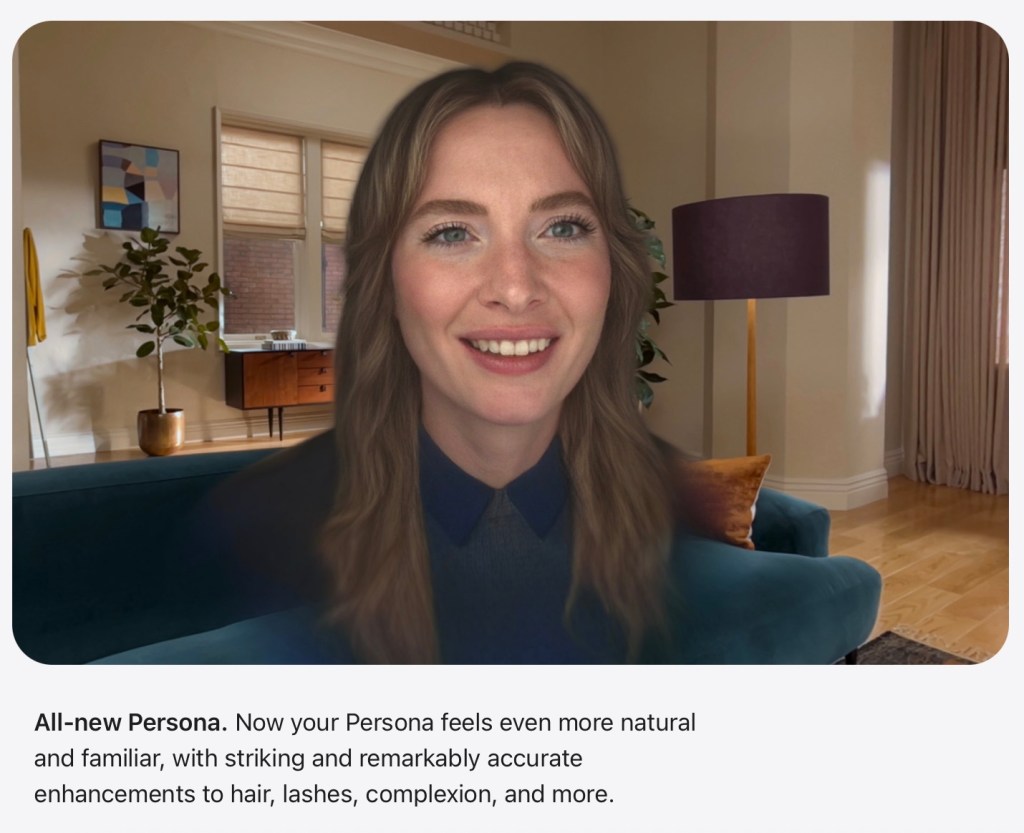
Screenshot from Apple.com
As a Vision Pro owner, I can’t wait for the improved Personas, sharing virtual spaces with people nearby, and the new “spatial scene” rendering from 2D photos. I’ve already spoken to some people in inSpaze who are rocking the new Personas, and they look 10x better and more realistic than the old ones. In fact, it’s given rise to a weird social dilemma that can only exist in this age. I’ve known these people for a while and we’ve talked with each other quite a bit, but suddenly overnight, their faces have changed and it feels like I’m meeting them for the first time — or realizing I never really had. One person in the group chat looked younger now that his Persona got more accurate. Another person looked older and more intense than his previous Pixar-esque Persona suggested he was. They mentioned feeling slightly uncomfortable with how realistically they’re now presenting — the opposite of the safety that I described back in August last year: “the use of Personas creates psychological distance; it’s you, but it’s also more a puppet that looks like you.” Well, now it’s just your real face for everyone to see. I apologize in advance.
I’ll leave you with two videos from Pulp, whose comeback album More continues to surprise me by being actually good, as if the band hadn’t gone anywhere for the last two decades. The first single has a great video (above) that uses generative AI in the best way possible. The second video below is a live performance of an old favorite, one of many appearances they’ve been making in support of the new stuff.
Last week when I said ‘God willing, my Switch 2 will be delivered on Friday’, I actually meant to say ‘inshallah’, and so, as punishment, it didn’t arrive. And because Saturday was a Muslim public holiday, the postal service didn’t deliver it over the weekend either. Why didn’t it come as promised? The seller made a real mess of things, opting for Standard instead of Express delivery (one working day vs. two hours), but that wasn’t even the worst part. They canceled one of my two orders at the very last minute, one I’d made for a friend, and offered no apologies apart from saying it would come at the end of the month when it’s officially released locally. They obviously took more orders than they had supply for! The name of the vendor is “Unrival SG” on Amazon, so use that knowledge how you will.
Ironically, I ordered a Japanese import Pro Controller 2 off Shopee on Thursday, and that arrived on Friday with no issues. As everyone has reported, it feels amazing — possibly the best-feeling controller I’ve ever used, especially its buttons and thumbsticks. Everything is dampened and silent; the amount of tension seems just right. The only thing that could improve this (for me, with my big hands) would be making it more like the PS5’s DualSense in size and hand feel.
I’m hoping it’ll come on Monday instead, which would make that a jam-packed day what with WWDC after midnight. I’m not expecting any new hardware or life-changing software features, so the main thing for most people will probably be the unified redesign. I really hope they smash it, and not ship a visual refresh that turns out to be a regression in usability.
Without a new console in hand, I thought I’d pass the weekend by starting on Like A Dragon: Infinite Wealth (PS5), the 8th game in the Yakuza series. It’s one of the highest rated RPGs of all time, sprawling in scope and packed with too many things to do, including “minigames” that are basically full-on Animal Crossing and Pokémon parodies.
But it turns out I still like the idea of console gaming more than the reality. Within an hour, I’d quit and gone back to reading manga and watching a guy hunt for retro games in Book-Off.
Kim is/was away for work again, and the weather has been rough (forecasted to touch 35ºC at some point this month), so I’ve mainly stayed in most days. Exceptions were made for a Korean chicken meetup and a couple of evening walks. The Vision Pro got an above average amount of use this week as I’ve woken up early enough to meet the American users I know on inSpaze, and because I wanted to watch a bunch of films in a theatrical environment.
The first I should mention was Sinners (2025), which was probably overhyped because I didn’t think it was the greatest film of the last decade or anything, although it was very good. What took me out of the moment was thinking about how it’s so structurally and thematically similar to From Dusk Till Dawn (1996), another film that delightfully switches gears halfway to become a vampire story out of nowhere. When I saw that as a teenager, my mind was blown. I didn’t think they put money behind films with premises that audacious. I suppose Sinners is that for a new generation.
The next was The Zone of Interest (2023), an A24 Jonathan Glazer film that got a lot of buzz at Cannes the year it came out, but I put it off because the subject matter seemed too heavy. It shows the unnervingly normal family life of the commandant at Auschwitz, with wife, kids, and servants in a home just outside the camp’s walls. As screams and gunfire are heard in the background throughout the day, and the ovens pump out smoke and fire at night, they just pretend like nothing’s wrong and it’s probably a more effective horror than setting vampires loose.
I was primed to finally confront it because I watched Alain Resnais’s concentration camp documentary Night and Fog (1956) on MUBI last Sunday — I didn’t mention it at the time because I was honestly too traumatized. For a 30 minute film, it packs a lot of unspeakable horror, images of brutality on a scale that you’ll desperately want to believe are a one-time aberration in history. Sadly, while the efficiency and nature of the gas chambers were perhaps unique to Nazi Germany, you just know that this is no different from any of the genocides that have taken/continue to take place. Watching it, you’ll believe that something is intrinsically broken in human nature, because even the victims of such crimes can’t even be counted on not to do the same to others.
I’ve been enjoying three new albums. The new Counting Crows which I’d been saving, Butter Miracle, actually might be a return to form based on my few spins so far. Its main issue is the difference in vocal sounds between the two halves, maybe owing to the fact that the latter half was recorded and first released as an EP a couple of years ago. But I’d say it’s their strongest work since Hard Candy.
Pulp is also back with their first album in 23 years, More, and it’s also a very strong comeback. The kind you don’t expect from an old band putting something out in the post-Covid era: they’re usually forgettable and anaemic, you know, like U2 albums after the 90s. But More might be classic Pulp — playful, raunchy, cynical yet open-hearted — with just a couple more decades on top.
Shura is also back with a new one, I Got Too Sad For My Friends, and it’s got some lovely songs as usual, recalling Fleetwood Mac (and by extension, recent Clairo) and even a little bit of Prince, with her use of synths.
I was listening to Apple Music 1 (the radio station) and a song came on with a melody that I knew, but couldn’t place. It was To Ease You by the indie pop band Men I Trust, and a couple of days later I placed it. The main hook is basically a sped-up bit from Now And Then, the recent “new” Beatles song. I’m mostly glad I answered the question for myself because I hate that feeling of recognizing but not being able to remember.
I went out three nights this week to catch up with people, maybe drank too much, maybe ate too much fried food, and it’s been so warm here even after dark — I could be falling ill again, or at least kinda tired out.
Kim’s going to be away again so I only have two things on my agenda for the coming week. The first is another evening appointment for drinks and fried food, and the second is a big one: Nintendo Switch 2 release day! God willing, my delivery will arrive on Friday. I’m fully expecting at least three hours of painful setup and migration from my Switch OLED, because Nintendo isn’t the best at this stuff. The official local release date has been set for June 26, but pricing has still not been announced. I figure it might be S$50 less than what I paid, but screw it, early access and a guaranteed unit is worth paying for. Some fine print on the local website suggests they’re not confident the Nintendo Switch Online service will even launch in Southeast Asia this year! Taiwan’s website says it’s coming to them in 2025, while ours has nearly the same text saying they’re working on it, but not mentioning the year.
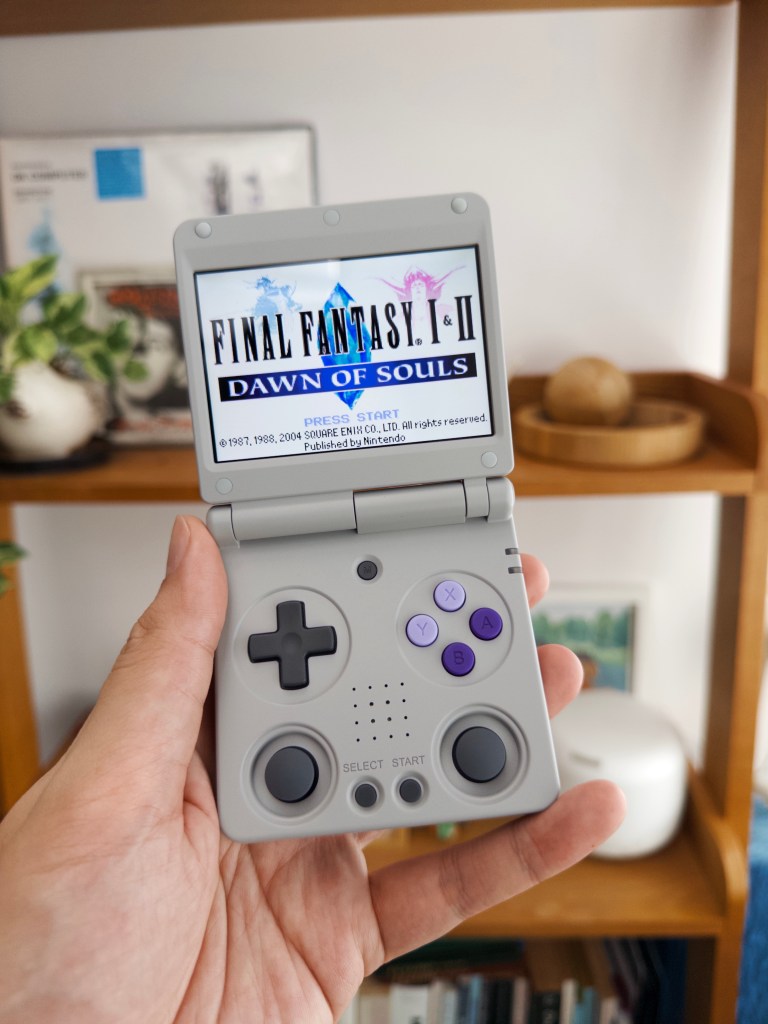
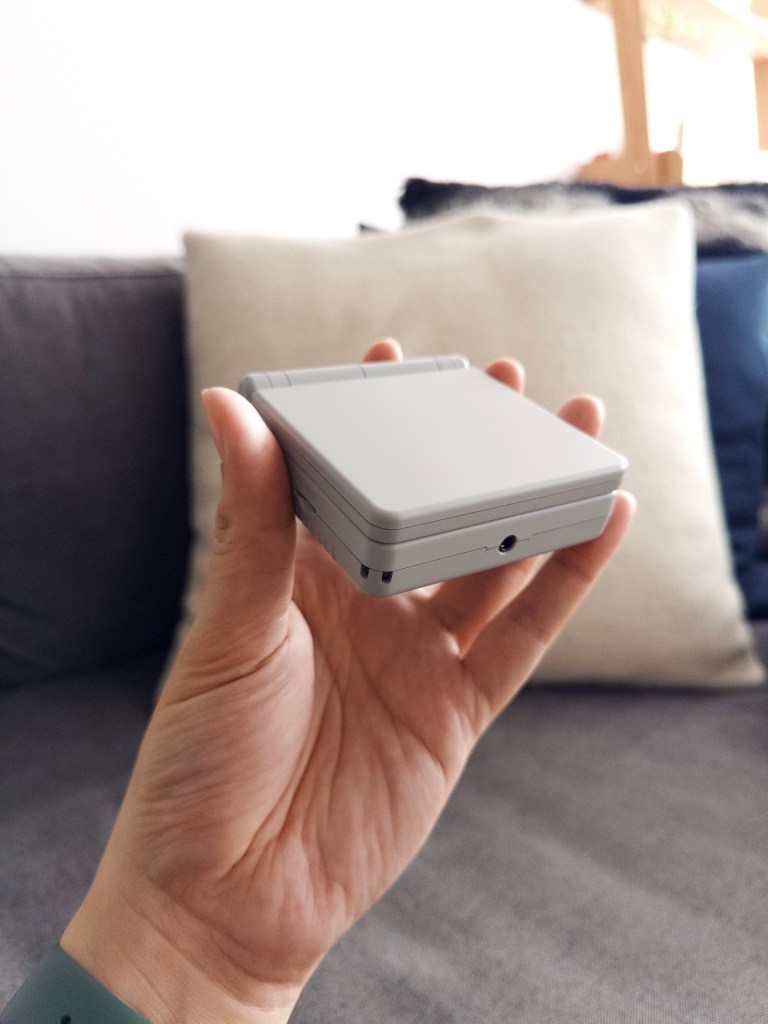
In the meantime, my Anbernic RG34XXSP arrived from China and it looks and plays pretty great. I mostly bought it as a fun toy and collectible, so I’m not planning to get stuck into an old RPG properly just before the Switch 2. I’ve booted it up, played a few platformers, and overall think it’s a neat device for the relatively low price ($60 USD at launch). It’ll be a nice thing to have on planes or short trips where I might want to play on physical controls, and the Switch is too cumbersome to bring along.
Trying to charge the Anbernic did lead me to learn something new, though. It wouldn’t charge with my USB-C to C charger and cable, only with the supplied USB-A to C cable, so I looked it up online. Apparently this is an intentional design choice that some makers of low-cost products make — supporting USB-C to C charging requires more expensive components, such as a chip to negotiate the power supply with the charger (getting it wrong might start a fire). Limiting charging to USB-A sources solves this because the output is fixed and lower-risk at 5V. So, if your cheap Chinese device comes with a USB-A to C cable in 2025, it’s actually an instruction on how to charge it. This solves the mystery of why one of my older JisuLife fans refuses to charge sometimes.
Michael and I somehow got into a long discussion about something other than Apple, spending a good hour on the phone going over why the Mission Impossible film series has ended up the way it is, with Christopher McQuarrie seemingly having lost his touch for writing a tight script with The Final Reckoning. I believe you can lay the blame for all the things I complained about before at Tom Cruise’s feet. The man wants to do his crazy stunts, and he’s so powerful as a producer and movie star that nobody can really push back on his ideas, not even the director (at this point just a person hired to enable Cruise’s dreams). So the story gets written after the set pieces are decided, and when time is short, two things happen: exposition gets inserted, and series hallmarks are leaned on to suggest you’re having a good time. So in between lots of talk about what’s going to happen, you get a scene where the team goes over their plan while you see flashes of it happening for real, there’s a heist-like entrance into an impenetrable space, some McGuffin gets stolen and lost and recovered again, maybe someone peels a mask off, etc. etc. But does anyone really understand what’s happening in the final action scene of TFR? Why they’re there, what the antagonist wants? How Hunt’s plan is supposed to work? It’s pretty cool, if you’ve ever wanted to see what a totally abstracted action movie would look like.
If you want to go further back up the blame chain, you could say it’s all because JJ Abrams decided to build out Ethan Hunt’s personal life back in MI3 to raise the emotional stakes, while defanging the main stakes by introducing a Mystery Box/McGuffin approach. It might have been Tom Cruise’s direction all along, but the result is that every subsequent movie has had to raise the stakes to nuclear armageddon and give Ethan Hunt the same “this is the result of your actions” multi-film existential hero’s crisis that Nolan’s Batman and Craig’s Bond also endured.
On his recommendation, I rewatched Rogue Nation (film #5) and it was even better than I’d remembered. There were also several scenes that reminded me of bits in TFR, like how a character pulls a flash drive out at a crucial moment — you can call them callbacks, but maybe we’ve strained the limits of McQ’s vocabulary and that’s why no single director should do four straight installments (of a series that didn’t conceive).
Don’t get me wrong, we both liked The Final Reckoning, but we’re sad about all the Mission Impossible experiments that we didn’t/won’t get because they gave up on the early anthology approach where each film had a different director’s touch. But for now, I’d love to have a prequel TV series that sits between the original and the first film; the early days of Hunt’s career. I think the world of the IMF is one franchise that would actually benefit from being owned by Disney, as they have no qualms about trying spinoffs and milking a brand to death. A mini-series about a rookie IMF team in Asia? A real-time one following another team in crisis, à la 24? Yes, please! I love it when a plan comes together, so just keep doing that.
A couple of weeks back I mentioned reading MW Craven’s book, Fearless, and said perhaps it’ll be a TV series someday. Well, I finished the book (good fun), and the acknowledgments page mentioned that a major streaming network has already bought the rights. No idea who, but it’d be funny if it was Amazon, home of Reacher, so that they can totally own the ‘dangerous ex-military investigator/vagabond who kills a small army per season’ space.
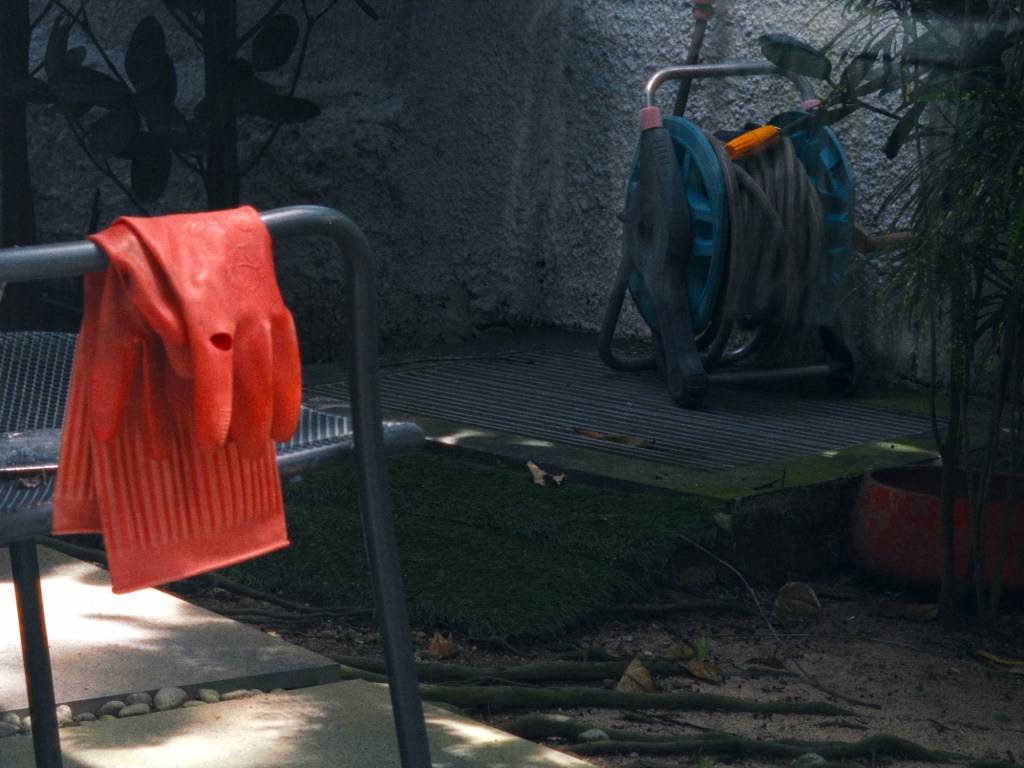
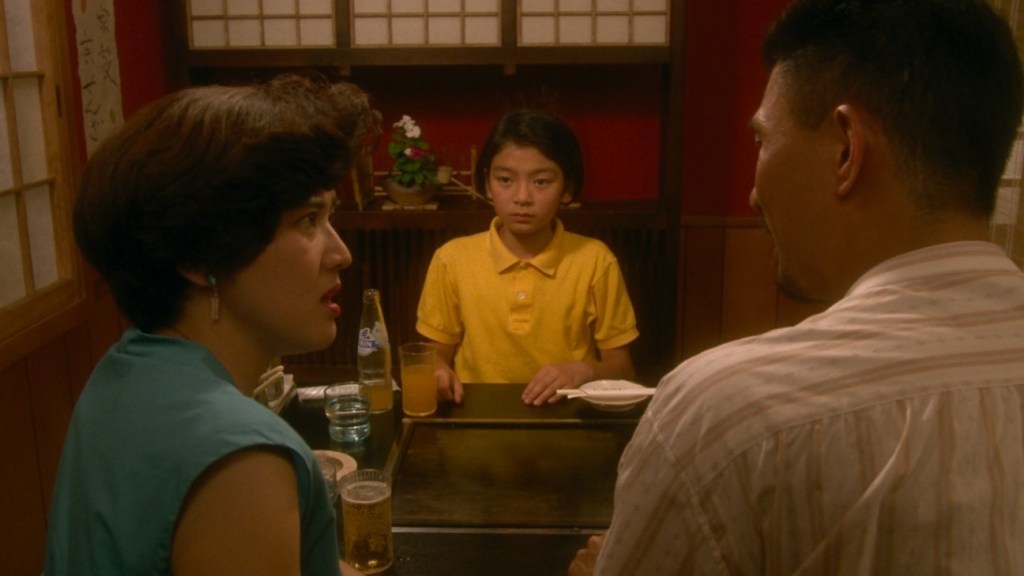
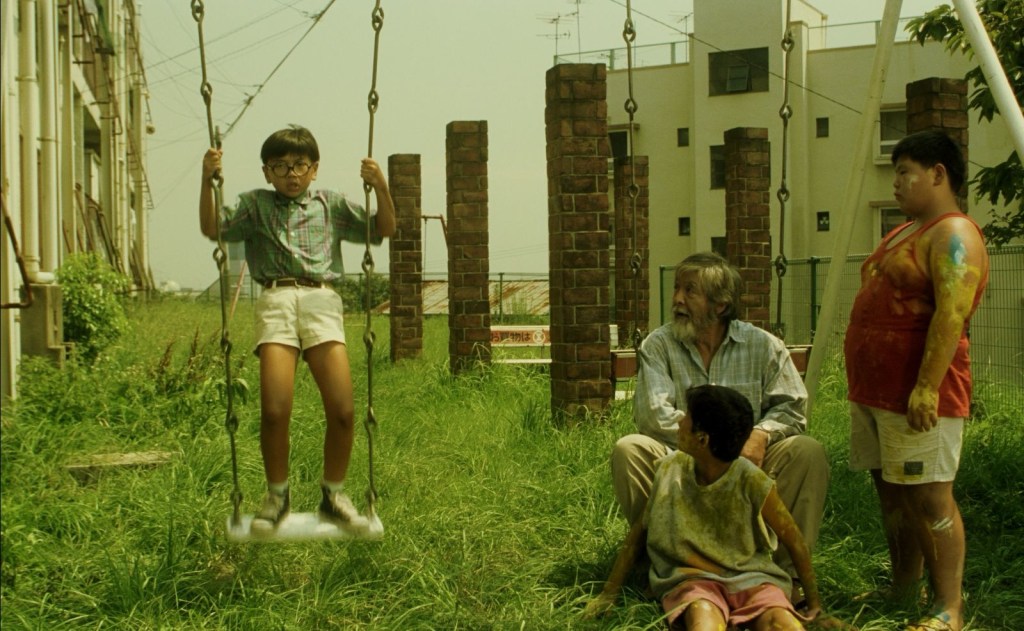
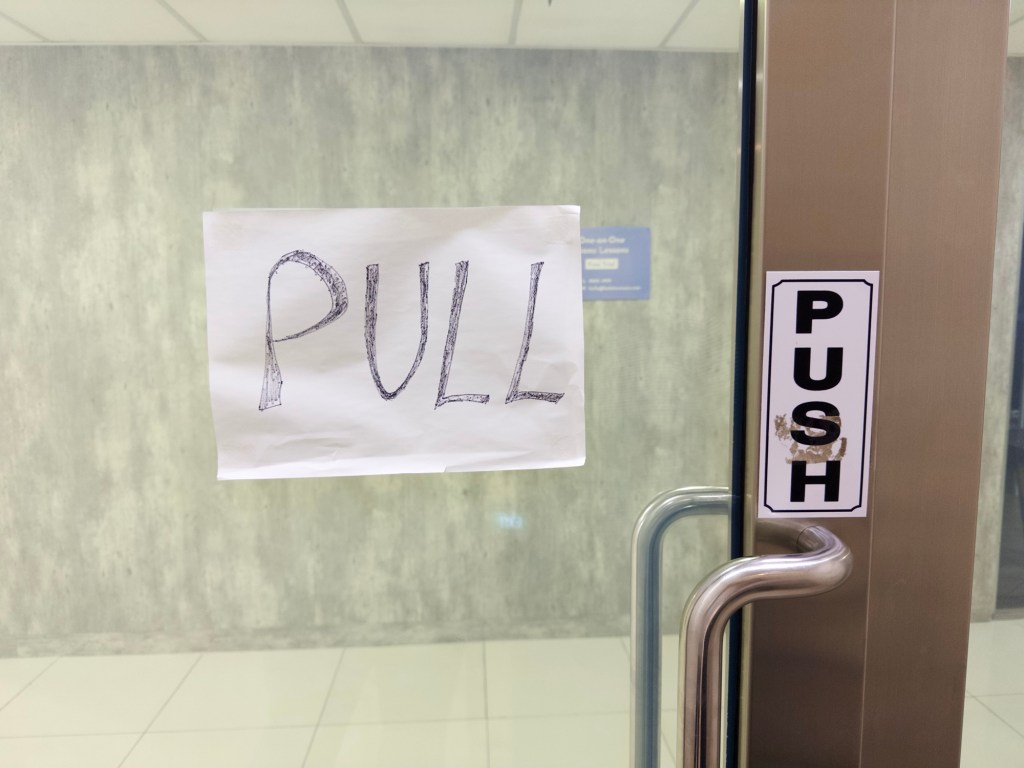
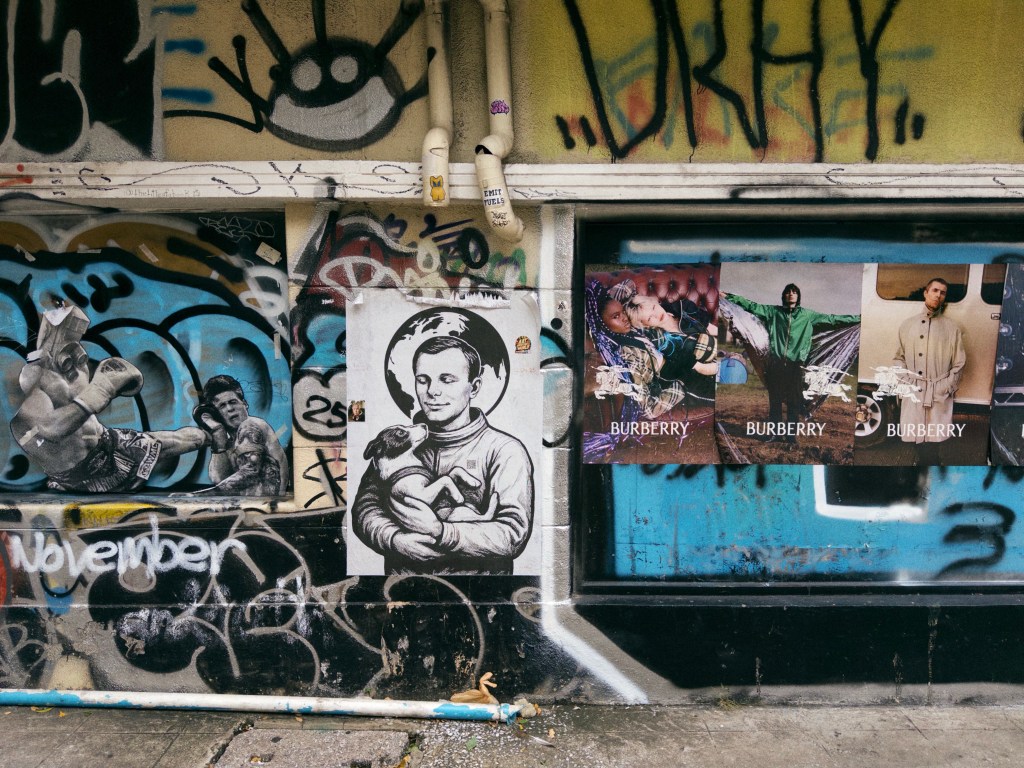
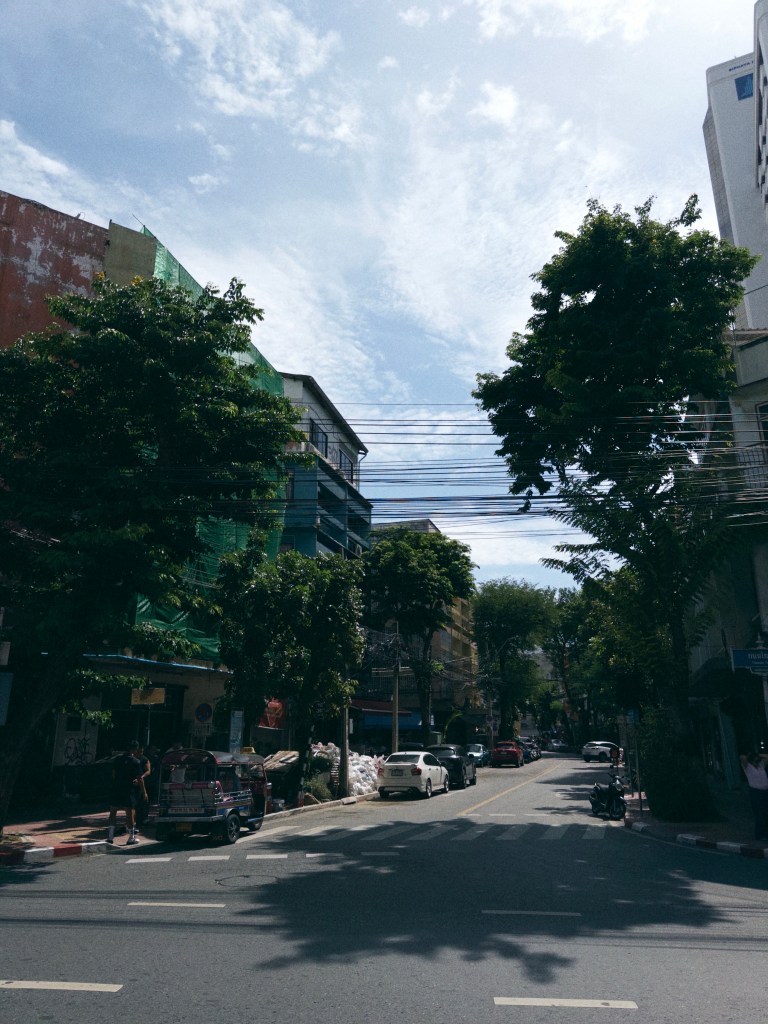
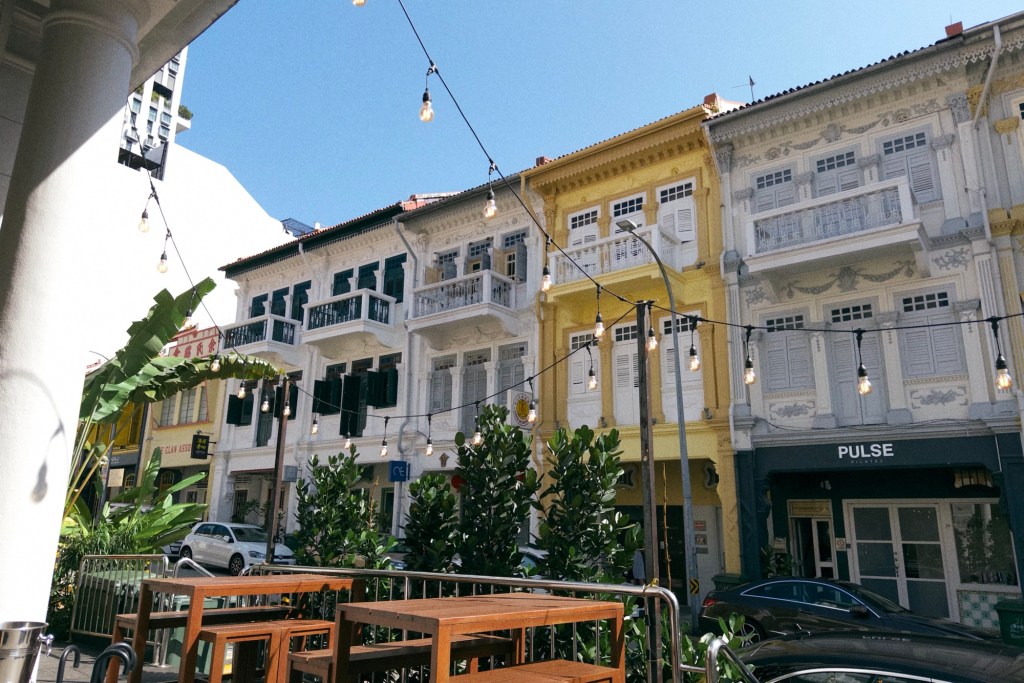
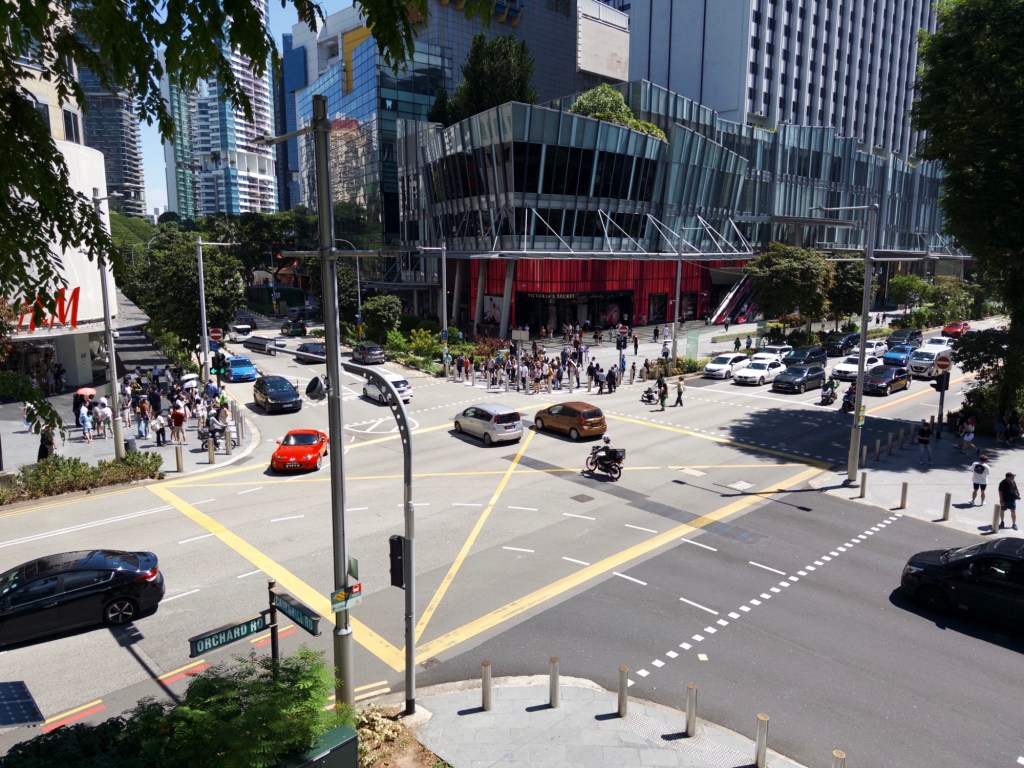
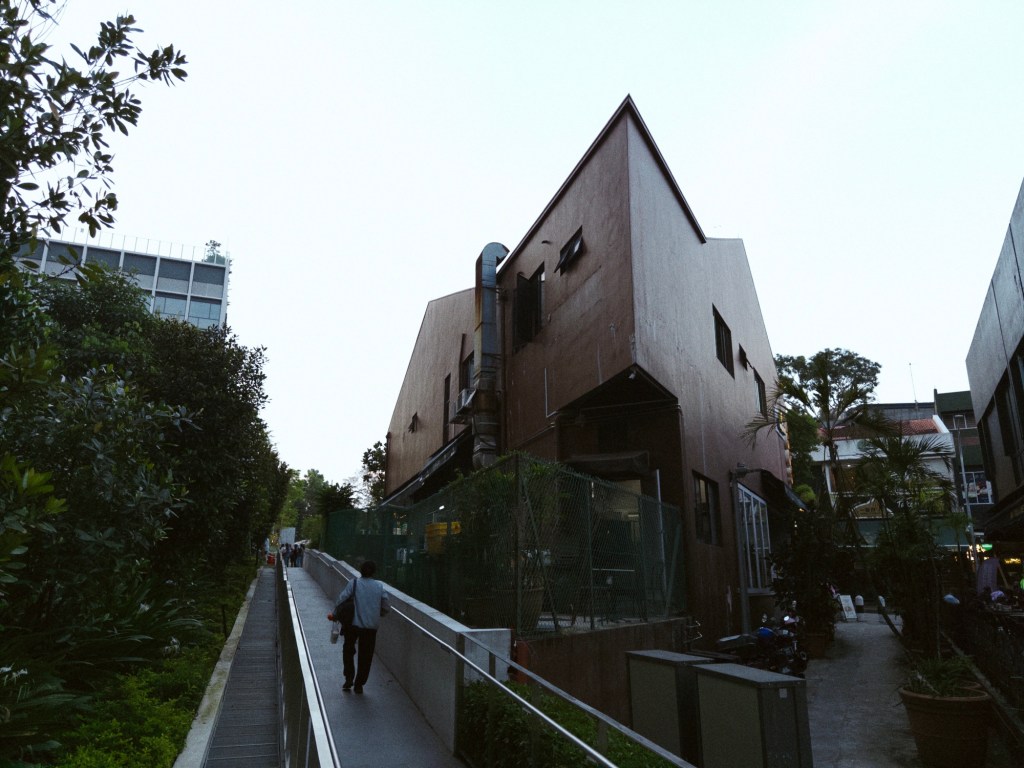
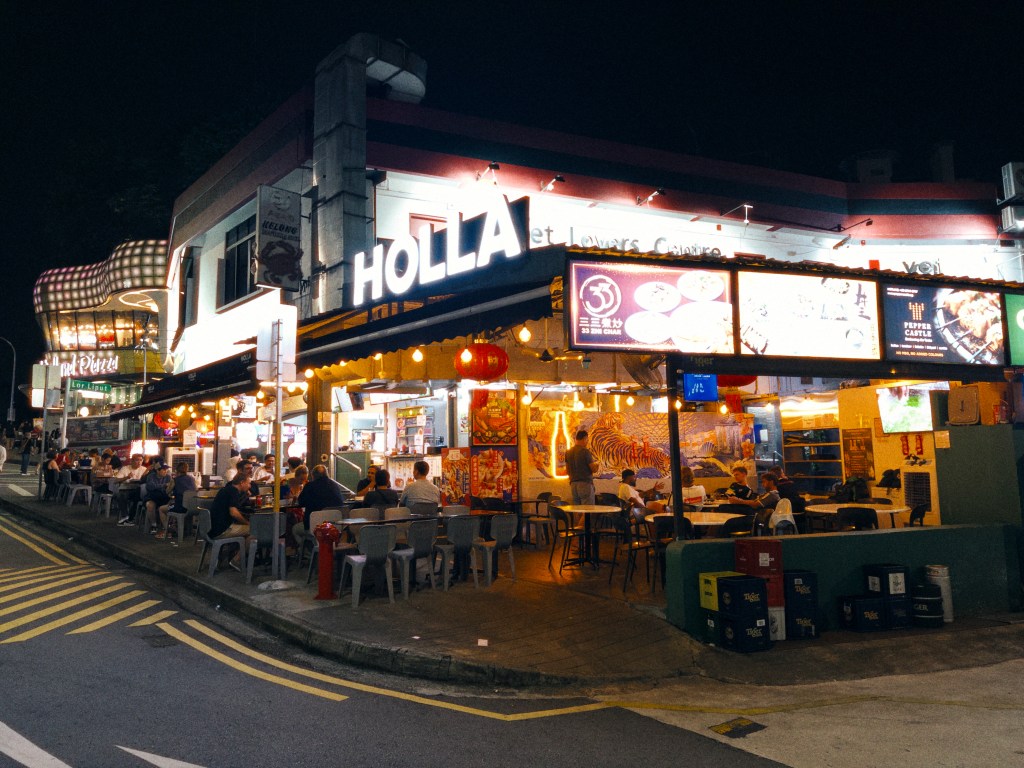
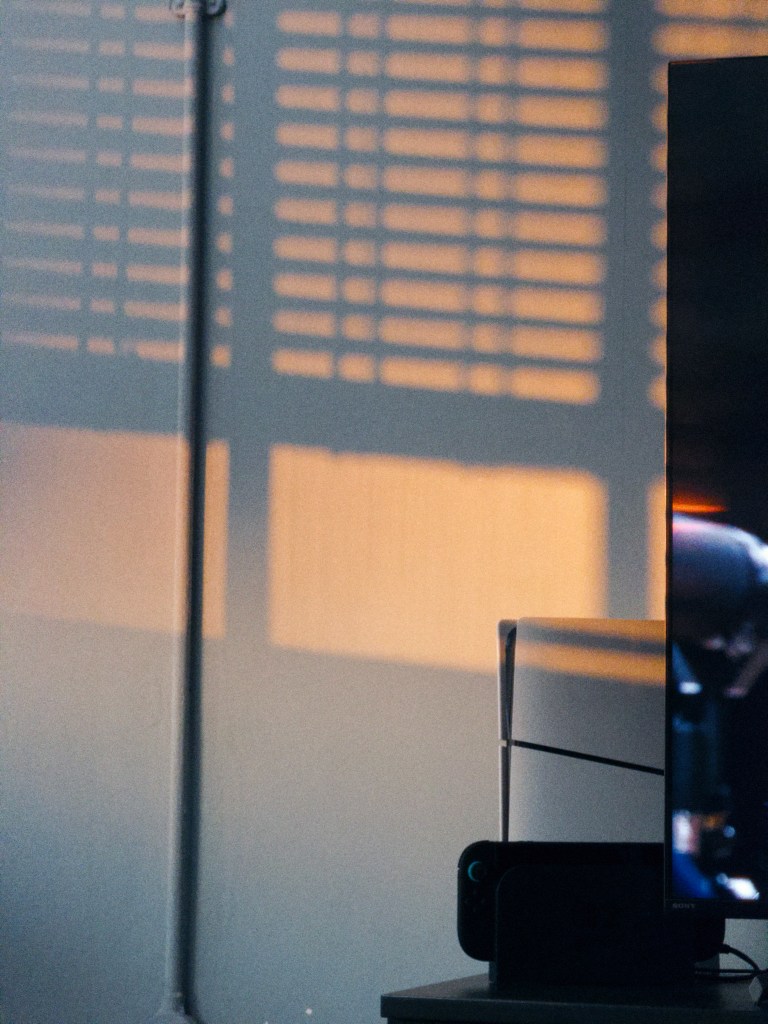
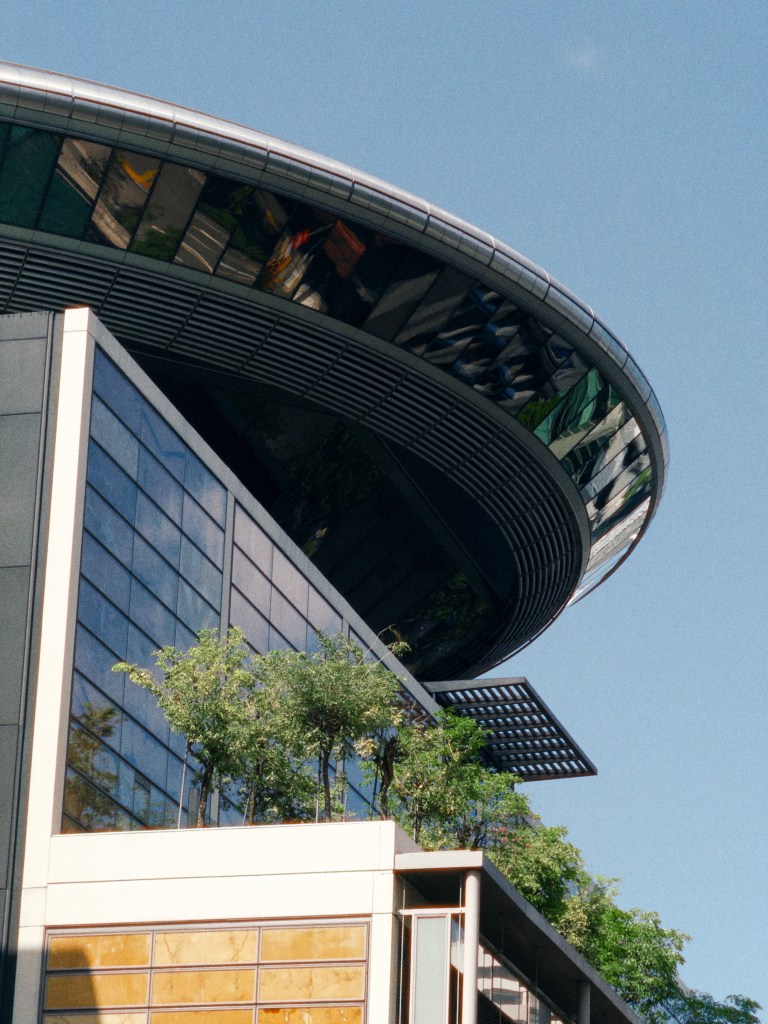
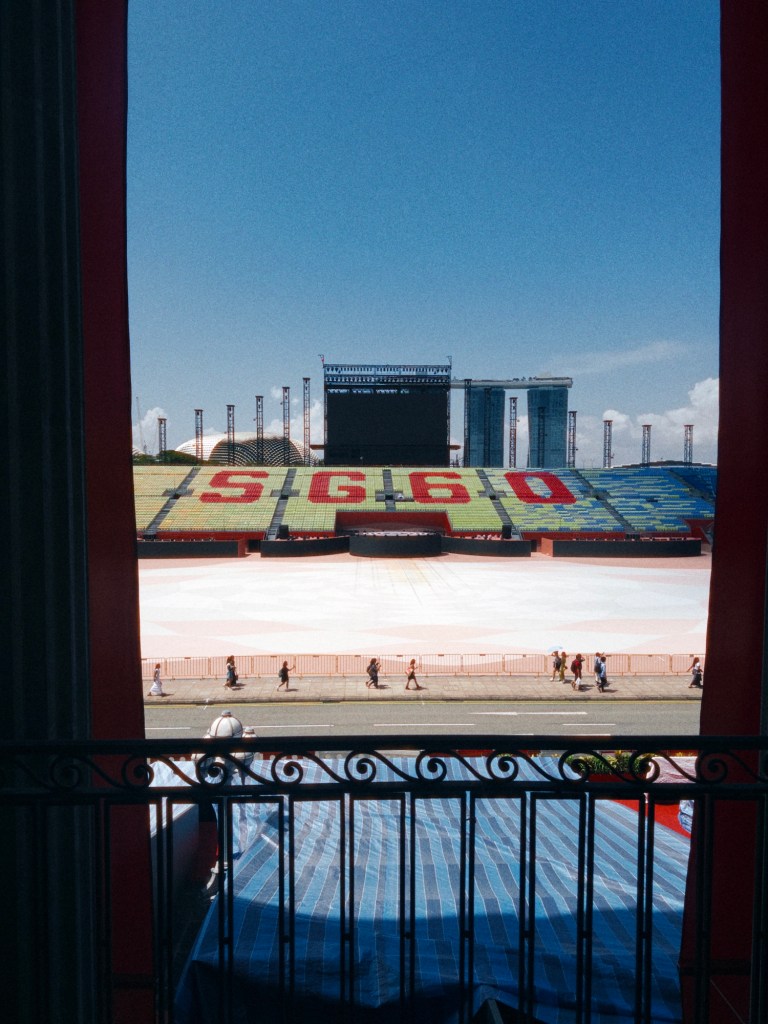
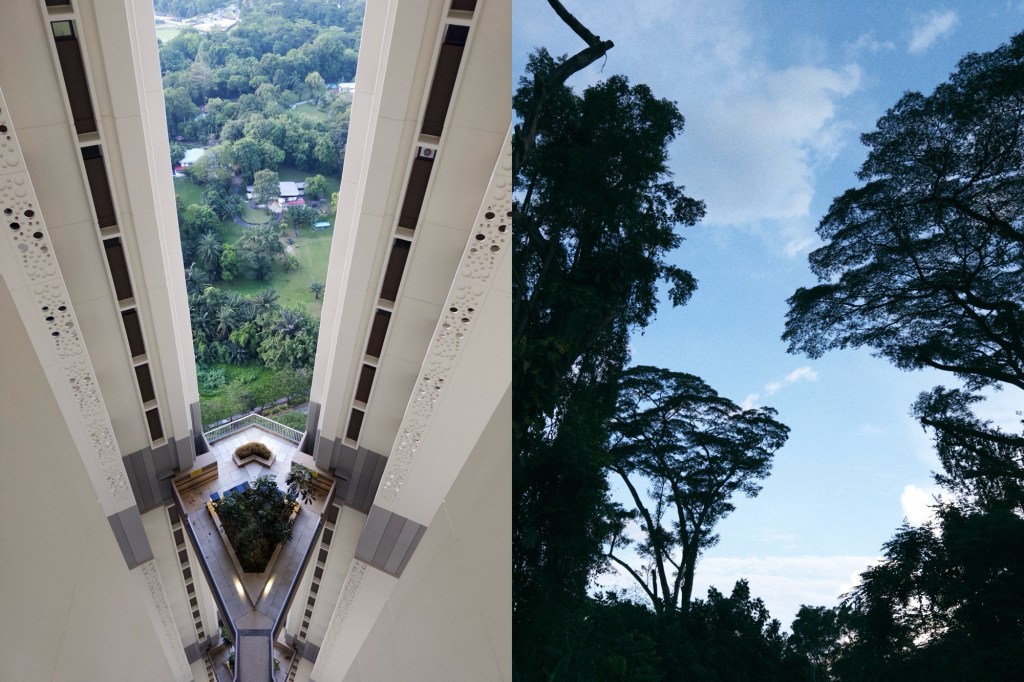
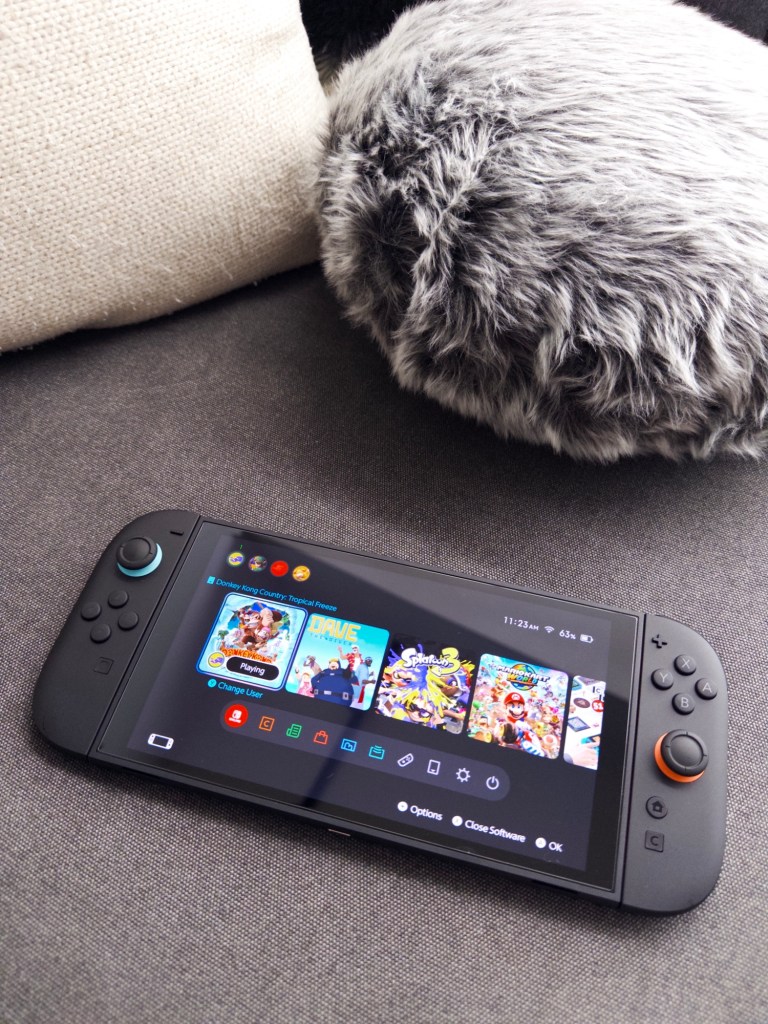
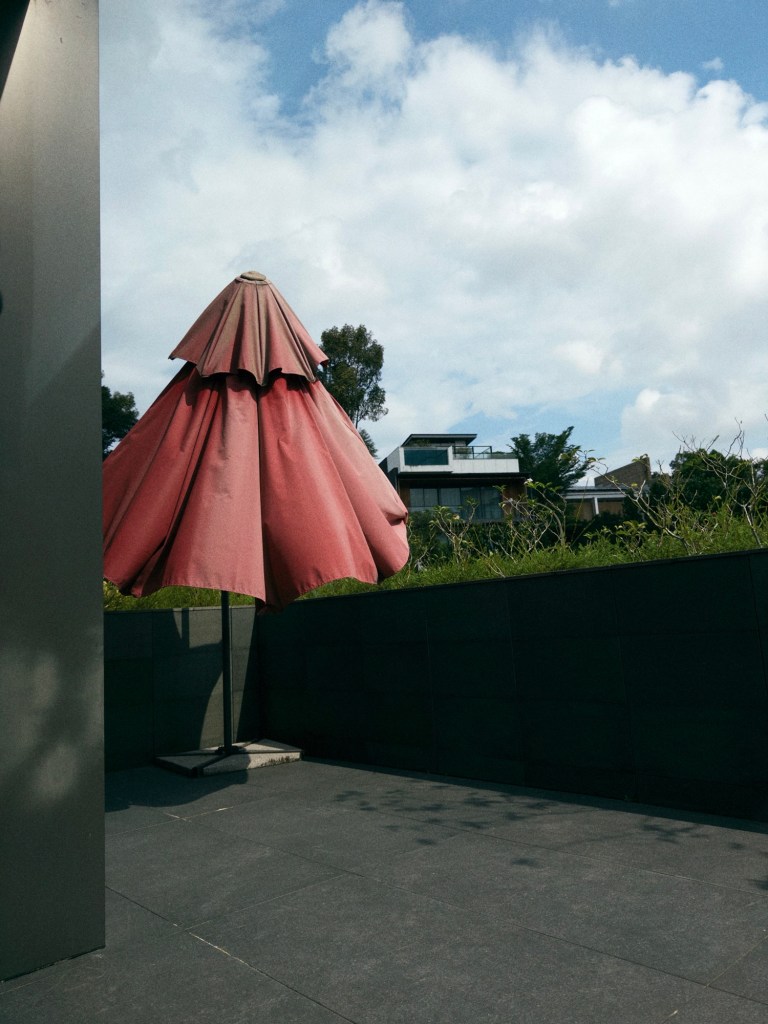
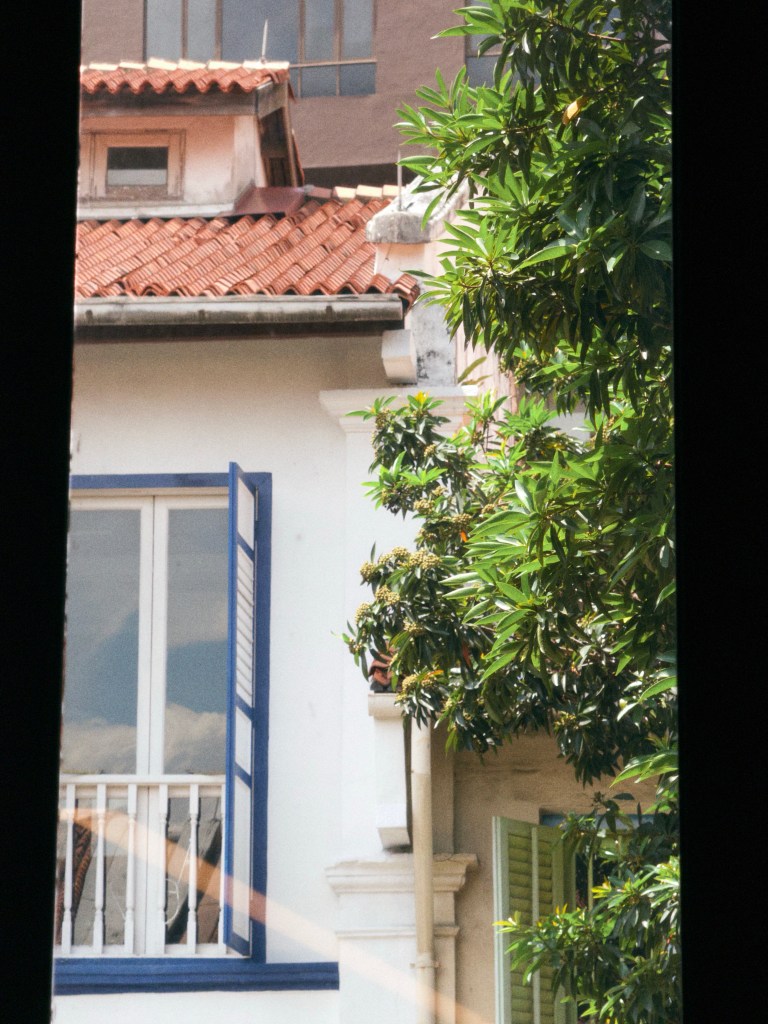
And here are some photos I took on my iPhone this week, still favoring the portrait orientation to pretend I bought a Fujifilm X half.

































 sangsara.net