Do you edit photos, use filters, or make your own presets? What if you had an AI tool to help create any look you asked for?
That’s ✨PixelGenius, my first “GPT” (a custom agent built on ChatGPT). It’s a photo editing expert that creates filters, suggests improvements, and helps you elevate your craft.
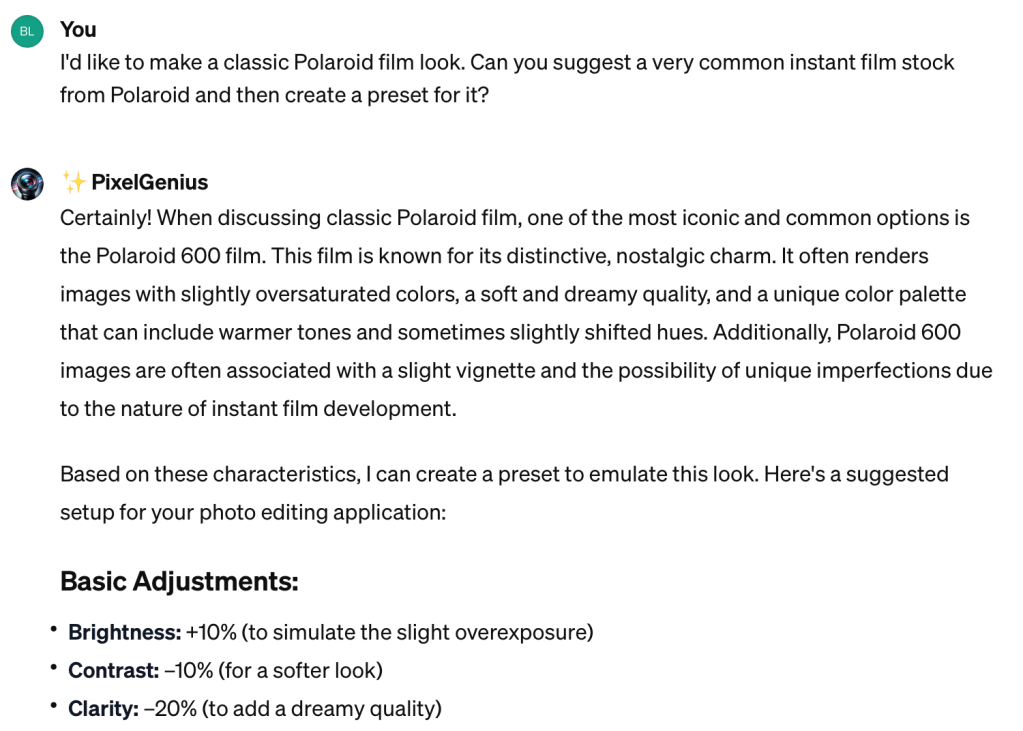
Describe a vibe and it’ll provide the settings to make a preset/filter.
Emulate a classic film stock!
Upload photos and get editing suggestions.
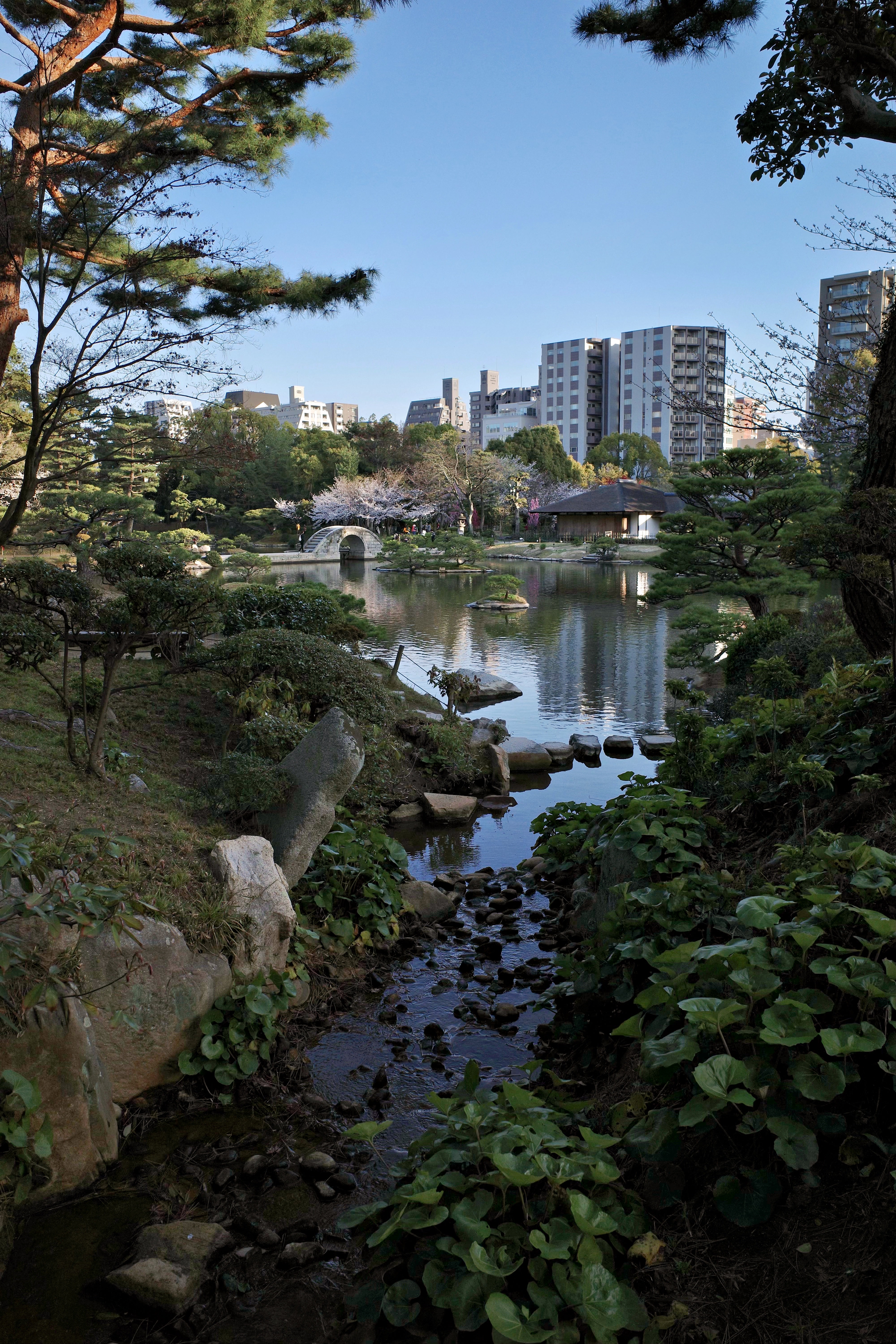
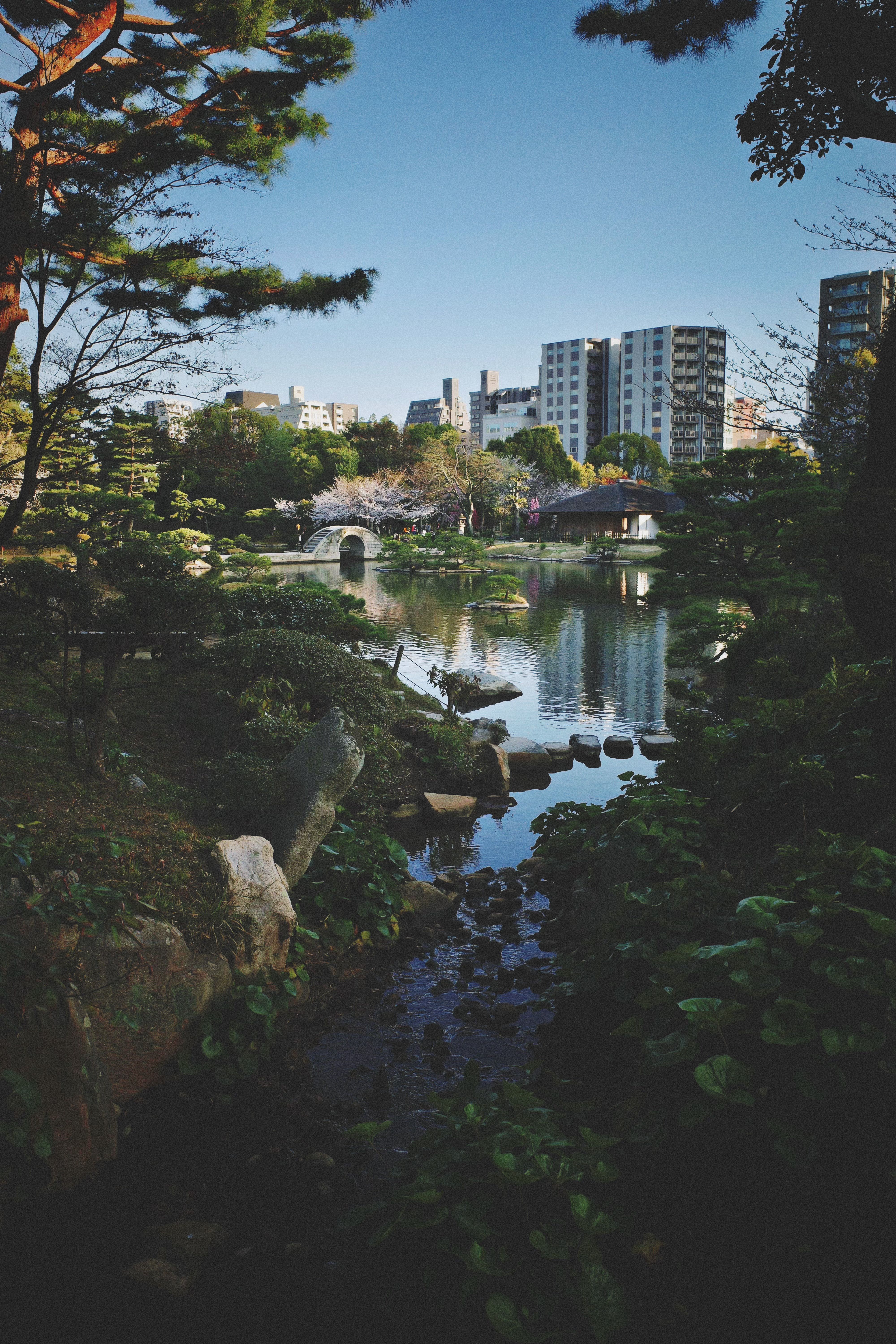
Reverse-engineer edited photos by providing a Before and After.
Learn editing techniques just by chatting naturally.
It’s designed to help beginners learn the art and color science of photo editing, while letting pros save time with great starting points. For every adjustment, it explains the intent so you learn how this stuff works.
It gives you standard adjustment values that you can plug into your favorite photo editing app like Darkroom, VSCO, Photomator, or Adobe Lightroom and save them as your own custom presets.
I prefer to learn by trying stuff out rather than watching videos or whatever, so when I first started using Lightroom, it was a messy process of trial and error that lasted years. ✨PixelGenius turns that into an interactive, guided experience. It’s like having a photo editing expert on demand, and you can even get into deep conversations about color theory and photographic history. All you need is a ChatGPT Plus account.
This involved writing one of the most comprehensive prompts I’ve done so far, so I’d be curious to know your thoughts after you give it a go!
Our fridge is dying. After some eight years of dutifully cooling and freezing our food reserves, it’s losing its mind. Like a soldier left to survive too long in the jungle, it can’t tell right from wrong anymore, and it’s probably a threat to someone’s life. It started midweek when I decided to get some ice-cream and found the unopened tub mushy and soft to the touch. Ditto blocks of frozen salmon — uh oh, not a good sign.
I’ve realized in recent years that I get disproportionately upset when things go wrong in the household. They’re like waves rattling loose the stones in my psychological seawall; things at home simply need to be predictable, dependable, safe. Maybe it’s the result of some trauma. Maybe the outside world is just too much sometimes.
A new fridge has been viewed and paid for now, it will be roused from its Korean factory-induced slumber this Monday and loaded up with every surviving vegetable and condiment. I get images of them as war refugees lining up to get on a boat. They’re the tough ones, made of more shelf stable stuff. Pour one out for their fallen brothers: the spoils of war.
Do you know what new fridges cost these days? I certainly did not. I’m pretty sure our last one was under S$1,000, but they cost more now. Blame inflation, the chip shortage, whatever, but the ones under a grand now are the brands that probably don’t come to mind when you think refrigerators: Whirlpool, Electrolux, Sharp, and local OEM brands you wouldn’t think of at all. So now we’ll have our very first Samsung product, if you don’t count the displays and components they make for others.
Coupled with the so-called seasonal downturn in the markets now underway (supposedly the August and September months before a US election year tend to see significant corrections), there have been quite a few conversations about everyone feeling poor and worried. More than usual, anyway. I know one has to take a long view of these things, but the lack of bright spots is a little daunting.
CNA put out a two-part documentary on Singapore’s fiscal reserves, promising unprecedented access and interviews, which I found quite enlightening. There was a visit to a secret warehouse literally filled with tons of gold, and stories about how this war chest came into being from the early days of our independence. It had not occurred to me before that our reserves were used to weather the 2008 finance crisis and Covid without issuing more debt, a luxury most countries did not have. Nor that one of the reasons we’re able to enjoy such a low tax rate is that annual income from invested assets helps to offset spending on public infrastructure.
Here are the episodes on YouTube:
===
I had fun this week with TikTok’s “Aged” filter, which is certainly not a new concept as far as apps are concerned, but it’s probably the most advanced execution yet. Through a blend of machine learning with harvested personal data from millions of non-consenting people and regular ol’ voodoo, it shows you what you’ll look like as a pensioner (should pension funds survive the financial end times). Some people have tested it on photos of celebrities when they were younger, and the aged photos reflect how they really look now, so… this is probably how you’ll turn out! Might as well get comfortable with it.
It turns out that old me will look kinda like one of my uncles, and I’ve been having fun recording aged videos in a wheezing voice and sending them to friends and colleagues.
Some of the other trending filters on TikTok are pretty sophisticated mini apps that involve a prompt box for generative AI. It takes a photo of you and will restyle it as a bronze statue, an anime girl, or whatever you ask it to do. They are also incredibly fast, compared to other generative AI image tools, which suggests Bytedance is burning some serious cash to power these models and gain AI mindshare.
I also came across a new product called BeFake that will try to take this one feature and turn it into an entire social media network based on posting creative generative AI selfies. It makes some sense — you don’t have to be camera ready (already a low bar with some of the beauty filters now available), and you can showcase wild ideas. Will this sweep the world only for people to get tired of unreality and swing back to finding “boring” posts interesting? Stranger things have happened.
===
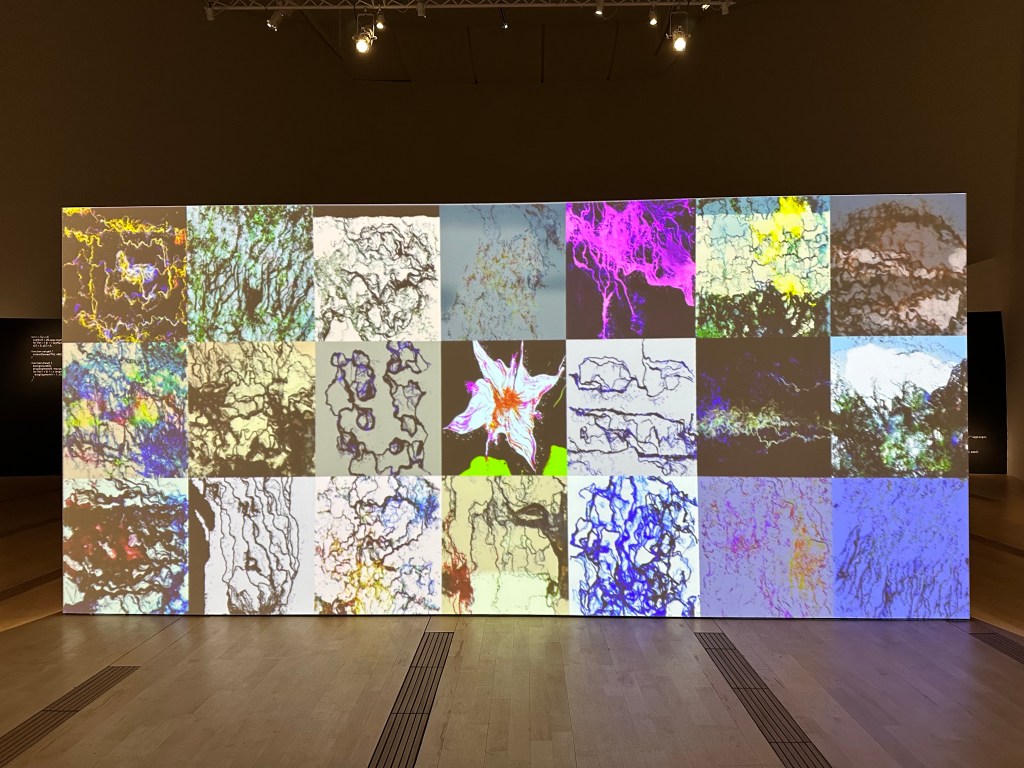
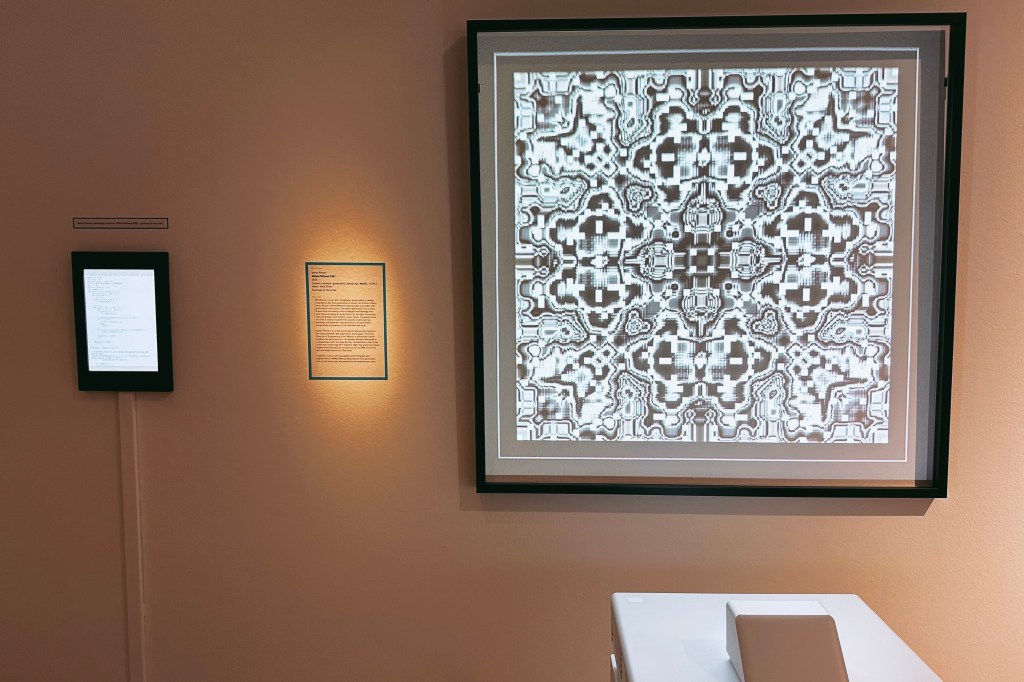
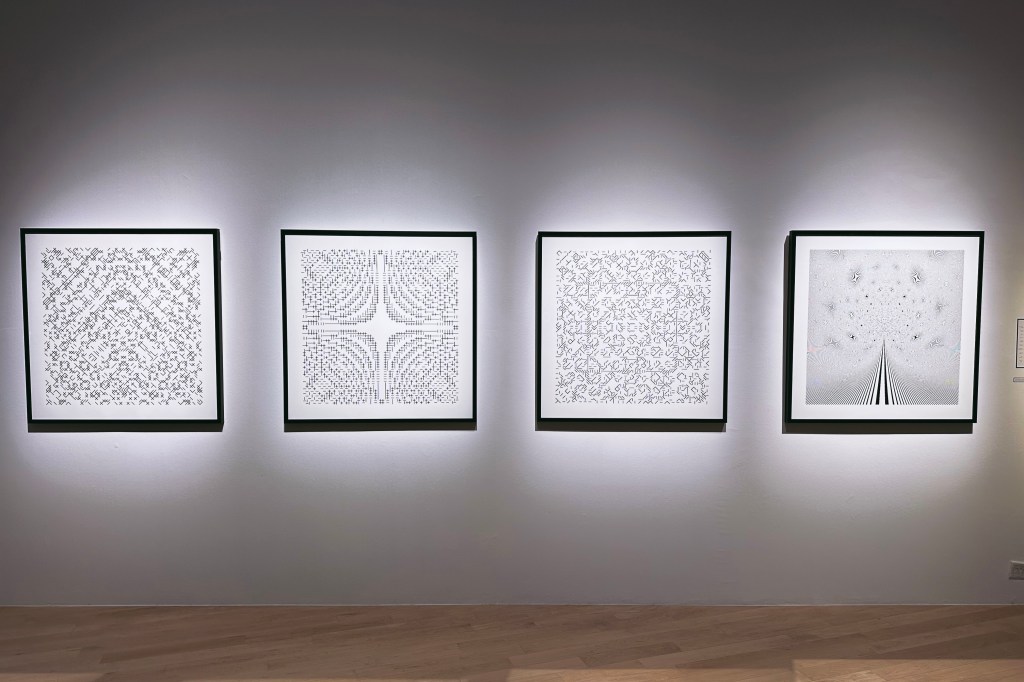
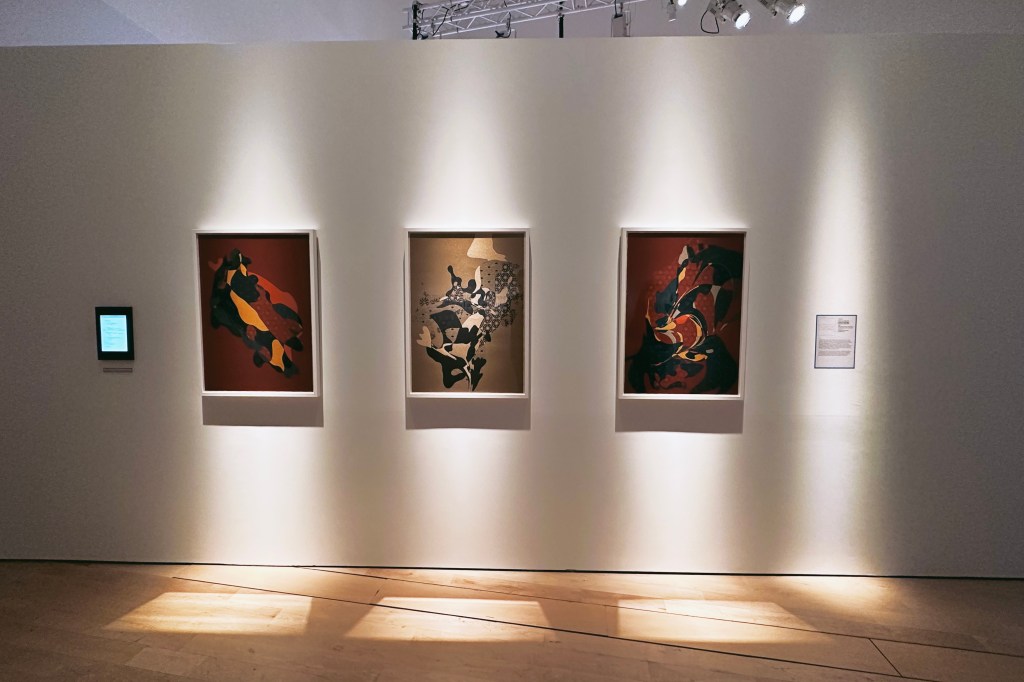
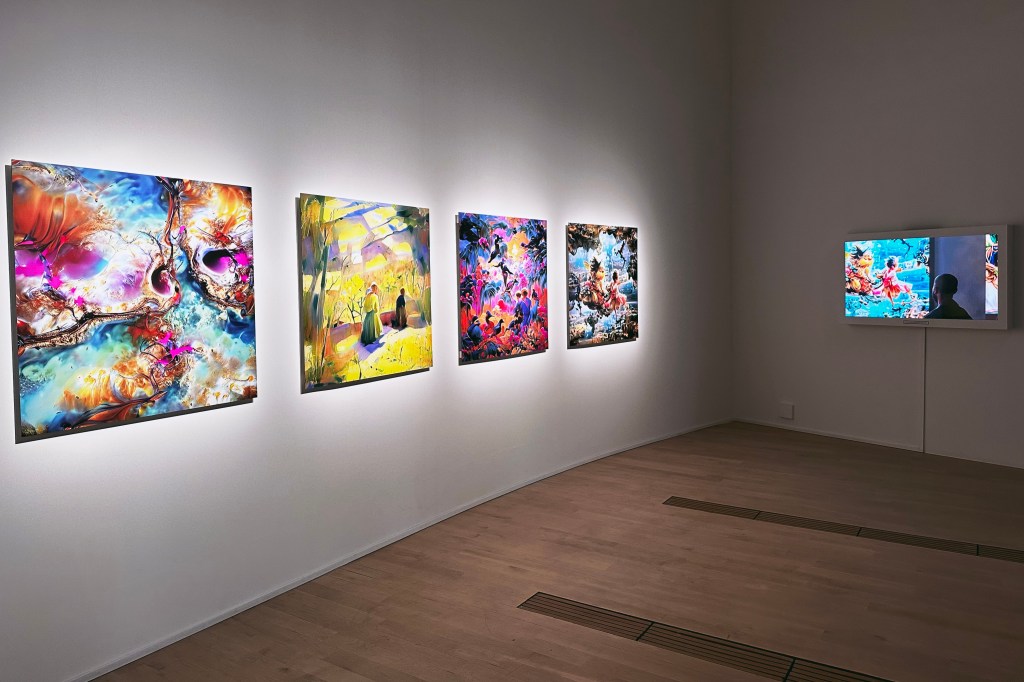
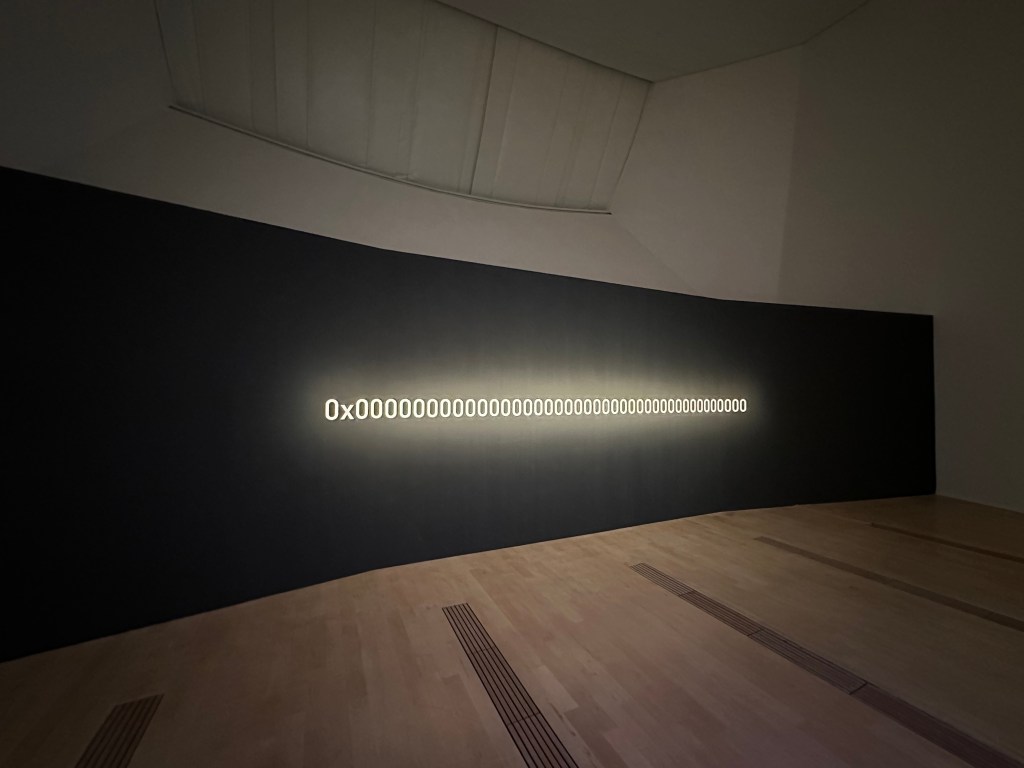
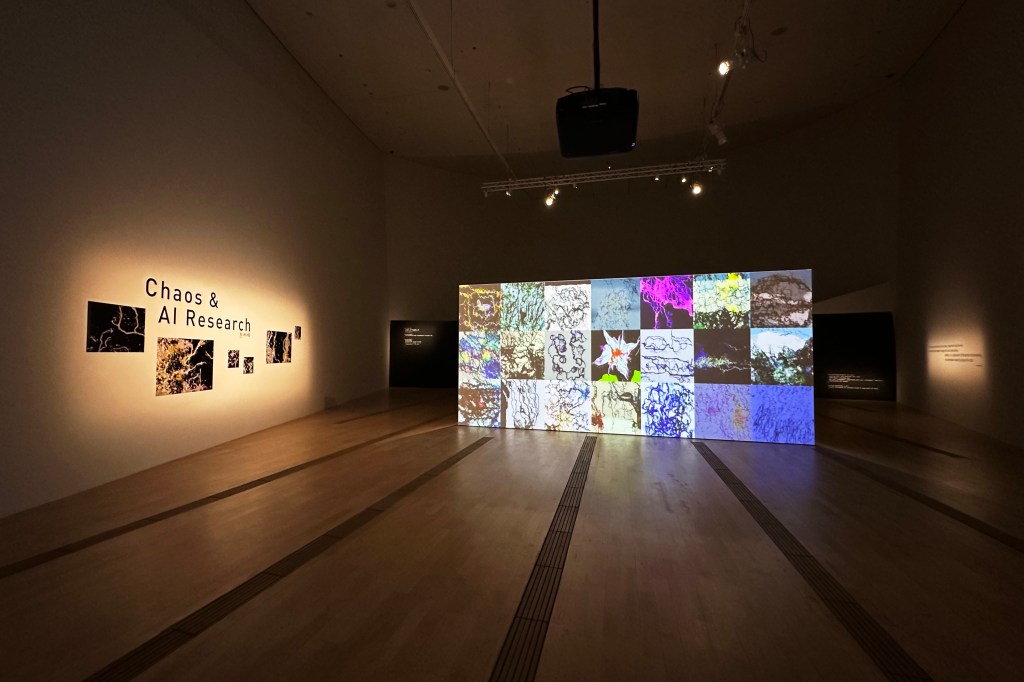
On Sunday we went to the ArtScience Museum (at the Marina Bay Sands) for a rare high-profile exhibition of digital art. Notes from the Ether says it’s focused on NFTs and AI, but it’s also got a lot of generative art that just happens to be encoded on blockchains. I was especially excited to see the inclusion of work by DEAFBEEF and Emily Xie (Memories of Qilin), and Tyler Hobbs and Dandelion Wist’s QQL project was also presented for anyone to play with.
Obviously this movement is in a weird sort of place at the moment. Valuations for most projects are as volatile as shitcoins, and a few “blue chip” projects like the ones displayed are more stable, but only about as much as bitcoin. Because NFT art is defined in large part by the medium, which is currently inseparable from talk of price and value, it’s hard to have a viewing experience divorced from these considerations. You don’t really visit a Monet exhibition and think about how much everything costs. Which is why the Open Editions I mentioned last week are interesting, and likewise with this event, which offers you a free NFT at the end. You get to co-create an artwork with an AI engine by uploading a photo of your own to be transformed, and it’s minted as a Tezos NFT if you’d like. I thought it was a very cool collectible to remember our visit by.
I don’t think I’ve ever seen more affordable tickets at this museum, just S$6 with a further 30% off if you sign up for a free “Sands Lifestyle” account, so there’s little excuse not to go if you’re remotely interested in this stuff.
Since we were already there, we also hopped into Sensory Odyssey: Into the Heart of Our Living World which pairs 8K video projections of natural scenes with immersive sounds and scents. In one space you’re smelling fresh air and damp earth in a rainforest, and in the next you’re underground with mole rats. It’s very cool, but ruined by small children being allowed to run loose in front of screens (can’t really be helped), and elderly museum staff loudly declaring that “this is a night savannah, very dark, no need to be scared!” (can be helped with training) in such a way that any illusion of being in a savannah is totally pierced — unless you’ve gone on a safari tour with a gaggle of Singaporean aunties, of course.
I am quickly finding out that owning a cat can be expensive (and this is even before the cat has arrived). So far we have purchased a grooming brush, a more extreme grooming brush for shedding season, a pair of nail clippers, a litter box and accessories, a motorized drinking fountain (TIL cats have evolved to prefer fresh moving water instead of stale water, so a regular drinking bowl will not suffice), an assortment of toys, a cat carrier, a reusable lint roller for our couch and other surfaces, a scratching pad — with still more to come, e.g. an automated feeder, a bed, anti-parasite medication, probiotic supplements, and on and on.
In the name of research I joined a couple of subreddits devoted to cats, and soon found myself sucked into a web of paranoia and anxiety. One poster said their “mental health plummeted after adopting a cat”, not because of any feline misbehavior, but their own neuroses — feeling chained to the cat and a routine of feeding it, playing with it, and cleaning up after it, afraid to leave it alone and feeling guilty whenever they stayed out late. While not feeling as unstable as them yet (there was a mention of crying all the way to the vet’s), I can definitely see myself having a miniature form of that reaction.
Add to that the cornucopia of diseases and mishaps that could threaten the life of our cat, and I’ve just bought myself a whole new world of things to worry about. Many of our house plants are also toxic to cats, and getting rid of them is starting to be a point of domestic disagreement. Cats are cute and companionable, they say, but no one mentions the conflict and debilitating despair.
===
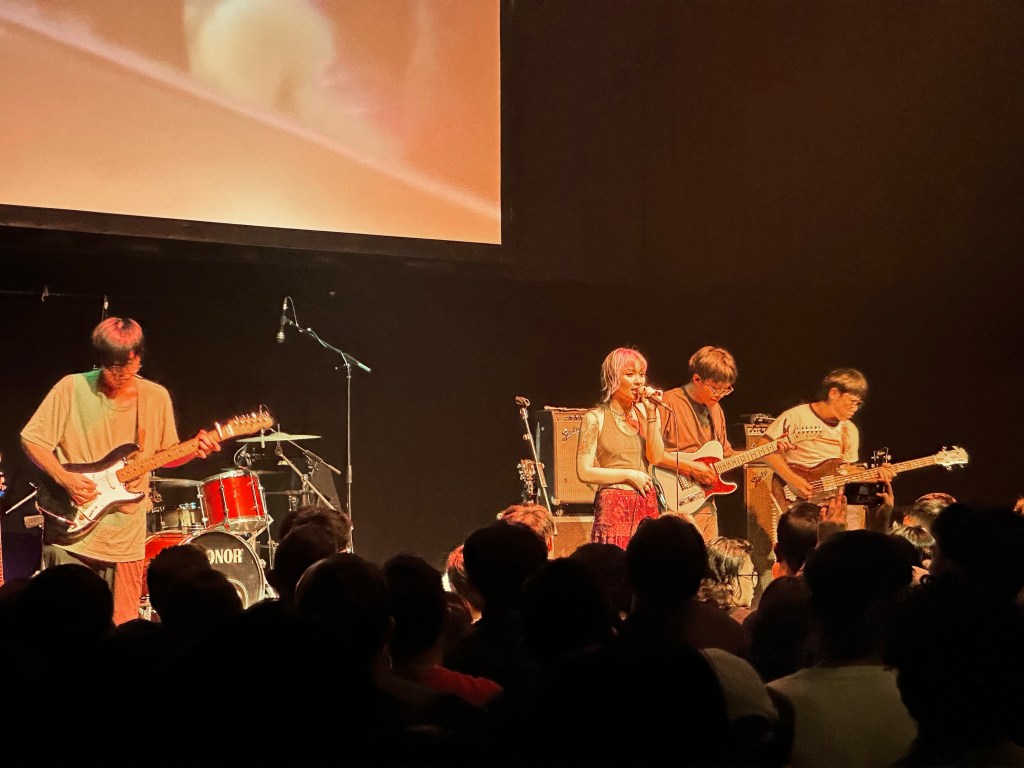
We saw local band Sobs play live at the Esplanade on Friday, in an annex theater I didn’t even know existed on the premises, and this being Singapore of course it’s been named “The Annexe” — a word so vile my autocorrect tried twice to stop it happening. It was probably my first standing-only show since the pandemic began, and honestly plus a few more years on account of age.
But oh yes, Sobs were great! They played their new album, Air Guitar, which comes out digitally next Wednesday. The sound was, unfortunately, poor as is usual for the Esplanade: muddy, vocals obscured, keyboards absent; amateur hour. These artists deserve better, and I don’t know when they’ll do something about it. It’s honestly crossed my mind to switch careers to sound engineering and give it a go myself.
I tried taking some photos and video with my iPhone 14 Pro just to challenge it. The photos suffered from the same grainy artifacts around moving objects that I noticed before, where sharp but low-quality images are presumably getting stacked onto long exposure images of higher quality and lower noise. It’s an issue with the Photonic Engine process, probably, and maybe one that can be fixed in an update. I would rather have motion blur than such unevenness, but that’s subjective. The 4K video was surprisingly good: stable, clean, and bright even with the 3x lens.
===
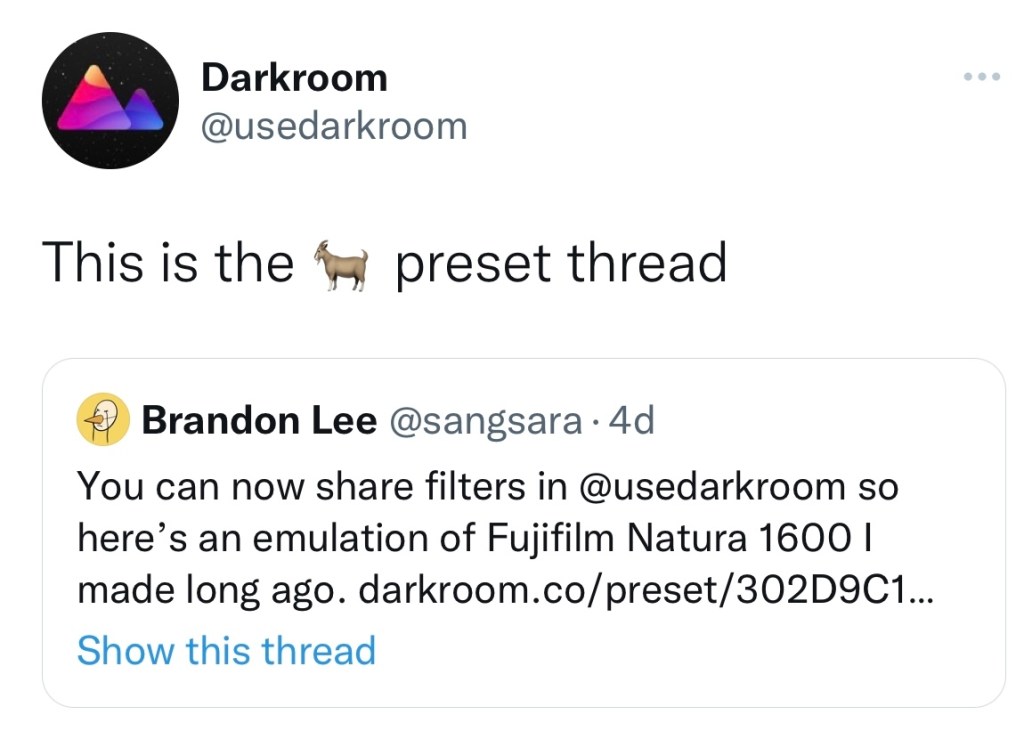
I got some nice Twitter feedback from the devs on my Darkroom presets, and shared two more.
CPB: Short for Cross Process (Basic), a replica of the effect you get from the camera app Cross Process, a favorite of mine from the early days of the App Store by Nick Campbell. The app is still available for sale but is under new ownership now. This look is not subtle, with strong vignetting and center brightness, but a lovely blue/yellow bias that I suppose mimics cross-processed film (it’s been so long since I shot film I’ll take their word for it).
Clean Plate: A recipe designed to brighten up food photos and make them look a tad warmer and more appetizing. I use this often, sometimes it’s good enough on its own and sometimes it’s an appetizer.
===
There was a new Taylor Swift album this week in Midnights, and boy does it sound great. I’ve enjoyed only a single play through so far, but it struck me as having a very Jack Antonoff-y sound (or is it just the sound of American pop music today?) — if you close your eyes, you can mentally swap Taylor out and it becomes a new Bleachers record.
We saw the first two episodes of The Peripheral on Amazon Prime Video and it’s just about everything I hoped it would be. If you haven’t read the book yet, you may as well just go straight in without knowing anything. One cool thing Amazon’s done here is have a QR code (at least on the TV app) that takes you to a microsite with more info on the show’s characters, key locations, and technologies. A DVD booklet for a streaming generation. I expect it’ll get updated as new episodes come out weekly as well. Don’t read it until you’ve seen it!
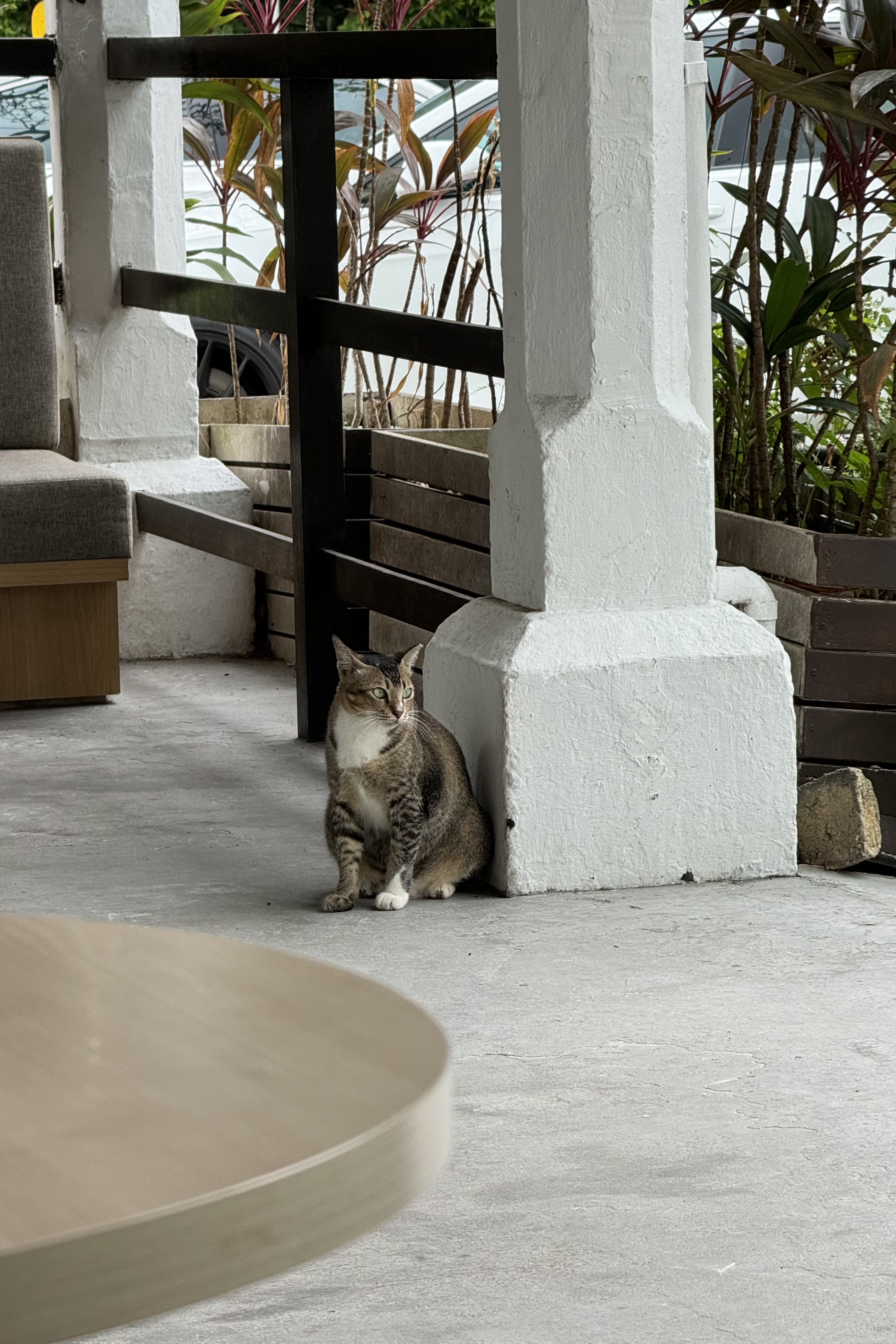
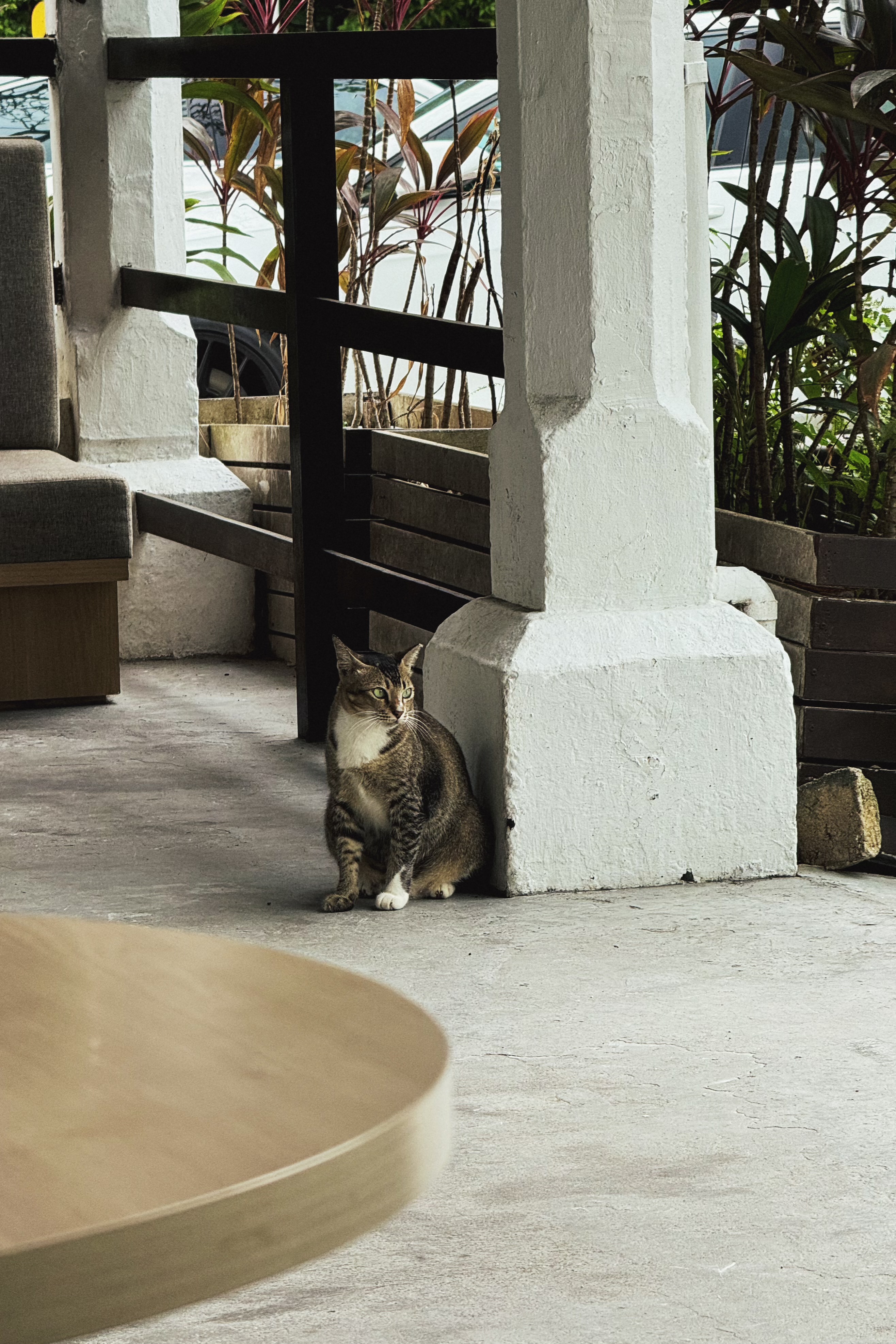
We got a cat! Well, pretty close to it, more accurate to say that we have reserved a kitten from the breeder we were previously speaking with. The next few weeks will be spent buying essential equipment, clearing up some of the mess around the house that she might destroy, and then she should be with us by the end of the month.
Appearance wise, she is what’s known as a seal bicolor ragdoll, white with brown markings on her face and tail. I’ve discovered that this combination combines the most popular and most common traits in these cats, so in gachapon terms we’ve pulled a three-star kitten. Although you wouldn’t know she was a kitten from looking at her; several people who’ve seen photos have remarked “oh, so you’re not getting a kitten?” They grow up to become large cats, with females possibly reaching 6 kg and beyond.
We’re still thinking of a name (her dead name is Dewey) but already have a strong contender. In branding terms, this phase is what’s known as “writing the rationale after having found a name that sounds great but isn’t especially meaningful”. Aside: is it a bad idea to name your cat after a Microsoft product?
===
Darkroom (a photo editor I’ve used since it came out for iPhone — it now works as a universal app on iPad and Mac too) released their new update supporting the sharing of filters/presets. Early users of the app will remember that you could always share filters via a QR code, but this feature was removed a few years back when they switched to a new architecture. The way it works now is the preset’s details get uploaded to their server, generating a link that you can share. Anyone who clicks the link can see how your preset looks applied against four standard photos, and install the preset in their copy of Darkroom with a single click.
As someone who enjoys making presets in Darkroom, I’ve got a few that I would like to share with other users. I went through a phase of copying film looks from other apps like VSCO and RNI Films, as a sort of pastime, as I found it quite a soothing and mindless activity to switch back-and-forth between two photos and gradually nudge them closer together by adjusting sliders. Someone should make a game around that mechanic!
This week’s update was written via voice dictation on my Mac — with a few minor corrections. And that’s with a sore throat, stuffed nose, and raspy voice! As far as I can tell it’s not Covid, just this drawn-out flu that’s been getting quite a few people. On that note, Covid cases are once again rising here in Singapore due to the new XBB variant.
I can’t wait to upgrade to Ventura, assuming that it will have the same voice dictation enhancements as iOS 16. I wonder if this post reads differently, stylistically, given that I am saying this out loud rather than typing it. Related to that, I am now reading the book Because Internet by Gretchen McCulloch (oh my God I can’t believe dictating that name out loud worked — I await the day this happens for Asian names). It’s about how language has been changed by the Internet and Internet culture (one of the things that involves is not capitalizing the word Internet, but macOS has seemingly not been informed).
What a good week it’s been for reading: I finished Adrian Tchaikovsky’s One Day All This Will Be Yours and went on to finish Blake Crouch’s Upgrade two days later. With this post-Seveneves sprint, I should be able to finish the year with a not-embarrassing 12 books or more.
I recommend both books by the way, the former being an unusual and fun time travel/time war story, and the latter another one of Crouch’s written-for-film-rights thrillers (his earlier novel, Dark Matter, is in production for Apple TV+). It is better than the film Limitless, but nowhere as great as Ted Chiang’s (dictation failed here) short story Understand. As you may already have guessed, the story is about a man whose genetic make up gets altered, giving him new abilities.
The mooncake festival is over, but I finally got my hands on a bunch of double-salted-yolk ones, which are now being slowly savored out of the refrigerator on a daily basis. I haven’t weighed myself in several months and don’t want to.
I started reading David Mitchell’s Number9Dream and will probably take it in slowly over a couple of weeks. So far it’s intriguing, different, quite brilliant.
Like everyone else in the world, we saw the Squid Game series on Netflix. Most of it at 1.25x speed, because it’s unnecessarily slow moving at times, dragged out for god knows what reasons. It could have been done in fewer episodes, but that doesn’t help Netflix I suppose. Most of it was watched in the English dub, because we heard the subs aren’t entirely accurate and the dub script differs in places (so at least we get two incorrect signals to triangulate rather than just one), and also because the original performances are a little… whiny? I’ve seen takes proclaiming it the ‘most disturbing show ever’, going on about its hellish vision, saying it’s given people nightmares, and so on. I can’t understand why. There’s not much new in its rehashed survival contest/psychological horror tropes, and they even appear often in comics and anime. I remember being disturbed by videos of awful bum fights back in the early days of the internet. The real world is the most disturbing show ever.
Covid cases here exploded-ed-ed even further, nearly touching 3,000 cases a day at one point. Despite that, I went out a couple of times and had coffee with an old friend I mentioned here back in June. We hadn’t properly talked in about two decades, but have reconnected now thanks to Twitter and Telegram. She lives elsewhere but came back to town on some unexpected business, and I’m glad we had the chance to meet.
We also had a couple of friends over, and all of this irl activity hasn’t been as bad as I might have once felt. Don’t get me wrong, I still love being alone, but maybe not having to interact with people daily for work has recharged my social battery. But it’s still a broken one with <80% battery health, though. Don’t make me go to things. Especially if I have to dress up. <— Note to wife.
My iPhone 13 Pro arrived earlier than estimated, which prompted discussion of whether Apple and its delivery partners are deliberately underpromising and overdelivering, and whether they should stop this because it’s inconvenient for people who’ve made plans to be home on a certain date only to be suddenly told “it’s coming tomorrow”. It worked out fine for me this time. I am satisfied to have it, but haven’t had much occasion to test the new camera out much. More to come.
Inspired by a Twitter account I started following for its vibrant and vibey film photography, I made a preset in Darkroom that tries to get at the look: faded green shadows, soft magenta tones, lots of grain, and a steep ramp up into blown-out highlights. I also separately recreated the look of the “Positive Film” effect on my first-gen Ricoh GR, and I think I got quite close by shooting a color chart with both cameras for reference. Sadly, Darkroom removed the ability to share presets quite awhile back when they rebuilt the app, and we’re still waiting for that feature to be reintroduced.
Filter test, shot on iPhone 13 ProFilter test, shot on iPhone 12 Pro
Kanye updated Donda with a few subtle changes, so I re-added the album to my Apple Music library and put it on several times over. I haven’t been playing it much since it came out, but the music has had time to sit in my subconscious and open up. Now after this booster shot, I’m beginning to see it’s a better album than I first gave it credit for. It might be my favorite of the year in a couple of months.
I spent the month of January shooting photos only in black and white. Not just the ones I posted on Instagram, but everything in my camera roll got converted and saved in black and white. When I scroll through my timeline in the future, this block of 60 or so shots is going to stand out.
I got the idea from @espresso on Twitter who shot monochrome photos for the entire year of 2015. That’s dedication. It only came to my attention in December when he started mentioning how much he looked forward to color again in the new year. You can see his Storehouse collection of photos here.
It was absolutely worth it. You can always learn a lot in any creative endeavor by putting restrictions in place; I think because it’s too easy to try to grow in many ways at once, especially when taking photos, you can go from landscapes to close ups to street scenes in a single day, and play with a dozen photo processes and apps at a time. Taking away some options can make you focus long enough in one direction to notice something new. Taking color away immediately makes you think about lines and composition and texture. All the habits you’ve formed around what looks interesting and when to raise your camera are rendered unreliable, and you’re made to look at everything through new criteria that you’re forming through practice.
It reminds you that the absence of color is actually a powerful tool that has gotten too closely associated with making statements or establishing mood. It’s a legitimate way of directing attention, and a different set of skills when doing post-processing. And it frees you up from taking photos of every meal, because it’s quickly apparent that most won’t turn out very appetizing.
If anything, a month might be too little time, especially with the demands of work and other hobbies. Now that it’s over, I intend to keep doing it, maybe at a 1:3 ratio with color photos.
Everyone should try it out some time (with the #bwchallenge hashtag). I highly recommend the Darkroom app, as always, because it gives you a ton of control over how tones are converted and shifted, going beyond the emulation of simple color lens filters.
Also check out my friend Cong’s feed, who did the challenge with me and stuck with it even through a trip to Osaka, which took some guts.
Edit: Forgot to add an observation. A lot of these photos were taken with my iPhone, and I found that turning a photo black and white negates the weaknesses of small smartphone sensors. Noise and muddy colors in dark scenes are no big deal, and the quality of available light (in gradations) seems to increase when you combine the color channels.
I came across this app a couple of weeks ago but can’t remember how, and since then it’s struck me as somewhat criminal that more people aren’t talking about it. So this is just a quick post to help you, my reader, discover a new app that brings realistic analog film simulation to your iPhone photos.
Sure, we already have VSCO, Rebelsauce, Faded, Afterlight, Litely, Priime… but there’s always room for one more if it does the job really well; the job being accurate reproduction of film characteristics. Then it’s a much shorter list. Mattebox (when it was for sale and updated) did a marvellous job of handling exposure adjustments in a very film-like way, VSCO Film in their desktop products are designed to emulate certain classic stocks, and a couple others like PicTapGo come from companies that also produce pro-grade Lightroom presets for a day job.
RNI Films falls into this general category easily. Their Lightroom presets are based on close study of classic films, they use real film grain scans and simulate old lenses with blurring, individual packs retail for $49 each (there are 5?), and online chatter from professionals indicate that their work is well-regarded as being competitive with and maybe even better than VSCO Film, now the biggest player thanks to the profile of their iOS app.
Unlike VSCOcam, which intentionally avoids naming its iPhone filters to match/cannibalize their more expensive Lightroom presets, RNI’s new app offers the same film simulations by name: Kodak Gold 200, Fuji Velvia 100, etc. I haven’t compared them, but I’ll guess that the iOS app produces results very close to the desktop product, at a fraction of the cost. Perhaps they have been tuned to the qualities of the iPhone’s camera for best results. At about $3 per in-app purchase pack, they are more expensive than those in most other filter apps on smartphones, but come on. In comparison to $49, we’re talking about a near giveaway.
I’ve been very pleased with the presets, and they look the way I expect them to. The app could use a few more features and a streamlined editing UX that allows for people who’d want to save versions, for example, but as of right now it gets the basics done about as well as the earlier generations of iPhone filter apps. Load > Stage 1 Edits > Stage 2 Edits > Save as new copy. It’s still faster at this workflow than VSCOcam! Hopefully the team at RNI are still iterating on it right now, although I sort of doubt it.
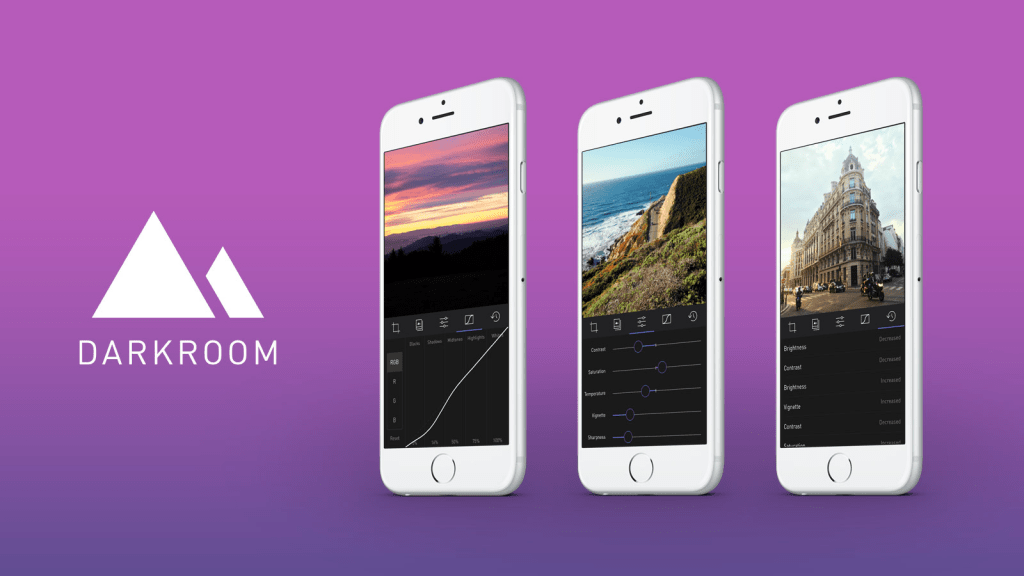
A new photo editor for iOS launched today, and it’s called Darkroom (free, with a $2.99 in-app purchase to unlock Curves).
“Another photo editing app? What does this one bring to the table?” I’ve seen a few early reviews of Darkroom begin along those lines. It seems a sense of fatigue has set in amongst people watching this space, and it interests me to find that I don’t feel the same way. I’ve dived into every new release with optimism, because there are still so many ways to improve upon what we can currently do on our mobile devices.
The Verge mentions Darkroom in the same breath as VSCO Cam, suggesting that the latter has a new challenger. That’s somewhat wrong-headed; they aren’t anymore alike than, say, how Super Mario Bros. and The Legend of Zelda are as ways of passing time. Both apps allow you to tune the look of a photo, and apply presets, but it’s how they’ve been engineered to do it that counts.
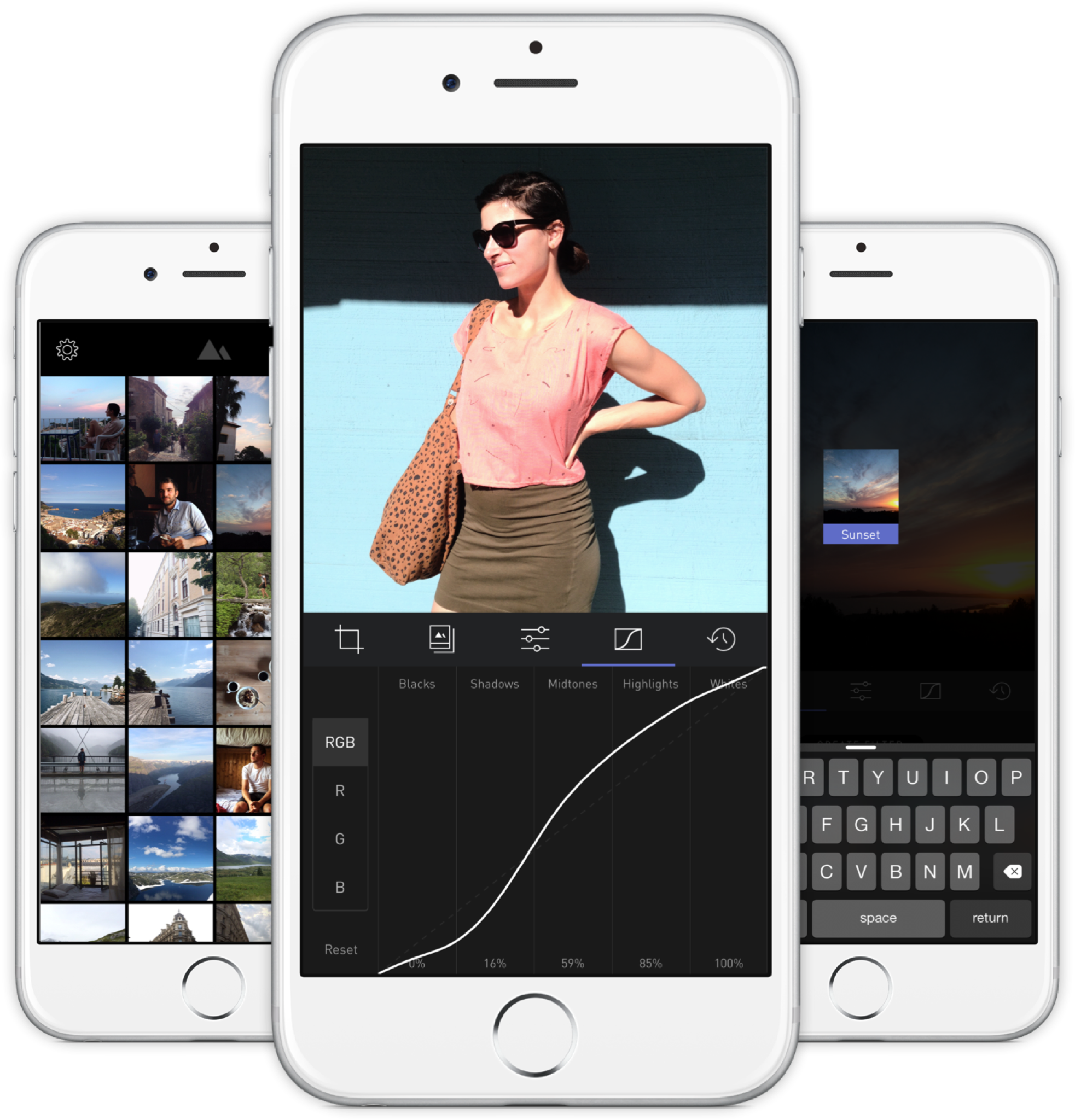
Darkroom’s most exciting development, if you listen to what people are saying, is that it allows you to edit photos by adjusting RGB curves. Except that’s not especially new in the iPhone app space — Photoforge did it years ago, Filterstorm has that and much more in the way of professional tools, and there are others. The next feature to get attention is that you can save any of your adjustments as a custom preset, ready for future photos, and it’s like making your own filters. Again, this is territory that Mattebox, PicTapGo, Mextures, et al pioneered awhile ago.
The reason Darkroom is exciting, is that it seems to have absolutely nailed the UX of these features, and made them feel manageable, comfortable, and pleasurable to use as a whole. I want to emphasize that this is hard, and that their solutions are so subtle and executional, they might not have convinced anyone of their worth if presented as bullet points on a slide at some early point in the process.
Using other apps with curves and pro adjustments can feel claustrophobic and stressful on a small screen. I’ve hated almost every single one (Adobe’s own Photoshop Touch is so awful at it) and keep them on my phone as last resorts. If I’m on holiday and take a problematic photo with potential, I’m more likely to wait till I get home just so I can do it on a Mac than try to fiddle with it on the go. Snapseed is one powerful exception, but that uses its own control metaphors, not curves.
Darkroom’s UI is blissfully open in design. It will likely get more complicated as they add more promised features, but I’m hopeful the team finds a way to keep this incredible simplicity. As you page through its 5 key sections (composition, filters, adjustments, curves, history), you never lose your place in the mental model. Nothing is buried in a submenu or out of sight.
You don’t have to click a checkmark to save an adjustment before tapping another, because everything can be undone to an infinite degree, and one can undo hundreds of minute actions back to the beginning of an edit if necessary. Because that step (so annoying in apps like Afterlight, Faded, and VSCO Cam) has been eliminated, using Darkroom’s tools feels close to direct manipulation of the colors and pixels on your screen. One more nice touch: you can tap to the left or right of a slider knob to nudge it in that direction. Simple, but I can’t remember the last time a photo app let me do that.
Loading up a photo is seamless. The app starts with a view of your entire photo library. Tapping a photo pulls it forward, straight into editing mode. At this point, you can swipe to either side to start editing adjacent photos in your library. Flicking a photo down tosses it back into the pile, and you’re looking at all your photos again. In use, it feels gloriously fast and uncomplicated. As that bullet point on a slide, “Seamless browsing and editing flow” wouldn’t have done it justice. This is the kind of feature that needs to be designed, prototyped, tweaked, and tuned over and over to create something subtle, but innovative. A team rushing their project out would have missed the opportunity.
The difference between Darkroom and apps that require stepping in and out of different editing modes, especially when the placement of those modes is obscured, is like Apple’s own (now discontinued) iPhoto for iOS and the new built-in photo editing options in Photos.app. The former was a confusing mess with plenty of user-undiscoverable gestures and submenus, while the latter gives most users all the power they need in a more approachable UI.
I’ve stopped using half of the other apps I’ve listed above as problematic, and forgotten the names of twice as many more. The ones I remember tend to be the ones I really wanted to succeed; I’ll unfairly single out Mattebox as an app with great technology and features, but suffered from confounding UX design. Countless times, I actually got lost inside the mess of buttons and menus that were hidden at the “back” of its camera mode. Thinking about the Darkroom icon sitting on my homescreen now doesn’t fill me with the same dread. I’m dreaming about using it later tonight, and tomorrow, and anticipating what will be new in the first update. Although its name is generic, I don’t think I’ll be forgetting it soon. I imagine it’s the beginning of a new phase of using my iPhone as a camera, one in which I can send better photos home while still on holiday.





 sangsara.net