
It’s been about three months since I embarked on a break from full-time employment, but my subconscious seems determined to remind me of what I left behind. I’ve had about a half-dozen dreams about work: either I’m being called back to help fix something “for just a few days” and finding I can’t leave, or I’m being given some “urgent” problem that is really a big overreaction — I must stress none of them were actually based on real situations or people, which is the weirdest part. Each time, I wake up and realize it’s not just that the problems aren’t real, but I haven’t got ANY problems like them at all, and it makes the whole thing worth it despite opportunity costs.
With Kim’s leg injury improving, my focus shifted from caregiver to caretaker of my own neglected digital life. The first task was reviewing my digital security practices: passwords were reset, new tools deployed, and unlikely edge cases considered and guarded against. Take this as your reminder to please sort this stuff out for yourself! You must get a password manager. Use 2FA and unique passwords for every website, no exceptions. Protect yourself with a Recovery Key for your iCloud account, and add some trusted people as Account Recovery contacts and Legacy Contacts so you/they can access your data in the event of a hack or your demise.

Next: email migration! Whoo!
Four years ago, I switched from Gmail to Hey.com, a $99/yr email service that offered an opinionated user experience which meant leaving behind nearly two decades of history for a fresh start. They don’t support you bringing your email archives along. They don’t even let you use your own choice of email app; their web app and hybrid apps are all you get. I wrote two posts about it back then, saying I would probably not continue with my free trial. But I ended up doing it anyway, and for the most part I’ve really enjoyed trying a new approach to such an ancient, core component of online life.
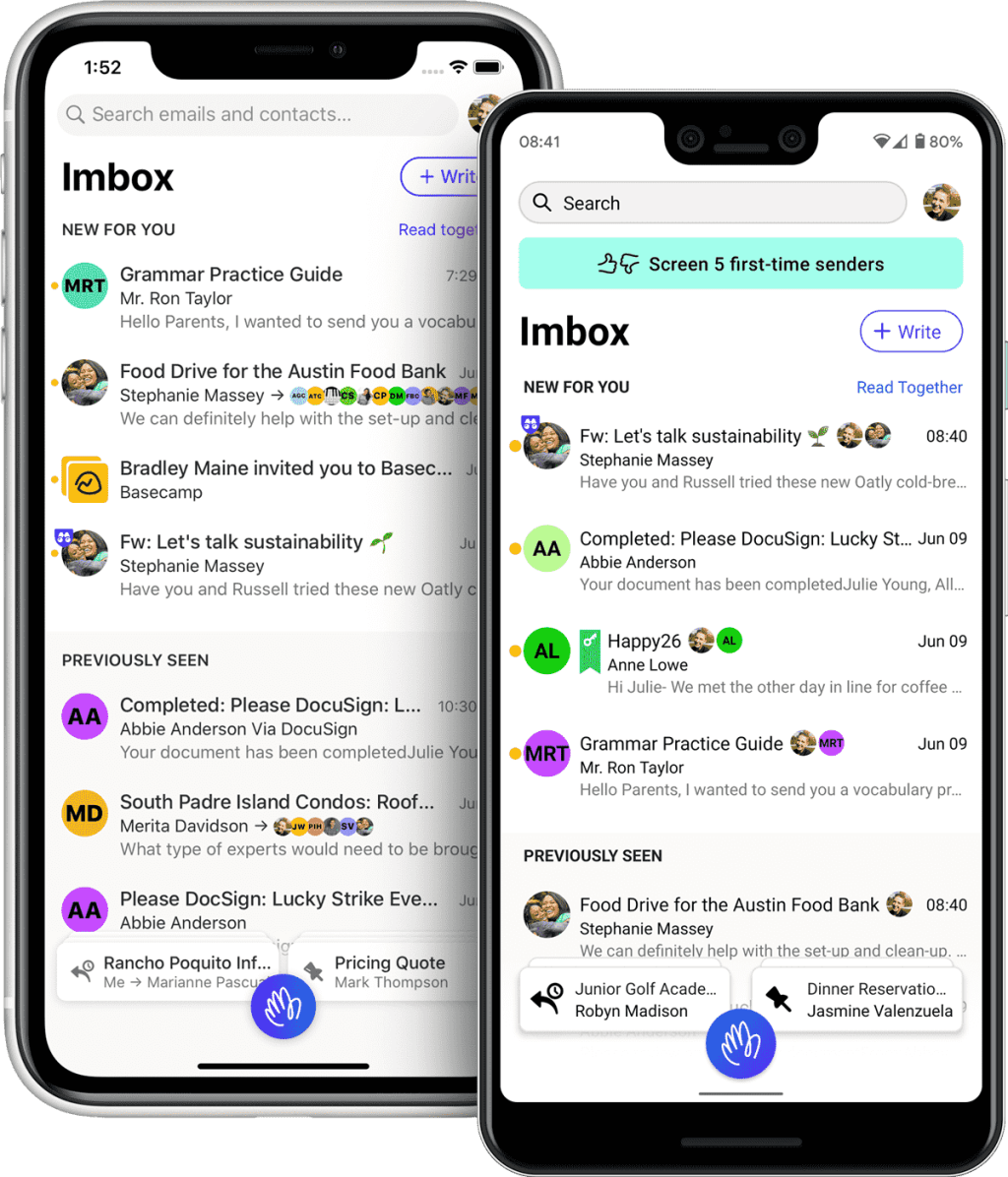
For one thing, I never got spam in my inbox. Hey unfortunately lets a lot of spam through, but they land in a separate zone called “The Screener”, along with any mail from an unknown address mailing you for the first time. From here, you can either let them in or block them. It’s a small difference, reviewing a bunch of possible spam on a separate page versus seeing them mixed in with all your legit mail, but feels huge because your inbox becomes a serene, protected space. Admittedly, taking care of “The Screener” has become daily work because spam always gets in.
From what I’ve seen of Gmail in the past four years whenever I log in for a peek, it’s a post-spam apocalyptic wasteland. It looks like Google has just given up on detecting and filtering spam because some data-driven PM decided it won’t hurt their bottom line.
Since my current Hey subscription ends in September, I looked into whether it might be time to switch again. Three key reasons: Apple Intelligence, performance, and $99/yr is money I don’t need to spend on email right now.
Apple Intelligence: I’ve never liked the Apple Mail app on iOS. It felt a little underdeveloped for handling the different needs of modern email — without the tagging and search filters of Gmail, or the segregation of personal mail, newsletters, and receipts that Hey.com built their UX around.
But the new AI-powered Mail app in iOS 18 looks exactly like what I want, and I’ve decided to embrace the power of defaults. I’m bearish on some aspects of generative AI, but this stuff is where it shines. Because Apple Intelligence will be able to understand what emails are about, it can summarize and prioritize messages while sorting them into categories like “Updates” and “Invoices”, so you can tackle them with different mental modes. I’m hoping that AI will also bring spam filtering that really works. Sadly, because Hey.com intentionally won’t support IMAP and SMTP, I can’t use them with Apple’s new app and have no choice but to leave. The Hey manifesto also contains strong wording that suggests they won’t be adding any AI features soon.
Hey.com’s performance: It was never blazing fast to use their apps because they’re hybrids with seemingly little caching, and it annoyed me to death every time I ‘backed out’ of a link to find that the whole thread of newsletters I was reading had refreshed and I was back at the top again, but lately things have gotten even worse. About a year ago, the Basecamp/Hey founders went on a crusade against cloud hosting services and decided that they could self-host their services and save millions. I have to assume their infrastructure is extremely Western world or US-centric, because speeds have become terrible for me here in Singapore. I’m talking about noticeably slow performance waiting for EMAILS TO LOAD. I got even more confirmation of this when I tried downloading my 1.6GB .mbox archive to move elsewhere: it was capped at 100kb/s and took me over five hours. I can normally download a file of that size in maybe a minute?
Ninety Nine United States Dollars A Year: Yeah, I can’t justify paying this much to have my email load slowly AND miss out on exciting AI features. I’m already paying for iCloud+ with tons of storage, so it seems logical to just use iCloud Mail as well. Bless Hey though, they let you keep your @hey.com email address for life even if you leave, so I’ll continue using mine and forward everything to my Apple address.



A note about concentration risk: I’m aware there are risks in letting one company handle your entire digital life. All it takes is one successful hack locking you out of your iCloud account and it’s game over. For that reason, I would recommend NOT using the new Apple Passwords app coming in iOS 18 if you know how to select and use a third-party one. It’s a great default for people who wouldn’t use a password manager otherwise, but if you can have another basket for that egg, do it. Email is particularly important to keep separate, as most of your account passwords can be reset in the event of a hack if you still control your email address.
But like I said about the Vision Pro and its integration with Apple Services like Arcade and TV+, I’m finding myself getting even deeper into their ecosystem and liking it fine. Where I once subscribed to differentiated, prosumer-serving alternatives to Apple’s ‘good enough’ apps, these days I prefer their simplicity and constraints.
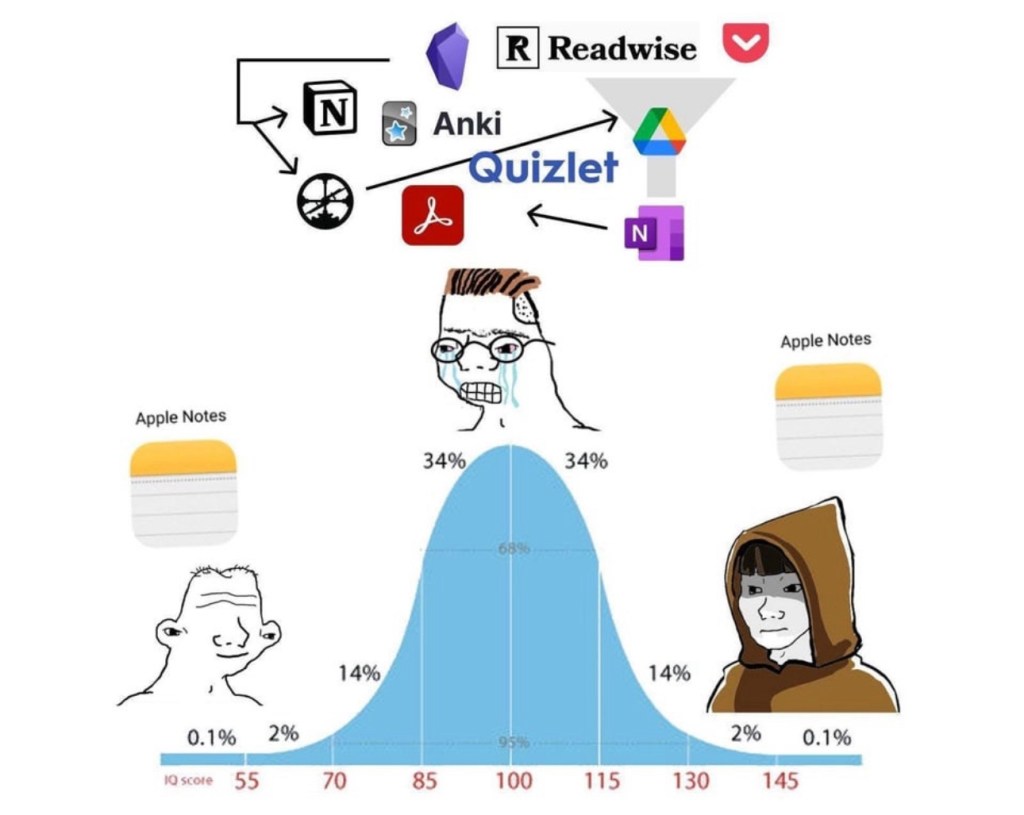
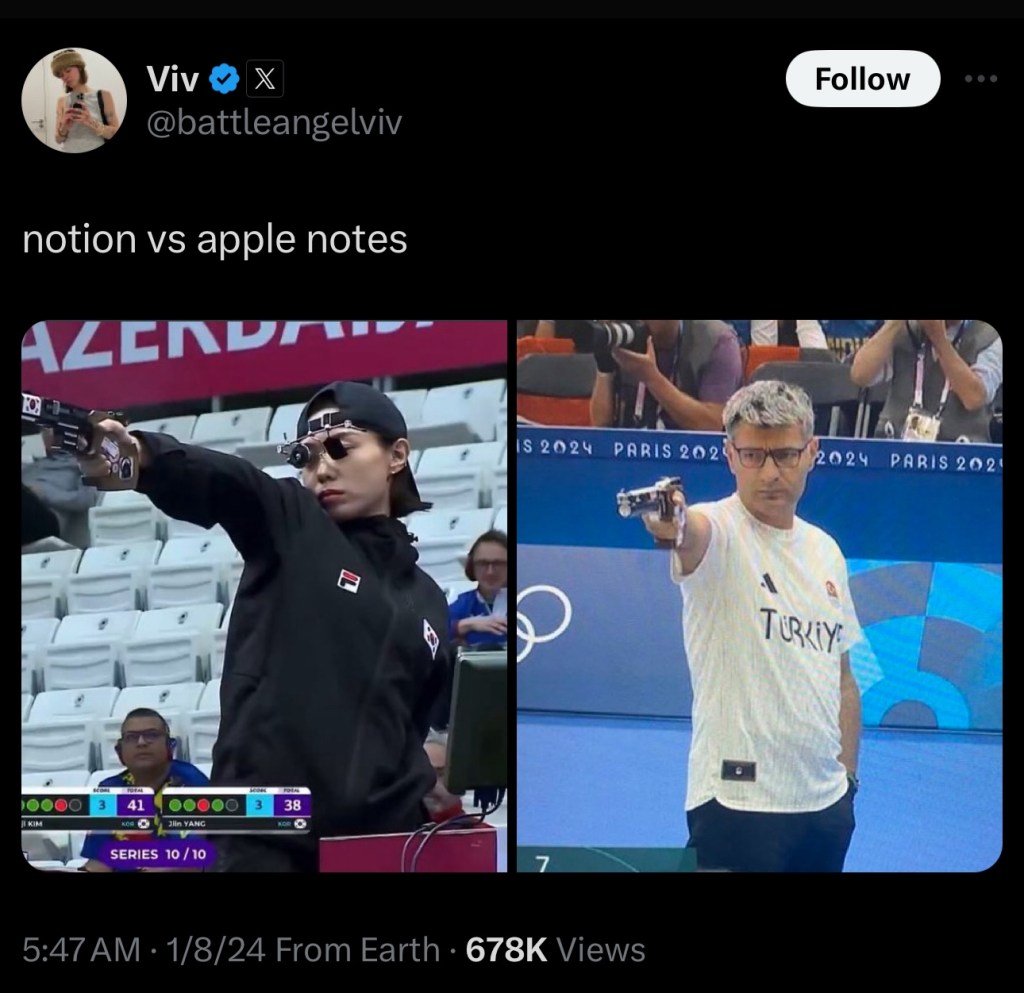
I switched from Evernote to Apple Notes several years ago and haven’t looked back. Side note: I’ve been on an anti-Notion campaign ever since I saw an unsuccessful rollout in my last team; it’s another overpowered tool for fiddly people who like to overcomplicate their tasks. I’ve used iCloud Calendar since leaving Gmail. I’ve even ported a lot of ancient files from Google Drive and Dropbox to iCloud Drive. And now email, arguably the most crucial service of all.
“Hang on, Apple Intelligence in the Mail app isn’t out yet and might not be until the end of the year! How will you live until then?”
Thanks, little imaginary reader, I’m glad you asked! I’m using Spark Mail in the meantime, which I’ve dabbled with in the past using my Gmail account. It’s a mail client with a bunch of smart, AI features (for a price) that are pretty close to what Apple promises. For one, a smart inbox that works quite well at sorting your different mail types, and a feature called “Gatekeeper” that works just like Hey’s “The Screener”. Their asking price is less than Hey’s, but more than Apple’s (free, if you already pay for iCloud+).
Just a couple of days into using Spark with iCloud Mail, and two things stand out: One, it’s so nice to use a native email app, and two, I’m actually reading my newsletters again. In Hey, newsletters are collected on a a separate, infinite-scroll page called “The Feed” which suffers from an ‘out of sight, out of mind’ problem. In Spark, received newsletters sit inside the main inbox, just collapsed into a single line. This seems to make a difference. It’s a visible nudge to check them out, and because they load and react instantly, you can actively triage them and unsubscribe/block/delete if you find yourself asking why you ever signed up for one. Where Hey’s endless stream of newsletters can get overwhelming, Spark’s (and I assume Apple’s) approach is more like a physical magazine or newspaper with a finite amount of content, which most people prefer.
I should have taken my own advice in 2020 — it turns out Spark’s approach was always the better fit for me. I even made visual aids to explain it!

This diagram above is how HEY is laid out, if you think of each column as a screen. In the Imbox and Paper Trail, each email is a single line item, while they are larger previews in The Feed, which is designed to give a peek into newsletters so you can decide if you want to expand and read them. This doesn’t work for me because I don’t want to keep all of Graniph’s new product announcements, but I do want to see them.

And this is an illustration of how I’d prefer to handle my email. A single inbox view encompassing important emails and personal letters, newsletters, and updates/receipts/notifications from other services. Spark … is the closest thing I’ve found to this.
All in, it’s been a week of fiddling with things that seemed to work just fine, but hopefully I’ve simplified and improved them for the future and not introduced more things to maintain.
===
Media Activity
- Before I could move off Hey Email, I had to finish my backlog of favorite newsletters. One of them was Craig Mod’s “Return to Pachinko Road” series from earlier this year. Over 18 days, he walked 694,942 steps and wrote close to 50,000 words in daily email updates. I read them while waiting those five hours for my mail archives to download. He’s such a good writer, and I can’t recommend enough that you sign up for his newsletters and/or membership if you can spare the money (regretfully, I can’t right now as a member of the unemployed class).
- MUBI’s collection of films by Abbas Kiarostami is leaving the service over the next couple of weeks, so I prioritized watching them, starting with the Palme d’Or-winning Taste of Cherry (1997). God, I was not prepared for it on a Monday afternoon and fell to pieces during the old man’s monologue in the final third. Fortunately, I watched it on the TV because I don’t think Vision Pros have an IP rating. 5 stars.
- Next was Through the Olive Trees (1994) which was very charming — the Iranian actors’ performances are fantastic, and perfectly naturalistic in keeping with the cinematography. I initially score this a 4, but it’s now a 4.5-star film for me.
- The Wind Will Carry Us (1999) shares some landscapes and in-car camera angles with Taste of Cherry, but where the latter is heavy with life’s troubles, this one centers hope and rebellion against the narratives we find ourselves in. One could even read it as an anti-work parable: forced on a business trip of indefinite length, neglecting his family’s pleas to return home for a funeral, summoned to give gravely inconvenient (hur hur) updates to his boss at all hours, a workaholic asshole learns to relax, enjoy the local milk, and finally give his assignment the finger. 4.5 stars.
- Fresh off Presumed Innocent, we were looking for another legal thriller to watch and discovered neither of us had seen The Firm (1993) starring Tom Cruise. Welp, it turns out there are no courtroom scenes in the film at all, and he’s a tax lawyer. Still, a very enjoyable 3.5 stars.
- The Paris Olympics are on, and despite not caring much for sports I’ve found myself unable to resist watching competition on a global scale. Mostly tennis, but also archery, shooting, diving, gymnastics, and some athletics.





 sangsara.net