Category: Photos

Posts with photo galleries or an emphasis on photography

  • Using VSCO Film with Compact Cameras

    Many of us have a soft spot for the look of film photos, whether because of nostalgic associations; or a preference for the grain, faded tones, and color shifts that render the familiar world just a little more interesting. The effort to simulate this in digital photos has lately become conflated with “vintage” effects, where age and strong aberrations are introduced. Those are okay for throwaway shots and fun Instagrammable occasions, but not when a moment deserves quality with a little added character.

    As a frequent user of the Visual Supply Co.’s VSCO CAM iPhone app, I knew their VSCO Film preset for professionals using Adobe Lightroom and Apple Aperture were going to be capable of producing subtle film-like looks, and save a lot of time in post-processing to achieve the kind of results I usually want. But there’s a big difference between a US$0.99 app and buying two sets of presets (a handful of finely-tuned settings and slider positions) costing US$79 each.

    It’s a no-brainer for the working photographer who shoots weddings and events; VSCO Film presets are the result of people with more time than you, slaving away to find the perfect combinations of color, lighting, and grain to get the most out of photos. You pay to save yourself that Herculean effort, and make it back almost immediately.

    The amateur photographer (me) has less incentive to part with their money, apart from curiosity and desire. I don’t even own a DSLR camera. The VSCO presets are very much designed to be used on well-exposed, high quality RAW photos from a DSLR. On holidays, I mostly shoot with high-end compacts like the Ricoh GR Digital, which are capable of saving RAW files, but I’m just as likely to use Point & Shoots or smartphones with small sensors, depending on the situation. Up to this moment, I’ve always chosen to save JPEGs over RAW for the convenience.

    I tried to find articles online about whether or not it was worth buying VSCO Film for use on photos from regular compact cameras, but found little in the way of reassurance. The company’s official line was that they would “work”, but an SLR + RAW files was recommended. Being presets, they could not be expected to perform consistently across sources of widely varying quality.

    It doesn’t help that the company has a No Refunds policy, and does not make available any demo files for curious customers to judge the results with. Being that they are geared towards professional users using gear I don’t have, I understand my need to see how the presets work with consumer cameras is a unique and unsupported one.

    If you’re a Lightroom 4 or Adobe Camera RAW user, there’s a preset in the including Toolkit called “JPEG Contrast Fixer”, which corrects some of the issues you will encounter when processing a JPEG from a DSLR or camera incapable of saving RAW files. As an Aperture 3 user, that option was not available.

    Since there’s a sale now on to celebrate the release of VSCO Film 02 for Aperture, which amounts to savings of 25% if you buy both packs, I decided last night to take the plunge and see what would happen. I’ve only had a couple of hours or so to test it out on some old vacation photos, but the results are encouraging.

    The bottom line: If you’re not concerned with absolute emulation of the film stocks the presets are designed around — and online sentiment I’ve come across seems to be that their accuracy is subjective anyway — and you merely want to achieve a look reminiscent of film photography, you’ll be perfectly pleased using VSCO Film with consumer compact digital cameras.

    The shots below were taken with a Ricoh CX6 and GRD3, and processed only within Aperture using VSCO Film 01 & 02. The trick is usually to boost exposure between 0.3 to 1.0 whilst recovering highlights, and then apply the presets you want. This approximates the default brightness I see in many DSLR photos, while expanding the dynamic range a little. Most compacts I’ve used tend to underexpose by default, with the exception of many a Sony Cybershot.

    Even with the knowledge that these can work well for those with lower-end cameras, the usual per-pack price of US$79 (and US$119 for the Lightroom versions) is still going to be a significant roadblock for the casual photographer. Nevercenter’s Camerabag 2 for the desktop is just US$20 and capable of yielding great results too. I just wanted something that integrated with Aperture (non-destructive editing), wasn’t a plugin or app I had to leave the environment to use, and was more subtle. Camerabag’s baked-in presets are decidedly closer to “vintage”, but you are free to tone them down and save your own favorites.

    Processed: Ginza by night

    Original: Ginza by night

  • Windowsill (Pies) in the Woods

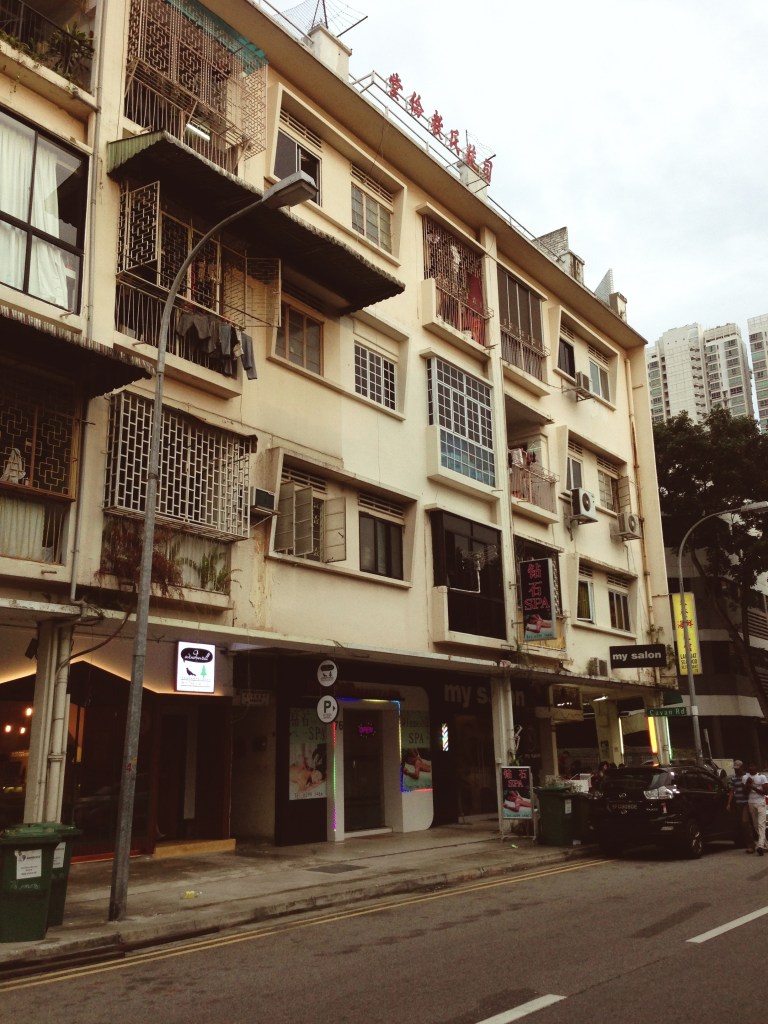
    We’ve been fans of Windowsill for awhile, although I’ve only eaten their pies on two occasions before this. They had a tiny outlet in Pandan Valley before, which we didn’t have a chance to visit before they closed down.

    Since then, they’ve been operating a delivery business which we recently had a chance to use when an American friend was missing traditional dessert pies (like pumpkin) on Thanksgiving.

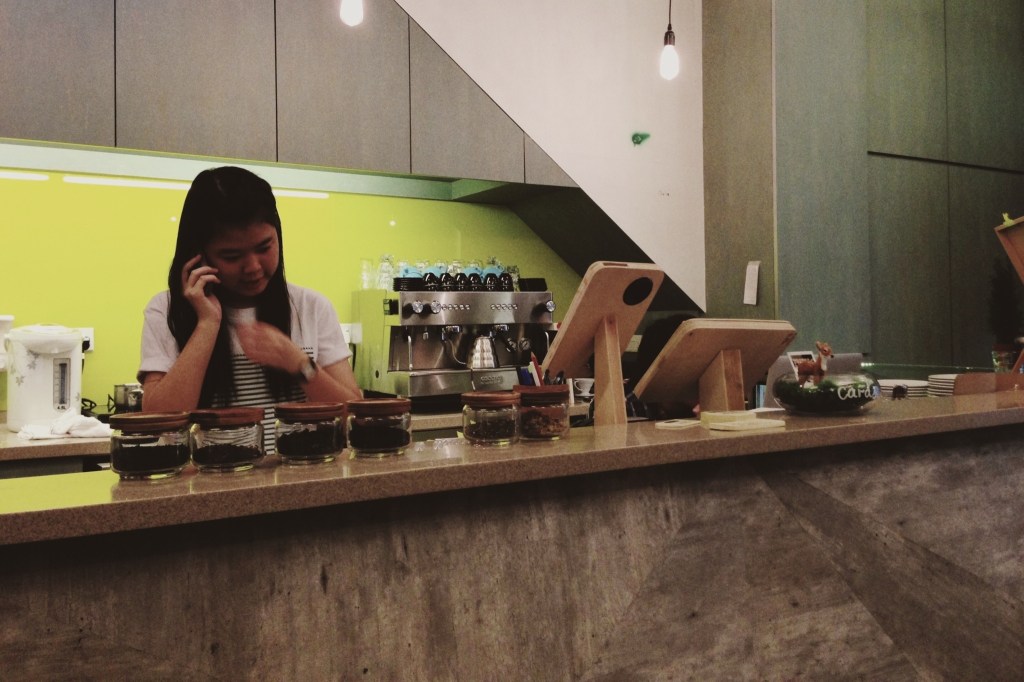
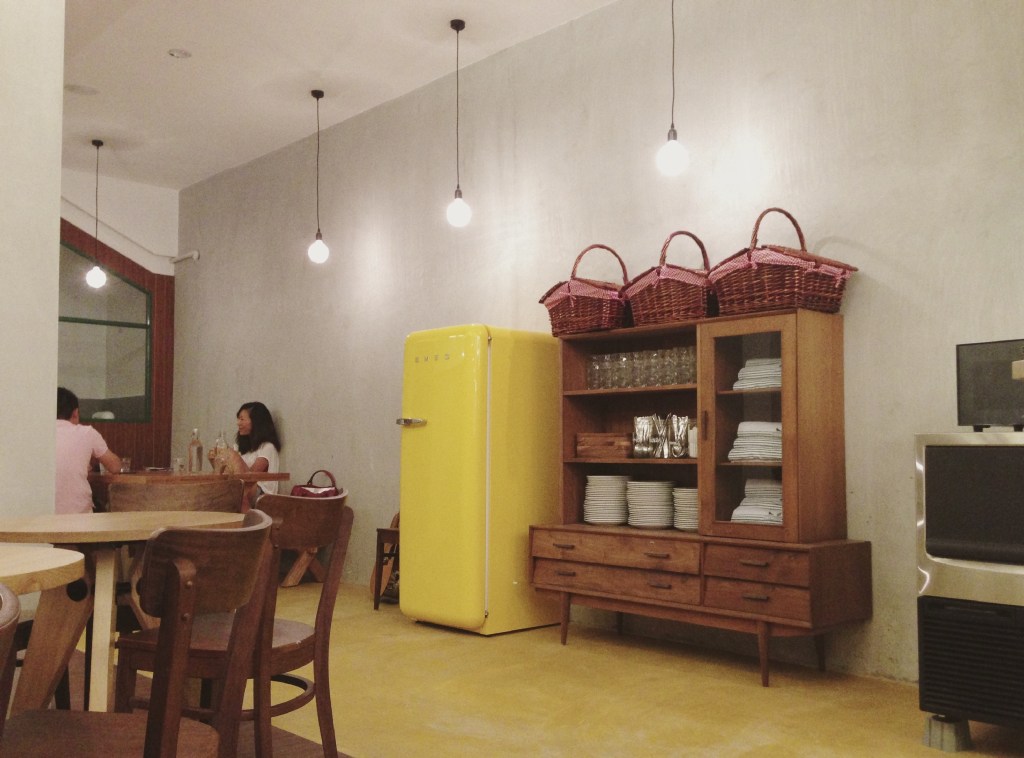
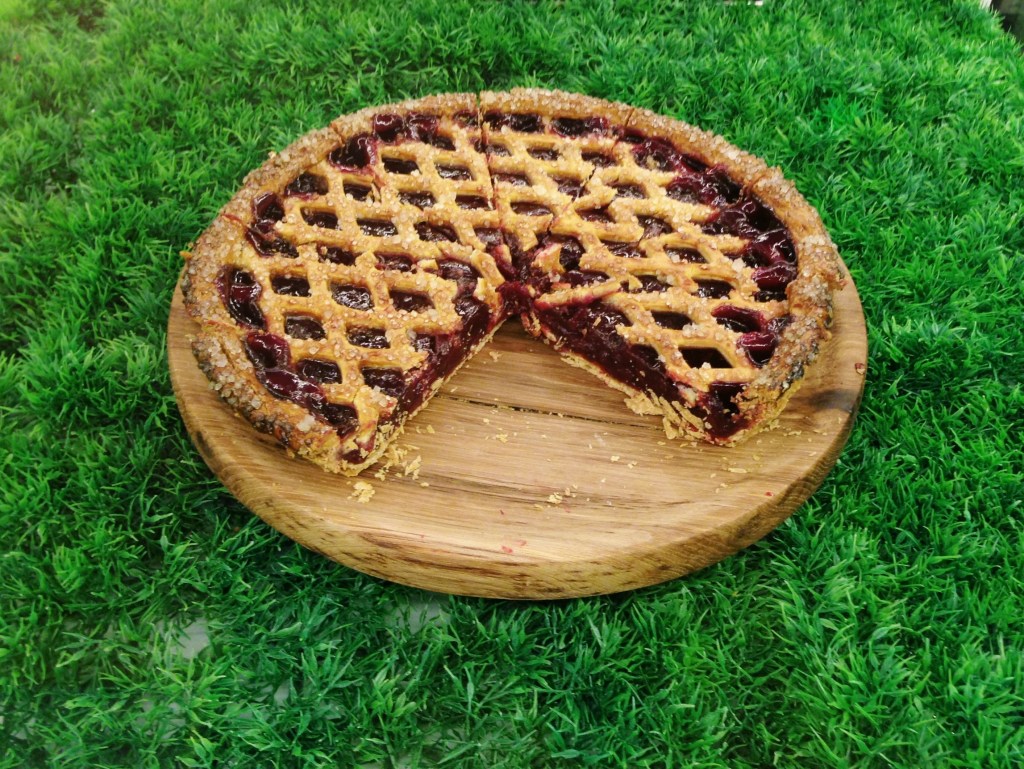
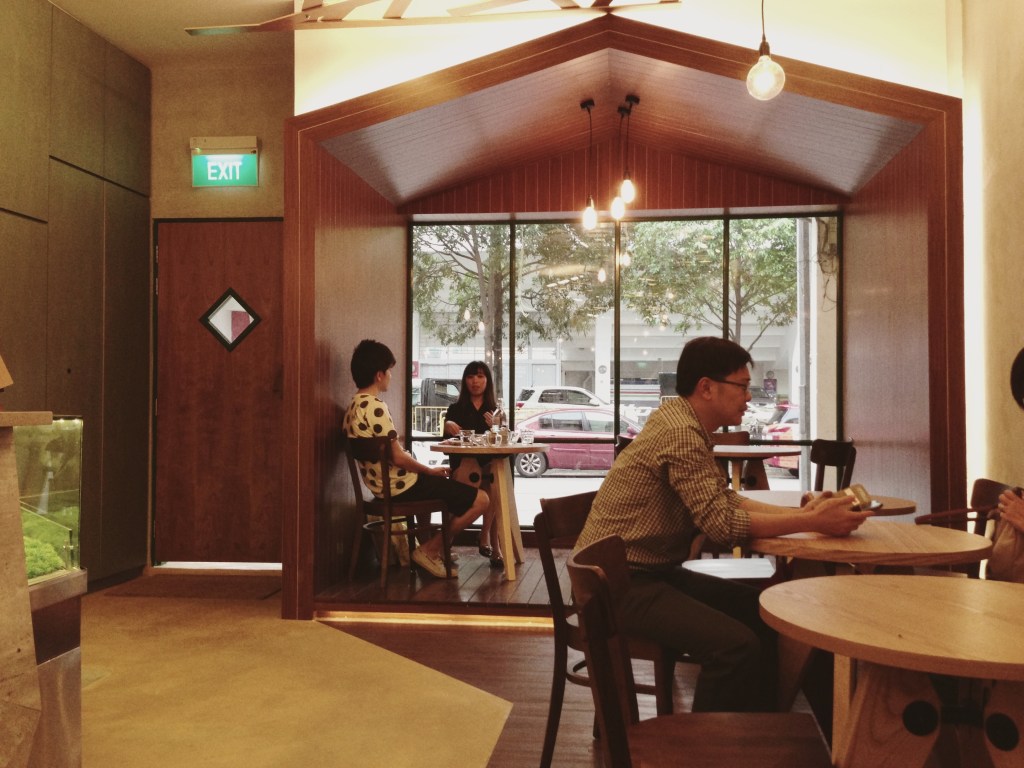
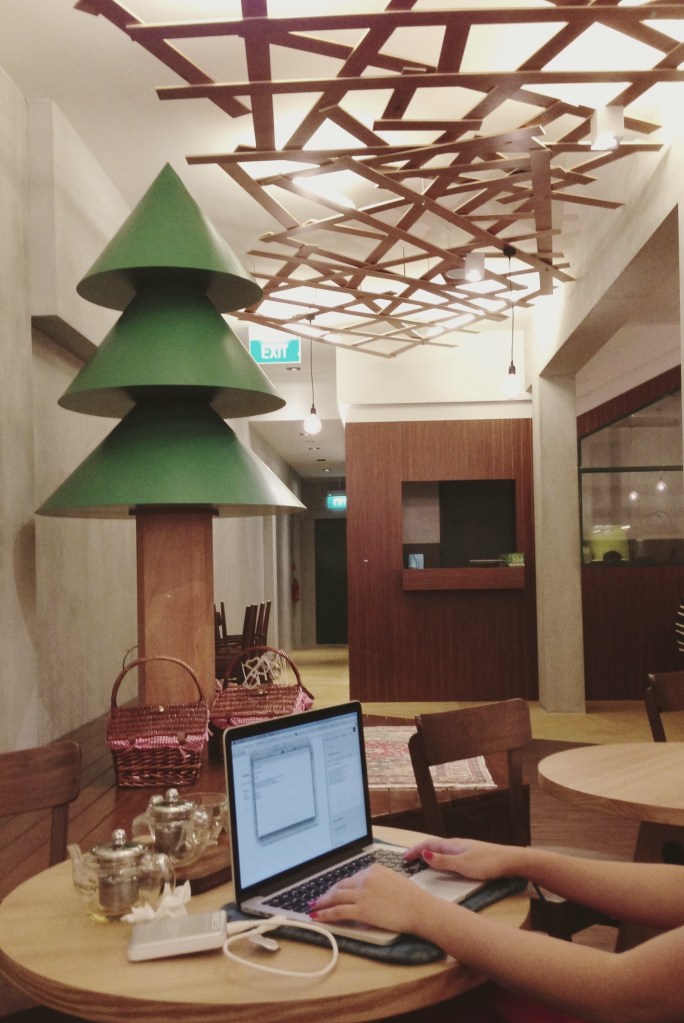
    This new place is called Windowsill in the Woods, probably because it’s outside of town in Lavender (78 Horne Road), and has a wood cabin theme going on. The pies are still fantastic, but we didn’t have a chance to try the coffee because they were having electrical issues, and the interiors could do with some acoustic dampening. It looked like they were still sorting some stuff out, but in all, a nice enough place for a quiet Sunday.

    20121230-220947.jpg 20121230-221043.jpg 20121230-221036.jpg 20121230-221029.jpg Cherry pie 20121230-221010.jpg 20121230-220957.jpg

  • iPhone 5 Camera Comparison vs. Ricoh GR Digital III

    The new iPhone 5 features an improved camera, mainly in the area of image signal processing in the A6 chip, which reportedly allows it to do intelligent sharpening, noise removal, and pixel binning for low-light situations. The lens elements have also been rearranged, resulting in a slightly different field of vision from the iPhone 4S. There’s also the new sapphire crystal lens cover which resists scratches — unfortunately, I already have a tiny speck of dust on the inside of mine, which I’ll have to get them to clean at some point.

    I’m more interested in seeing how the iPhone 5 competes with other point and shoot cameras than with the iPhone 4S. Here are two scenes taken with the Ricoh GR Digital III (my review here), a high-end compact comparable to Panasonic’s LUMIX LX3/5/7 series, and Canon’s S90/95/100 cameras.

    The photos below are direct from camera and have not been fixed or enhanced. The GRD III is something of a prosumer camera, and if handled correctly, i.e. with manual controls and lots of fiddling, is capable of some great results. For parity with the iPhone 5, these photos were taken in fully automatic mode, letting the camera figure things out.

    Ricoh GRD 3

    I had to take this shot twice because the Ricoh chose a very shallow focus, directed on the leaves in the middle, which left the stone duck and foreground leaves blurred out. It’s a little underexposed, but the larger sensor gives some beautiful detail to the fern.

    iPhone 5

    The iPhone 5 analyzed the same scene, and chose to keep a relatively deep focus for a usable shot the first time around. The photo is also noticeably warmer (pleasant, but perhaps inaccurate) and brighter. This photo is good to go without any editing, which is how most users want it. No problems with sharpness in the details.

    Ricoh GRD 3

    The GRD had trouble focusing again, and ended up with a spot in the middle (above and to the right of her nose), which keeps the dog’s legs in focus but not the face. Although what fine details that were in focus got captured with a good amount of clarity, the photo is pretty dull and boring on the whole. Your aunt would not consider this a keeper without a trip to iPhoto.

    iPhone 5

    Again, brighter and warmer. I don’t think the iPhone makes everything warmer, only in shade and indoor lighting conditions. None of the daylight shots I’ve seen so far look overly warm. Sharpness is consistent across all areas of interest, and noise is acceptable for ISO 400. Fine fur details are not as well resolved as in the GRD photo, but this may be down to JPEG compression. Using an app that allows setting lower JPEG compression, such as 645 Pro, may compensate for this.

    For most purposes, I can’t see why the iPhone 5 wouldn’t be an adequate camera replacement. In terms of straight-from-the-camera usability, these photos are astounding compared to the GRD III, which used to cost in the region of USD$500-600 (it has now been replaced by the GRD IV model).

    I’ve gone on a few trips where I ended up taking all or most of my photos on an iPhone 4/4S, with few regrets. Focusing on the 4S was a little touchy, and it tended to take photos before focus had fully locked, if you hit the button too soon; this seems to work the way it should on the iPhone 5.

  • Slava’s Snowshow, Singapore

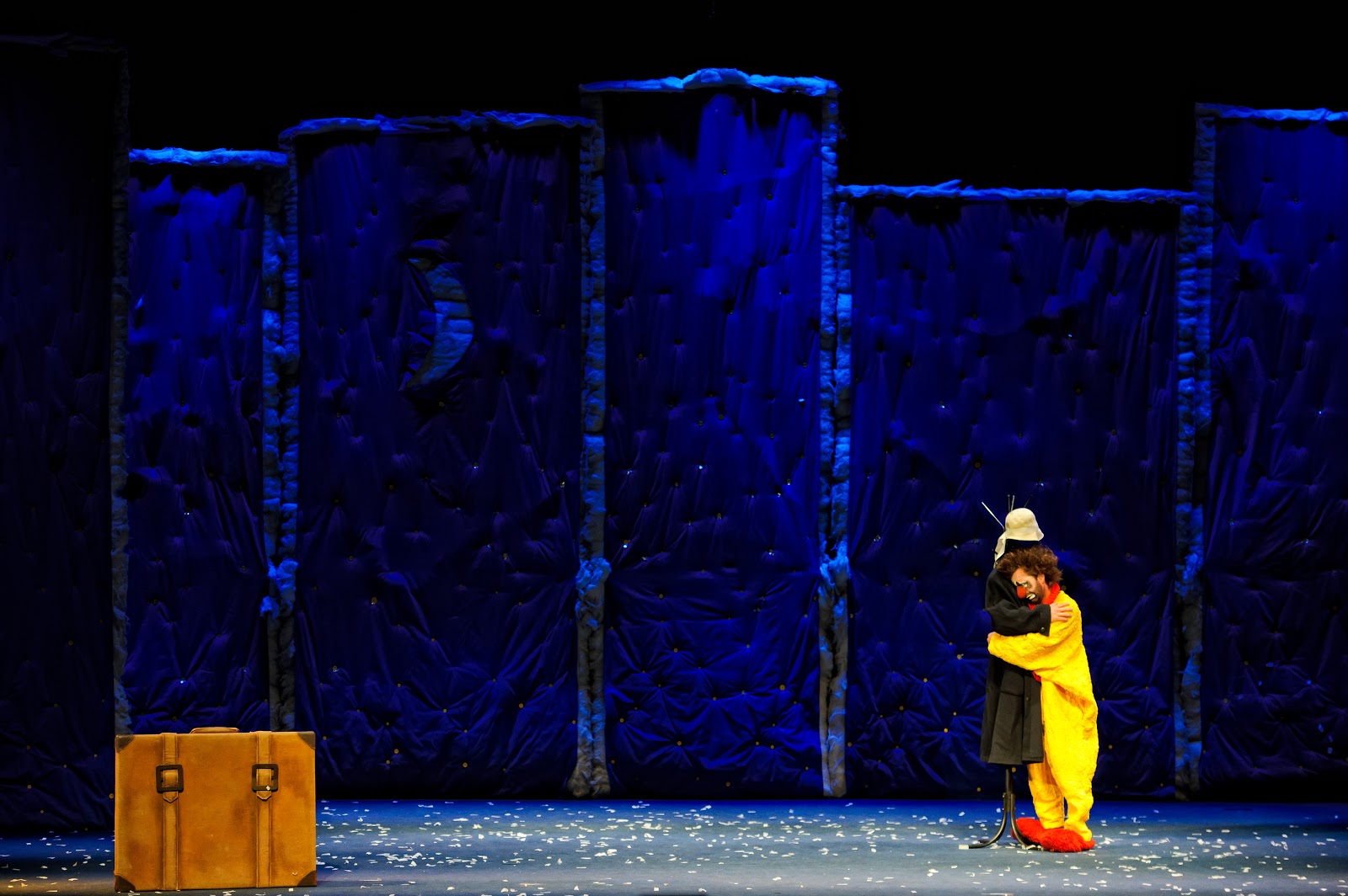
    Snow storm, Slava's Snow Show.
    Snowstorm finale, Instagrammed from my iPhone

    My girlfriend and I attended last night’s performance of the award-winning Slava’s Snowshow (now on till the 9th of September, at the Marina Bay Sands theaters), which isn’t easily described because it has clowns, but isn’t really for kids; its narrative has no binding logic, but it says a lot without words; there’s snow, as promised, but really it’s about dreams, playacting, physical comedy, scenes of profound Godot-esque surrealism (as you’d expect from Russian clowns) , departures, alienation, and (I got the sense of this) having fun by being lost.

    The Times of London called it “a theatre classic of the 20th century”, and its creator, Slava Polunin, was formerly of the Cirque du Soleil where he served as a clown-in-chief of sorts.

    I don’t want to spoil it too much, but as long as you’re sitting in the stalls, you can’t escape being immersed in its key scenes. The performers regularly break the fourth wall (does this apply to the stage?), multiple objects and effects break free from the front and rush to the back of the hall, creating for adults a sense of wonderment that evokes memories of childhood play.

    Even at around 80 minutes, it’s all over a little too quickly. I wish I’d paid a little more attention to the details, and the use of music (which was excellent, and the hall handled acoustics well). It’s something I can definitely see myself going for again someday, somewhere else in the world.

    There’s about a week and a half to go, and tickets are still available. Try the link below for the Marina Bay Sands’ website.

    Event info

    Photo credit: Marina Bay Sands

  • Headphone portraits

    A few weeks back, I started taking photos of my coworkers in the creative department as they sat at their desks wearing headphones. Almost everyone in the office has their own unique brand/model, and I noticed that in some cases those choices strongly reflected their personal biases towards style, quality, or indifference to electronics. The thing I envy most about designers is their ability to listen to music whilst doing their work. Music is also the best part about the moments of my job where I’m not writing, but looking at spreadsheets and wireframes.

    ~

    All of these were taken and processed with VSCO CAM, an idiosyncratic and crashy camera app for iOS that excels at reproducing the look of film photography. VSCO makes a bunch of Lightroom presets that are fantastic looking and expensive enough that only pros would buy them, but this app is just 99c and I quite recommend it as long as you understand that its effects are applied as stacked layers (the order in which you apply them ultimately matters).

    Audio-Technica QuietPoint noise-cancelling

    Apple earbuds with remote (old design)

    (He’s since moved on to the) AIAIAI Tracks

    Sony PIIQ

    Nixon Trooper (these broke this week)

    Incase Sonic

    Klipsch S4i

    Not sure, but these might be old Audio-Technicas
    Sony MDR-XD100

    Bose A2E
  • Visiting Italy

    I’ve just gotten back from two weeks in Italy, about 50% of that time on business for a client-side conference. I logged as much as I could on the road at http://hipgeo.com/sangsara, which turned out to be a pretty nifty service now that they’ve enabled offline posting in their iOS app. You take photos or write short posts, and those are geotagged and uploaded to your stream when you have a connection. At the end of it all, you can create a “trip post”, which summarizes your movements on a map. Here’s my Italian trip summed up in too much detail.

    A trio of us Sapient guys landed in Milan’s Malpensa Airport, stayed a night, then rented a car and drove down to the sleepy beachside town of Ravenna, then went back up to Milan where we spent the rest of the trip, save for a day in Florence. Here are some photo highlights (I decided to travel light with just my iPhone), the rest are on my Flickr.

  • New office day photos

    The SapientNitro Singapore team moved into our new offices today, a few hundred meters deeper into the CBD area. I used the excellent “1-bit camera” iPhone app to document this historic occasion in Classic Mac-dithered black and white.

    If you see the place in color though, it’s really quite nice.

  • Australia, Days 5-8 on the Road