• Tokyo Snack Stash #2

    Tokyo Snack Stash #2

    I’m eating yesterday’s Italian Curry cup noodle right now and I was right, it’s a mildly spicy tomato sauce with mystery meat and capsicum bits. But tasty enough to eat way too fast at 2am.

    I really like that they realized people are gonna drink the soup from the cup and wrapped the whole thing in shrink-wrapping to keep it clean while on the shelves.

    Anyway snack stash video #2 is up.


  • Hello again, Tokyo

    Hello again, Tokyo

    First day in Tokyo (2013 edition) went well. The new hotel we’re trying out is well located near Shinjuku station and roomier than the last place I occupied in Ginza — also a single room, although this one could be a double.

    We tried to eat at the Go Go Curry branch we loved near the West exit of the station, but it was closed for renovations or something. Ended up eating a substitute beef curry rice in the basement of the Odakyu department store, I think. Good, but not the same.

    The next couple of hours were spent walking in circles trying to get our bearings and cross the sprawling station over to the East side, and then trying to understand all the back lanes that have changed. When you use transient shops as mental landmarks, you risk disorientation. The same happens in Singapore.

    Finding a place to have a beer wasn’t easy; many of them were fully packed and had to turn us away. We ended up in an English pub that was having a 50% off celebration day (complete with handwritten ‘thank you for coming to celebrate Hub Day’ cards upon leaving), just as crowded as the rest, and standing room only. Tiring, but fun.

    Afterwards, on the walk back to the hotel, we saw amateur acts performing on the streets, hawking self-burnt CDs and having a good time. Great to see unsigned musicians out there and going at it. This doesn’t really happen back home. Is it because they need licenses and those aren’t easy to get? I don’t know.

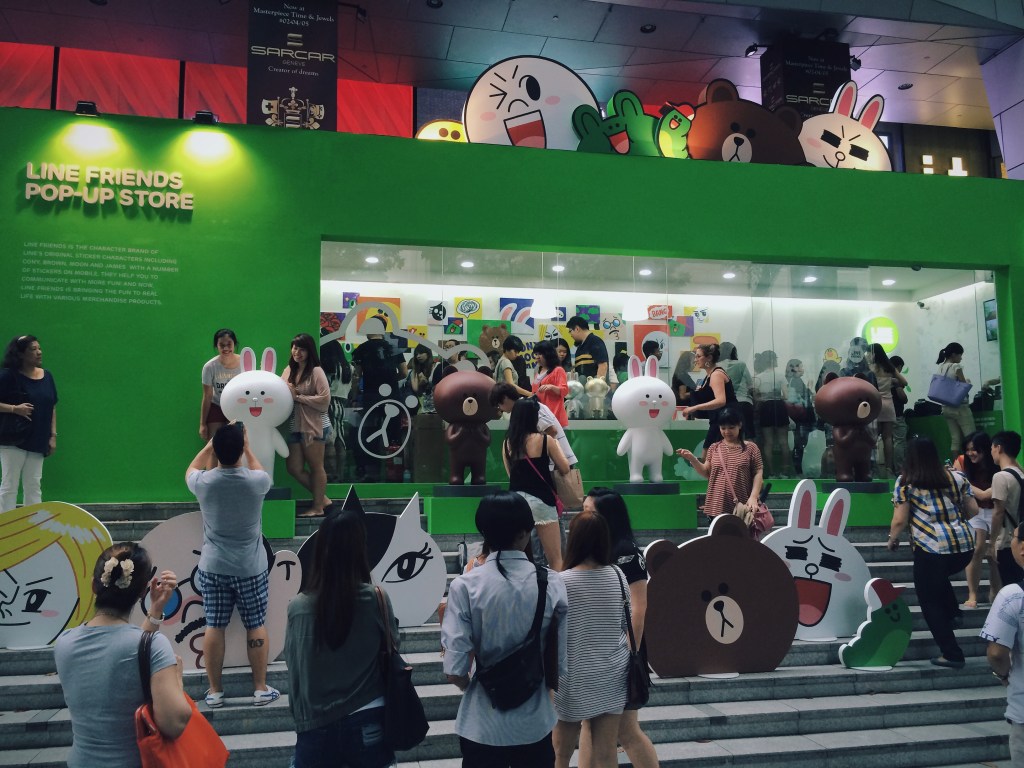
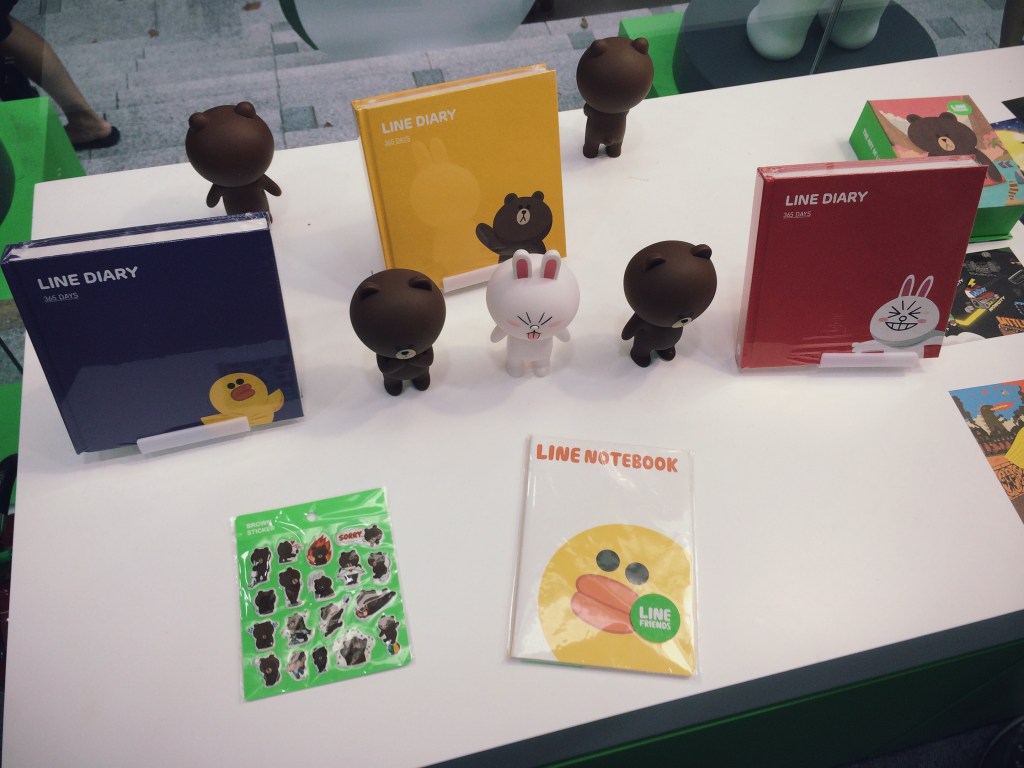
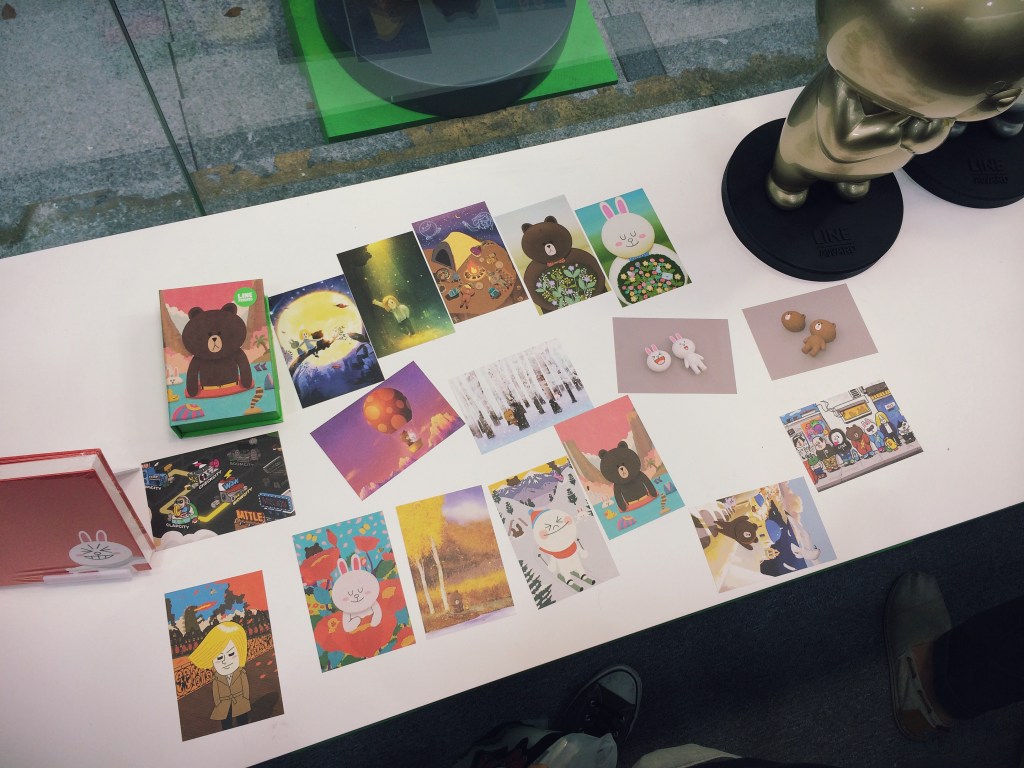
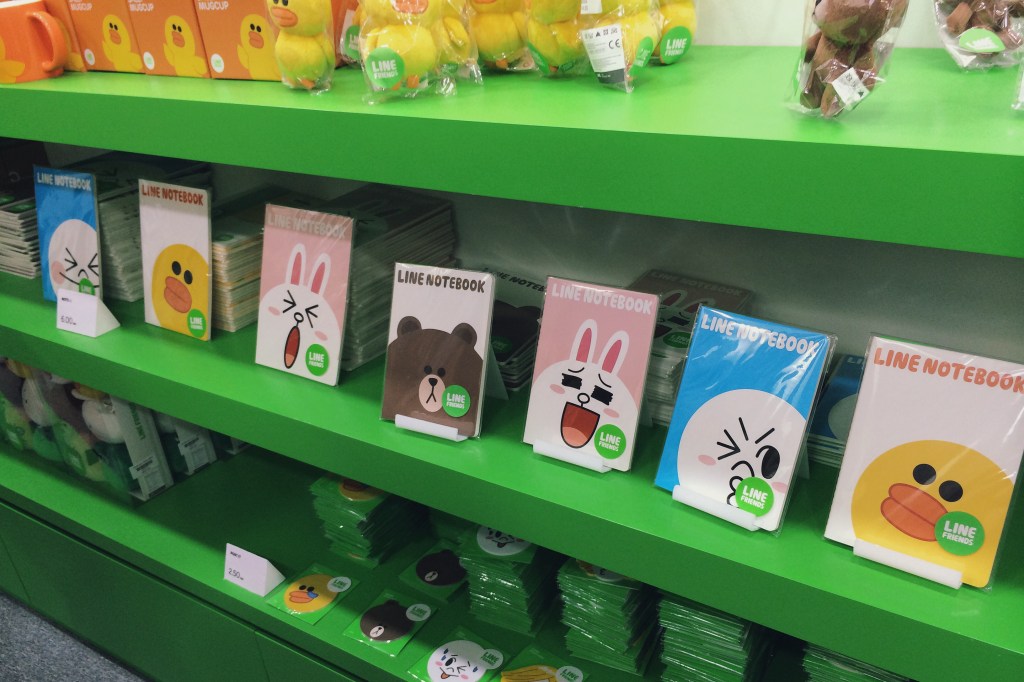
    Along the way we discovered two things. Another Go Go Curry branch that is now second on our to-do lists after sushi tomorrow, and an awesome iPhone accessory shop called AppBank. It has tons of high quality cases and decorative add-ons, and upstairs, a large section devoted to LINE merchandise, alongside Puzzle & Dragons books, figurines, collectibles, etc. and also a Tokyo Otaku Mode corner.

    The brand power that LINE and P&D have amassed here is extraordinary. A chat app that has convinced me and many I know to part with tens of dollars for non-essential in-app purchases (imagine then, how much Japanese users must spend), and a single mobile game that currently makes $5M a day in revenue from IAP.

    On this trip, I’m trying to shoot more video in addition to photos. I’ll have to see about editing something together to remember this trip by at the end of it (we’re celebrating my cousin’s upcoming wedding), but in the meantime, Qwiki has pivoted from a knowledge tool into an app that automatically assembles clips for you, and it’s done an ok job of the first day.

    I also did another Family Mart snack run video rundown, because the only video I made the last trip down here was one where I talked to the camera about the stuff I’d bought, and it was fun.

    Sent from my iPhone


  • Of Monsters and Men: Pacific Rim and Man of Taichi

    Two of the movies I’ve been waiting for in one weekend. Pacific Rim in IMAX 3D (found the 3D dull, dim, and uncomfortable), and Keanu Reeves’s directorial debut, Man of Taichi (thankfully in 2D). Both are films I’d like to go see again.

    They are both fascinating in that Pacific Rim is the monster (kaiju) movie that Japan could never make, while Man of Taichi is the martial arts (gongfu) movie that Hong Kong could never make. Both borrow richly from their sources, but add something of their own. In Pacific Rim’s case, wads of special effects money and (unfortunately) Michael Bay’s apocalypse movie template. Andy Baio remarked on Twitter that it’s the worst of Transformers, Armageddon, and Independence Day rolled into one. While that’s a fair assessment of its characterizations and plotting, Del Toro at least executes his material as if he’s seen some anime and knows how to shoot a fight so you can actually see it.

    What it really needed was a tight script and team dynamics you could both enjoy and invest in. Instead of Michael Bay’s template, I wish they’d taken Joss Whedon’s. But no, it falls back on faceless national stereotypes and comically bad romance tropes. Rinko Kikuchi may have an Oscar, but I wouldn’t trust whoever oversaw her doe-eyed scenes with bland Charlie Hunnam to direct traffic on a one-way street. Perhaps the Mako Mori character was just meant to be younger than Kikuchi looks, but her uncertainty and shyness were incongruous with having the coolest/most badass hair in the movie.

    Pacific Rim's leads looking at each other
    Character interaction looks much better in stills than in the film

    Man of Taichi takes the best of Enter The Dragon, Bloodsport, and Ong Bak (fighting tournaments with explosive combat scenes), and adds both directorial and visual restraint to a philosophical story layer that HK films sometimes try to do (Ip Man, much of Jet Li’s period work), but almost always too heavy-handedly. For the genre of film that he’s taken on, I think Keanu Reeves has shown himself to be a good director. Not for an actor, or for a Hollywood man, but a good director, period.

    Man of Taichi’s star is Tiger Chen, a stuntman that Reeves met during the production of The Matrix. I won’t complain about his performance in the film’s non-fight scenes, because it never gets in the way, which is more than I can say for Pacific Rim’s moments of downtime. When he fights, or is seen struggling with the Star Wars-like light vs. dark side moral dilemma of his pugilism, Chen’s placid face conveys exactly the intensity required. In the final moments of the film’s final fight, he uses it as a blank canvas to great effect — much like Keanu Reeves in his portrayal as Neo in The Matrix when we needed to believe a world lay inside a computer. Some see wooden acting, I choose to see inspired detachment.

    Man of Taichi movie poster

    Reeves is in this film too, as the main antagonist. My viewing companion was not impressed. Maybe I’m just a fan, but again, I found his typically one-dimensional portrayal to be perfect for the film. It’s so hard to see what’s going on behind the rigid, mechanical demeanor that it produces an oppressive sense of mystery, fear, and apprehension whenever he enters the room opposite the human, naive, in-over-his-head Chen. You simply don’t know what Reeves is supposed to be capable of, or if he’s even meant to be human. I felt the whole thing could go From Dusk Till Dawn at any point and literally reveal Reeves as Satan with Krav Maga training. Through the stark presentation, voice effects, sleek dark suits and occasional black mask, bloodlessly pale face, and perfunctory short utterances, you are invited to read his existence in the whole scenario as a let-it-all-hang-out metaphor for demonic evil. All villains are, but this one does it without overacting in the face!

    Where Pacific Rim is happy to show great swathes of the world, and then gleefully destroy it, much of Man of Taichi takes place indoors, with only a few establishing skyline shots of Beijing and Hong Kong. Like Hong Kong, the sparse fight arenas are all concrete surfaces and sharp corners for flesh to get caught on, and you are constantly made aware of the combatants’ mortality. In Pacific Rim, the robot Jaegers are virtually invincible except when fighting the Kaijus, which are only flesh, and bleed. You could toss a Jaeger through a skyscraper made of the same metals, but it only malfunctions when punched in the face by a tentacle. Like in Man of Steel, which got flack for Superman allowing awesome amounts of collateral damage, Pacific Rim’s environment is an inconsequential foam that inhabits the fight space, to be ignored by everyone except the audience, whose job it is to be overwhelmed by enjoyable particle effects.

    In both films, there is a man with a knife. One is played to the hilt by Ron Perlman, who talks a lot, wears gold shoes, sunglasses, and flips a flashy butterfly knife around for effect. I can’t remember if he had a cigar in his mouth but there might as well have been. In the other universe, Keanu Reeves pulls the blade out low at the waist, and stabs silently and mercilessly before you know it’s there. It is beautiful and unintentional asymmetry.

    I recommend seeing both. Pacific Rim is a dream come true for many of us who love giant robots and schlocky movies with men in rubber monster suits, but by only improving upon visuals, its clearest future is as an HDTV/4K showcase at your local electronics dealer. I think Man of Taichi might become a cult martial arts classic talked about and recommended to friends for years.

    Pacific Rim is obviously out now, Man of Taichi is out in Asia and is slated to be in the U.S. sometime in 2013.


  • Singapore’s Pacific Rim Jaeger: URBAN REDEVELOPMENT

    Singapore's Pacific Rim Jaeger: URBAN REDEVELOPMENT

    Pacific Rim has a load of digital marketing bits out online, some created by Qualcomm Snapdragon (official microprocessor of the film’s Jaeger robots) on their Facebook page. One of the best is this Jaeger Designer app, which lets you modify a Unity 3D model with different parts and colors, and then render a poster featuring your own country’s robot defender, which you can also name. I think Singapore’s Urban Redevelopment sits nicely alongside the U.S.’s Gipsy Danger and Japan’s Coyote Tango.

    Seeing the movie this Friday night in IMAX 3D and pretty damned excited.


  • Omodaka: The Sound of an Electronic Edo

    If you like traditional Japanese folk songs (you shall recognize them by the winding female vocals traveling up and down a scale unlike anything else, usually sung by geisha in period films, accompanied by a shamisen) AND ALSO LIKE CHIPTUNES(!) you’ll love the music of Omodaka. Here’s an article from 2010 that I found, which mentions the songs are composed on a variety of devices including a Sony PSP, Nintendo DS, and a Game Boy.

    From what I can gather, the group is a vessel for producer Soichi Terada’s experiments and collaborations — most of which feature intriguing art music videos. Check out the one below: it’s trippy as hell.

    Later in the day, I was pleased to get a retweet from Terada’s Far East Recordings account (@fareastrecordin), which seems to tweet info about upcoming shows in Japan. I’ll be heading that way soon, so maybe seeing them in the flesh will happen.

    The Sanosa album is a collection of singles released over the years, and should be a good place to start. You can listen to it on Spotify in the player below [direct link].


  • This is Where the Magic Happens

    Screen Shot 2013-06-27 at 6.32.42 PM

    Later: this is what.

    28/6 edit: added whiskers to the phone. THE PHONE IS THE CAT!


  • VSCOcam 2.0 — A New High-Water Mark In Mobile Photography

    I’ve been a fan of VSCO products for awhile, and have written about using their VSCO Film presets with JPEGs from consumer compact cameras, and recommended the last version of their VSCOcam iPhone app in my rundown of Essential iPhone Photography Apps.

    In the latter post, I said of version 1 of VSCOcam:

    As flawed as it is capable, this low-priced alternative to the VSCO company’s pricey desktop plugins is pretty good at giving photos a realistic film look; no light leaks and crazy cross-processing here, just subtle color shifts, fade operations, and real grain overlays. Skip the other basic editing tools included; they’re not up to scratch yet, but the package is an easy buy at $0.99.

    The good news this week is that version 2 of VSCOcam [iTunes] greatly improves upon those editing tools (specifically by giving operations such as adjusting brightness more precise ‘steps’ of control, and making them non-destructive within the app; new adjustments like rotation have also been added), and takes the original’s 10 built-in film looks to another level.

    The new version of VSCOcam (a separate download in the App Store) is a free download, and now contains a store with 16 packs of “presets” for download at 99c each. A pack consists of 3 presets, which are really more like filters since their results cannot be accomplished by tweaking any of the editing parameters. Presets is a strange term to carry over from VSCO’s Lightroom and Aperture products, where they really are Presets.

    Owners of the previous paid app can unlock the original 10 legacy filters in the new app, which is a nice touch. And as a launch special, all 16 packs can be bought for the price of 6.

    The new app is essentially a ground-up redesign and rebuild. All operations are significantly faster, the built-in lightbox mode is nearly unrecognizable and has some very nice power-user features like flagging and filtering by flagged/edited states. The camera module is now good enough to use as a camera replacement, with separate focus/exposure locking, a “big shutter button” mode, high ISO boost support for iPhone 5, and other improvements. There’s also a proprietary photo publishing platform called VSCO Grid built in that I haven’t had the chance to try because accounts are being rolled out slowly as they test it.

    In this week’s issue of The Round Down newsletter (subscribe!), I said:

    This is a new high-water mark in mobile photography apps. […] It’s almost too good to be true, and too good to give away for nothing.

    And it really is. At one point on the mobile photography timeline, taptaptap’s Camera+ app was king of the hill as an all-in-one solution because few others did as much as it did, as inoffensively as it did. However, its shortcomings in editing and effects processing have never been addressed, and the pace of development seems to have slowed down considerably in the past year. With VSCOcam 2.0, I think its successor has arrived. It has the power to fix shortcomings in photos as well as or better than Camera+ ever did, and the professional desktop editing pedigree of its filters is unmatched by competitors.

    A few bugs and metadata issues notwithstanding, if I had to delete every photo app on my iPhone bar one, this would be my choice to keep.

    Not the best example, but one photo I took last night.
    Not the best example, but one photo I took last night.

  • Camera Noir x HK

    A couple of interesting people I follow on Twitter got together and formed an app company awhile back, called Pacific Helm. They released their first iPhone photography app today, Camera Noir, and it’s rather nice.

    It takes (and imports existing) photos in B&W only — a sort of black-heavy, rich sort of processing. It’s been called high-contrast in every review I’ve seen today, but that term usually implies a hard, noisy look; Camera Noir’s output retains subtle gradations and shadows. In some light, the results look almost like infrared film. It’s a look well-suited to landscapes and urban scenes, as these examples from my Hong Kong set show.

    20130605-221859.jpg

    20130605-222216.jpg

    20130605-223809.jpg