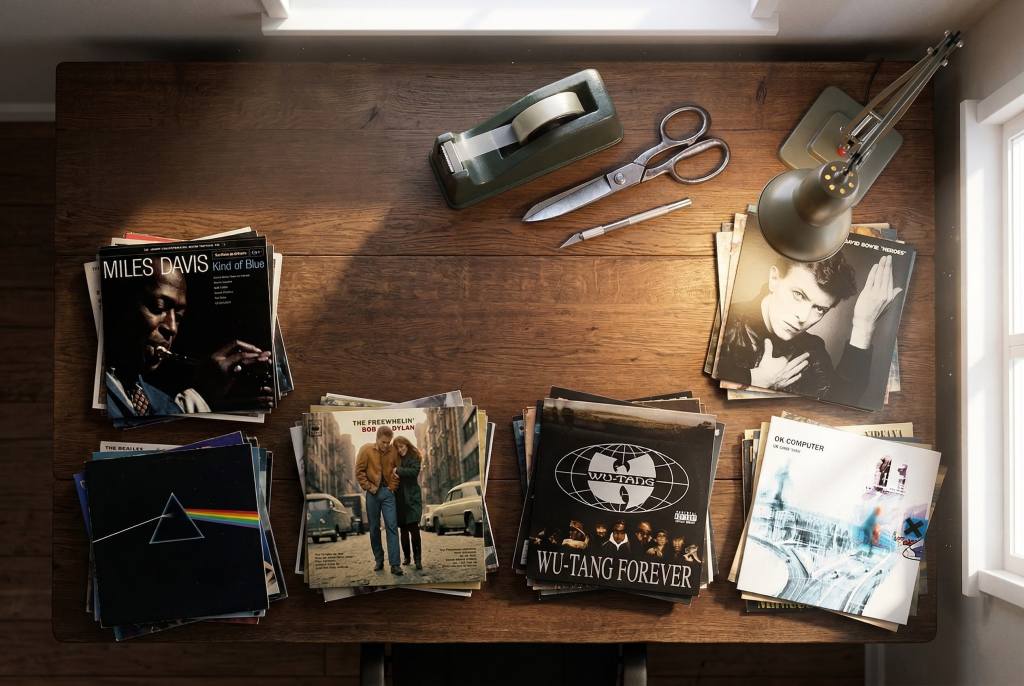
Use Collagen at usecollagen.netlify.app
A simple tool for making collages, specifically with album cover art.
Most collage tools are either bloated with unnecessary social features or too restrictive to be useful. Collagen is a single-purpose utility designed to solve a specific friction: the tedious process of manually sourcing high-resolution album art, aligning it in a grid, and then realizing you want to swap the top-left for the bottom-right. It turns a multi-step design chore into a fluid, drag-and-drop experiment.
Features
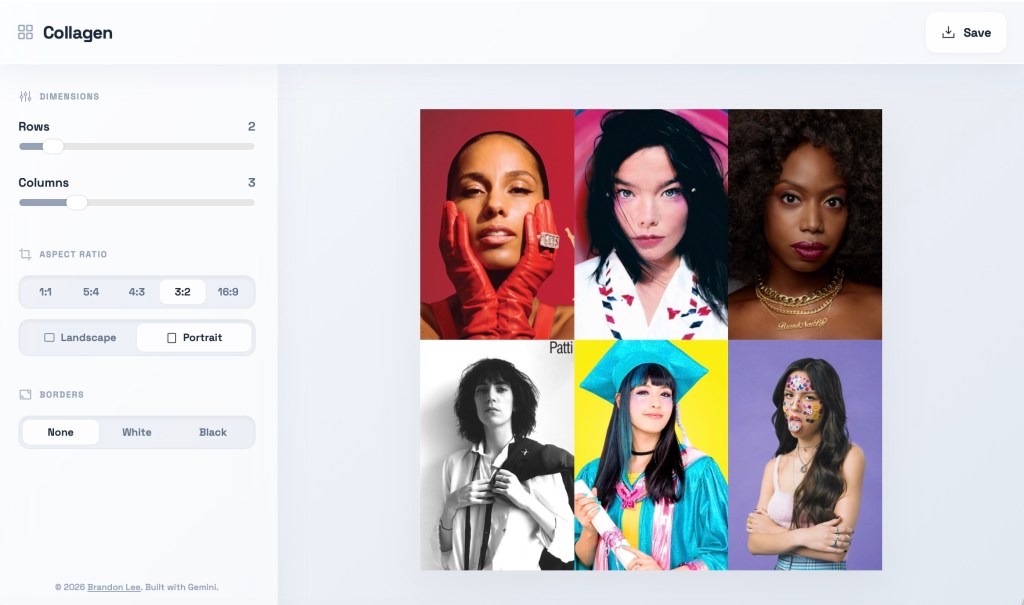
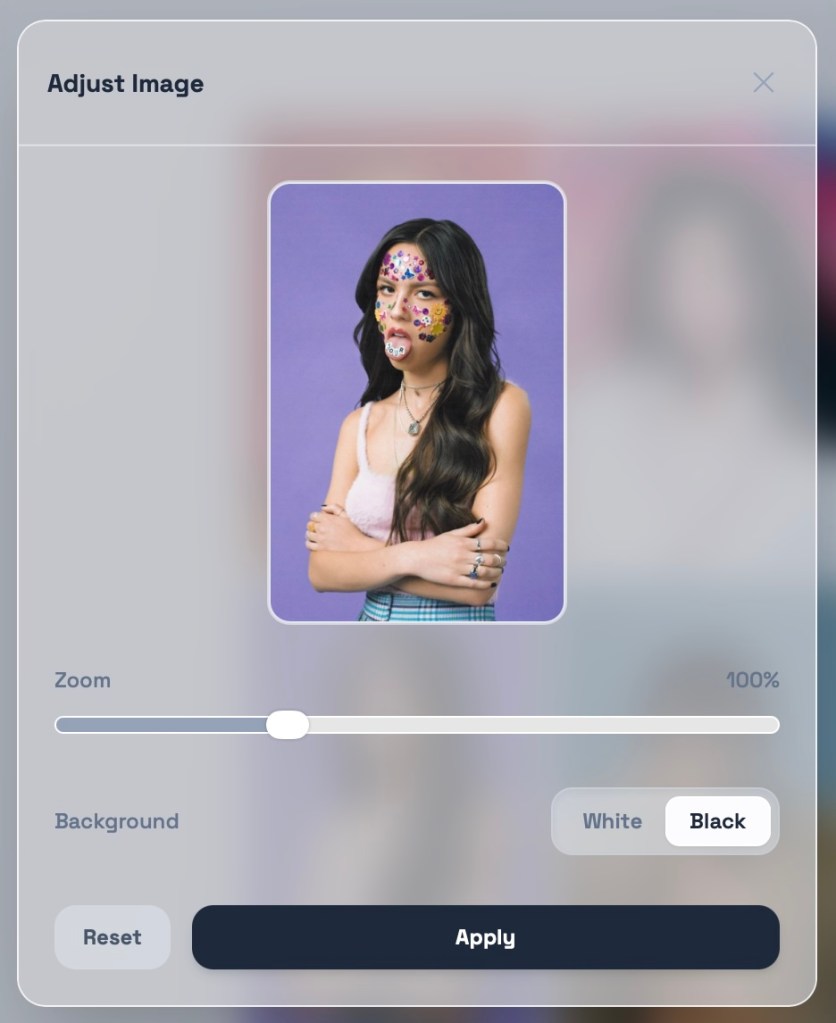
- New in v2.0!: Support for non-square aspect ratios, with cropping and zooming for each image. Plus a refreshed and modern UI.
- Integrated Sourcing: Queries the iTunes database for official, high-resolution artwork (600×600) so you don’t have to hunt for covers or deal with low-res thumbnails.
- Tactile Reordering: Drag and drop tiles to swap positions instantly. The layout logic handles the movement so you can focus on the visual flow.
- Flexible Dimensions: Define your grid up to 10×10. The preview and export scale dynamically to match your rows and columns.
- Hybrid Content:
- Search: Instant API pulls for mainstream releases.
- Upload: Support for local files (obscure imports, demos, or personal photos).
- Text Tiles: Add context or labels with custom text tiles. Features automatic contrast (white/black) and a choice between a clean sans-serif or a classic serif typeface.
- Borders: Toggle between borderless, white, or black frames. The logic includes outer edge padding for a symmetrical, finished look.
- PWA Architecture: Built to be “Added to Home Screen.” It caches assets locally on your iPhone for faster subsequent loads and works as a standalone app.
- Export: One-click generation of a high-resolution stitched PNG. It uses a dedicated image-proxy pipeline to ensure every tile renders correctly without the “blank square” errors common in browser-based canvas exports.
Change log:
– 14/04/26: Version 2.0
Disclaimer: I made Collagen with the help of Google’s Gemini 3/3.1 Pro LLM and take no responsibility whatsoever for any damage you do with it.
Related blog post: Week 9.26


Leave a comment